


Beacons bundles a link-in-bio page, a store, email tools and a media kit into one app. If you only need one of those jobs done well, a focused tool can do it for less.
This comparison covers seven alternatives, each matched to the job it replaces, with prices, seller fees and Trustpilot scores checked in October 2026.
Beacons alternatives at a glance
| Tool and best for | Free plan | Paid plans from |
|---|---|---|
| CreatorsJet: pitching brands and landing deals | Yes, one media kit and a Link in Bio | $15 per month, $12 billed annually |
| Linktree: a simple, familiar link hub | Yes, unlimited basic links | $9 per month, $7 billed annually |
| hoo.be: a polished, visual link page | Yes, with a 9% seller fee | $9.99 per month (Pro) |
| Stan Store: selling courses and digital products | No, a 14-day free trial | $29 per month, $300 billed annually |
| Payhip: selling digital products on a free plan | Yes, with a 5% fee on sales | $29 per month (Plus), with a 2% fee |
| Gumroad: selling with sales tax handled for you | Yes, no monthly fee at all | No paid plans, 10% plus $0.50 per sale |
| Komi: a premium mini-site with brand deals | Yes, mini-site and brand deal access | $20 per month, $16 billed annually |
Why creators look for a Beacons alternative
Beacons is a capable all-in-one tool, and its media kit holds up well: it has its own shareable link, syncs stats from connected accounts and can be locked behind an email, a password or a brand deal offer, according to Beacons' help center. Creators usually leave for other reasons:
- Seller fees on lower plans. Free and Creator take 9% of each sale, which adds up quickly once you sell regularly.
- Paying for features you do not use. If you only need a media kit for brand deals, or only a store, an all-in-one plan can cost more than a tool built for that job.
- Email limits on lower plans. The Free plan includes 50 email sends a month and Creator 500. Unlimited sends start on Creator Plus at $30 per month.
What Beacons costs in 2026
Every Beacons plan includes the link-in-bio page, a daily-updating media kit and a store. Higher plans add email sends, course tools and a lower seller fee: Free and Creator allow one course without video hosting, while Creator Plus and Max allow unlimited courses with video. On Trustpilot, Beacons scores 2.0 out of 5 from 43 reviews.
| Beacons plan | Monthly price | Seller fee on sales |
|---|---|---|
| Free plan | $0 per month | 9% of each sale |
| Creator plan | $10 per month, $8.33 billed annually | 9% of each sale |
| Creator Plus plan | $30 per month, $25 billed annually | 0% seller fee |
| Creator Max plan | $100 per month, $83.33 billed annually | 0% seller fee |
Prices come from Beacons' pricing page, checked in October 2026. Payment processing fees apply on top of the seller fee.
What each option costs as sales grow
Once you sell regularly, the seller fee matters more than the plan price. This table combines both for three levels of monthly sales.
| Tool, plan and seller fee | Monthly cost at $100, $500 and $1,000 in sales |
|---|---|
| Beacons Free, 9% fee | $9, $45 and $90 |
| hoo.be Free, 9% fee | $9, $45 and $90 |
| Payhip Free, 5% fee | $5, $25 and $50 |
| hoo.be Pro, $9.99 plus a 5% fee | $14.99, $34.99 and $59.99 |
| Payhip Plus, $29 plus a 2% fee | $31, $39 and $49 |
| Gumroad, 10% plus $0.50 per sale, $25 average order | $12, $60 and $120 |
| Linktree Pro, $17 with no seller fee | $17 at every level |
| Komi Pro, $20 with no fee on digital products | $20 at every level |
| Stan Store Creator, $29 with no platform fee | $29 at every level |
| Beacons Creator Plus, $30 with no seller fee | $30 at every level |
Costs use monthly billing, exclude payment processing and assume a $25 average order for Gumroad. Payhip's free plan is the cheapest option below about $340 in monthly sales, and Linktree Pro's flat $17 is the cheapest above it. At $1,000 a month, every plan without a seller fee costs less than any plan that takes a percentage.
1. CreatorsJet: best for brand deals
CreatorsJet is a media kit and brand deals platform. Enter your Instagram, TikTok, YouTube or X handle and its media kit maker builds a kit with your stats, audience, rates and past collaborations, then gives you a shareable link and a PDF export for brands that ask for a file.
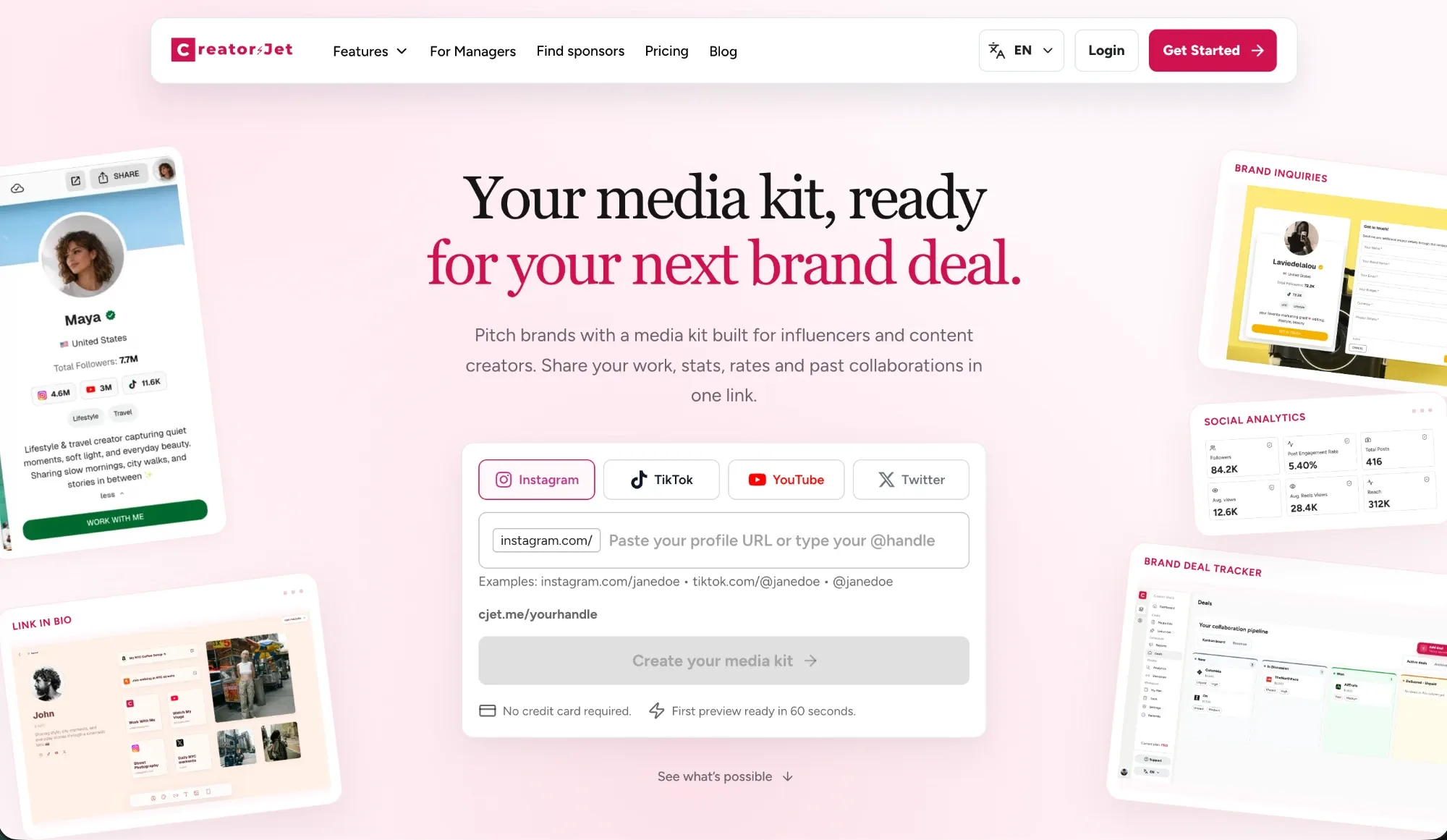
- Free plan: one media kit, one connected social account and a Link in Bio, no credit card
- Paid from: $15 per month (Starter), $12 per month billed annually
- Trustpilot: no reviews yet
What it does well
- The media kit is generated from your social handle, with a first preview ready in about a minute.
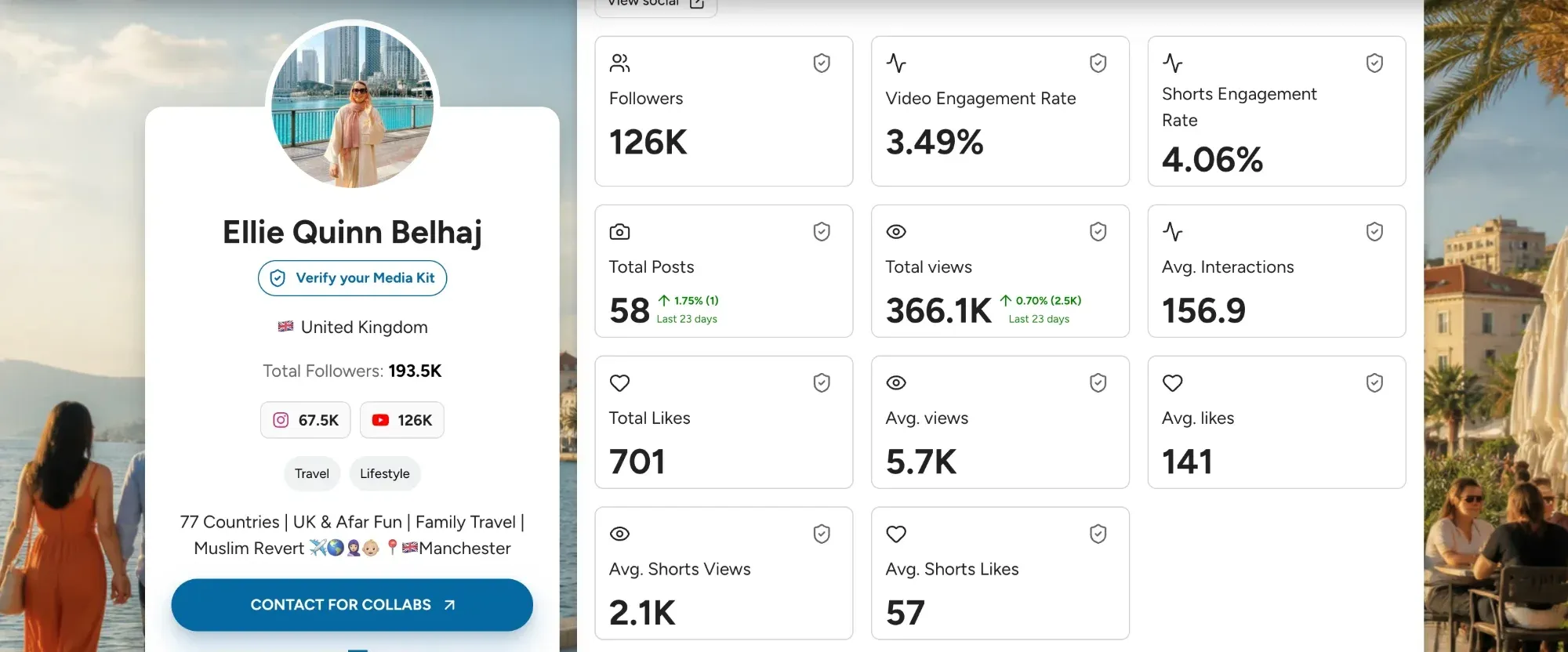
- Stats update daily on paid plans, so brands see current numbers when they open your link, a point this guide on how often to update your media kit covers in detail.
- Brands can reach you through a built-in contact form, and a deals tracker keeps each collaboration moving.
- Pro ($29 per month) adds up to three media kits, white-label custom domains and 50 tracked short links. Max ($49 per month) includes Find Sponsors, which surfaces brands already working with creators.
Watch out for
- No digital storefront or email marketing tools, so creators who sell products usually keep a store elsewhere.
- Daily stats updates are not included on the Free plan.
Choose CreatorsJet if: brand deals matter more to you than selling products, and you want a tool built around pitching brands and tracking deals.
CreatorsJet vs Beacons: the key differences
| What you compare | Beacons | CreatorsJet |
|---|---|---|
| Main focus | Link-in-bio, store, email and a media kit | Media kits and brand deals |
| Media kit on the free plan | Included | Included |
| Media kit stats | Only synced from linked social accounts | From your handle or connected accounts, no linking required |
| Brand inquiries | Gated media kit, brand deal offers, an AI deal inbox and invoices | Contact form plus a deals tracker |
| Finding brands | AI outreach emails and network sharing | Find Sponsors: brands sponsoring creators, with contact details |
| Store and email tools | Included, with 9% fees on Free and Creator | Not included |
| Entry paid plan | $10 per month (Creator) | $15 per month (Starter) |
The two tools can also work together: you can keep Beacons as your store and link page and add a CreatorsJet link for brand pitches. The full CreatorsJet vs Beacons comparison goes through each feature in more detail.
2. Linktree: best free link hub
Linktree is the best-known link-in-bio tool, and the company says more than 70 million people use it.
- Free plan: unlimited basic links and email or phone sign-ups
- Paid from: $9 per month (Starter), $7 per month billed annually
- Trustpilot: 4.0 out of 5 from 7,160 reviews
What it does well
- Quick to set up and familiar to followers.
- According to Linktree pricing, Pro ($17 per month, $14 billed annually) removes Linktree branding and lets you sell with 0% seller fees.
Watch out for
- Its plans do not list a media kit, rate card or brand inquiry workflow, so creators who pitch brands need a separate media kit.
- Basic analytics start on Starter, not on the free plan.
Choose Linktree if: you mainly need a clean link page and want the lowest-effort setup.
3. hoo.be: best visual link page
hoo.be is a polished, highly visual link-in-bio page that presents itself as powering the world's top creators.
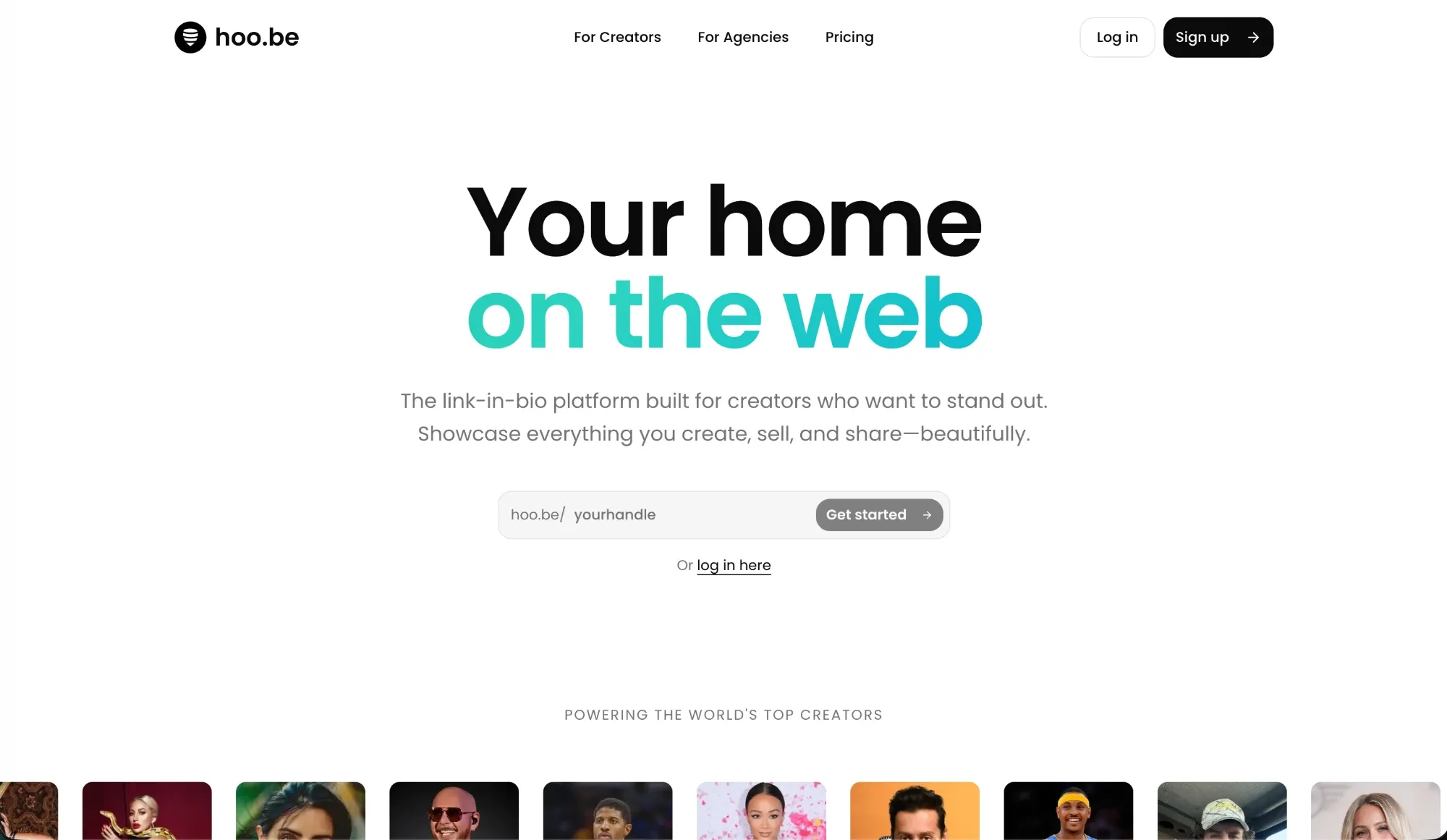
- Free plan: one profile and unlimited links, with hoo.be branding and a 9% seller fee
- Paid from: $9.99 per month (Pro)
- Trustpilot: no Trustpilot page found
What it does well
- Design-led pages, with advanced page customization on Pro.
- A tip jar on the free plan.
Watch out for
- No built-in media kit: hoo.be's own media kit guide suggests linking a PDF media kit and rate card from your hoo.be page.
- The seller fee is 9% on Free and 5% on Pro. It drops to 0% only on Premium at $29.99 per month, according to hoo.be pricing.
Choose hoo.be if: the look of your link page matters more than selling or pitching tools.
4. Stan Store: best for selling courses and digital products
Stan Store is a storefront for selling digital products, courses, coaching and bookings from your link in bio.
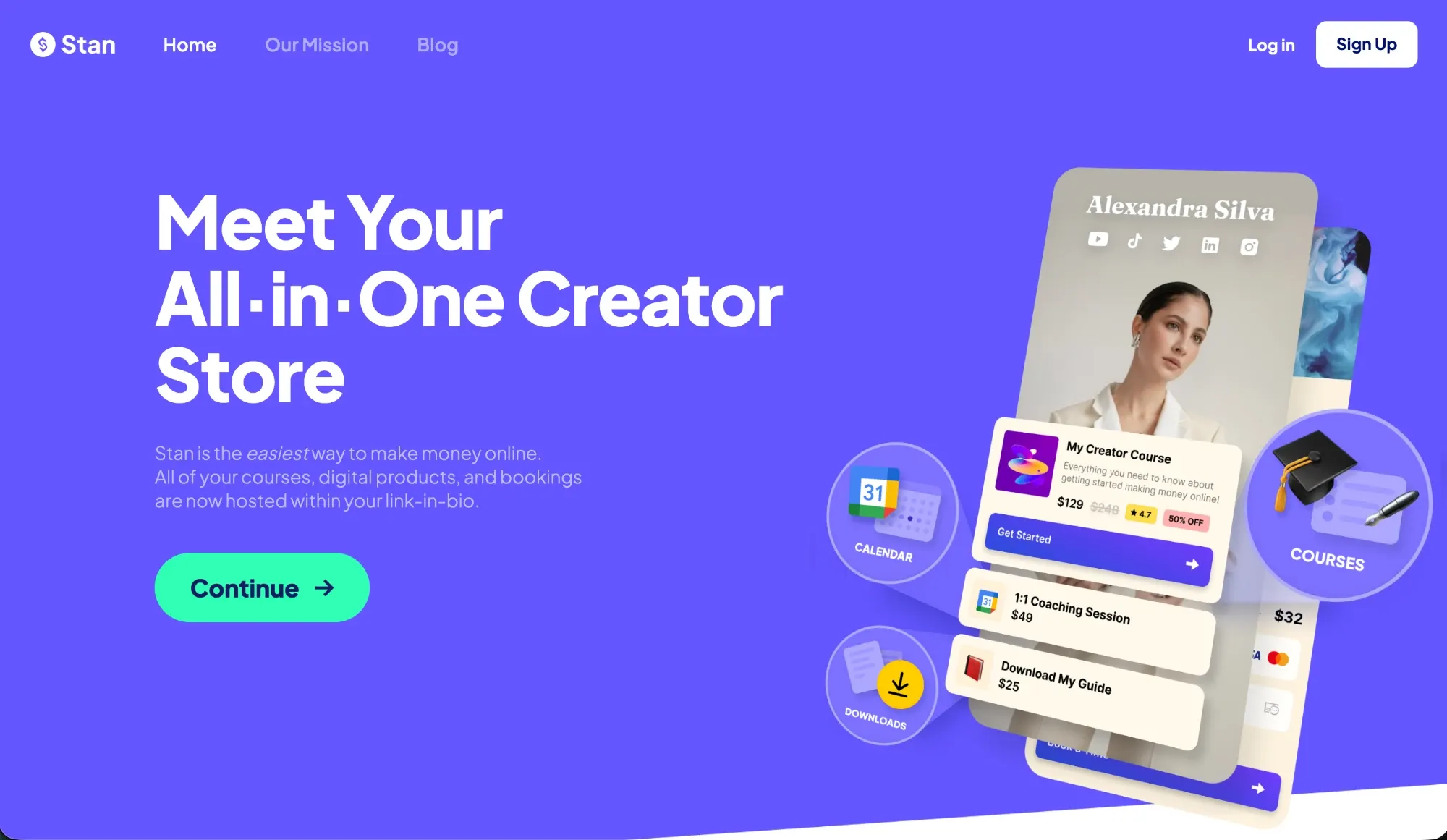
- Free plan: no, a 14-day free trial
- Paid from: $29 per month (Creator), $300 per year billed annually
- Trustpilot: 4.7 out of 5 from 2,204 reviews
What it does well
- No platform fee on sales; only payment processing applies.
- Checkout, bookings and course hosting are the core of the product, not add-ons.
Watch out for
- No media kit or brand pitch tools in its plans.
- Funnels, upsells and email flows require Creator Pro at $99 per month, as the Stan Store plan comparison explains.
Choose Stan Store if: digital products are your main income. If you are still deciding whether products are worth building, this overview of creator income streams beyond sponsorships compares them with other options.
5. Payhip: best free plan for selling digital products
Payhip is a store for selling digital downloads, courses and coaching from one place.
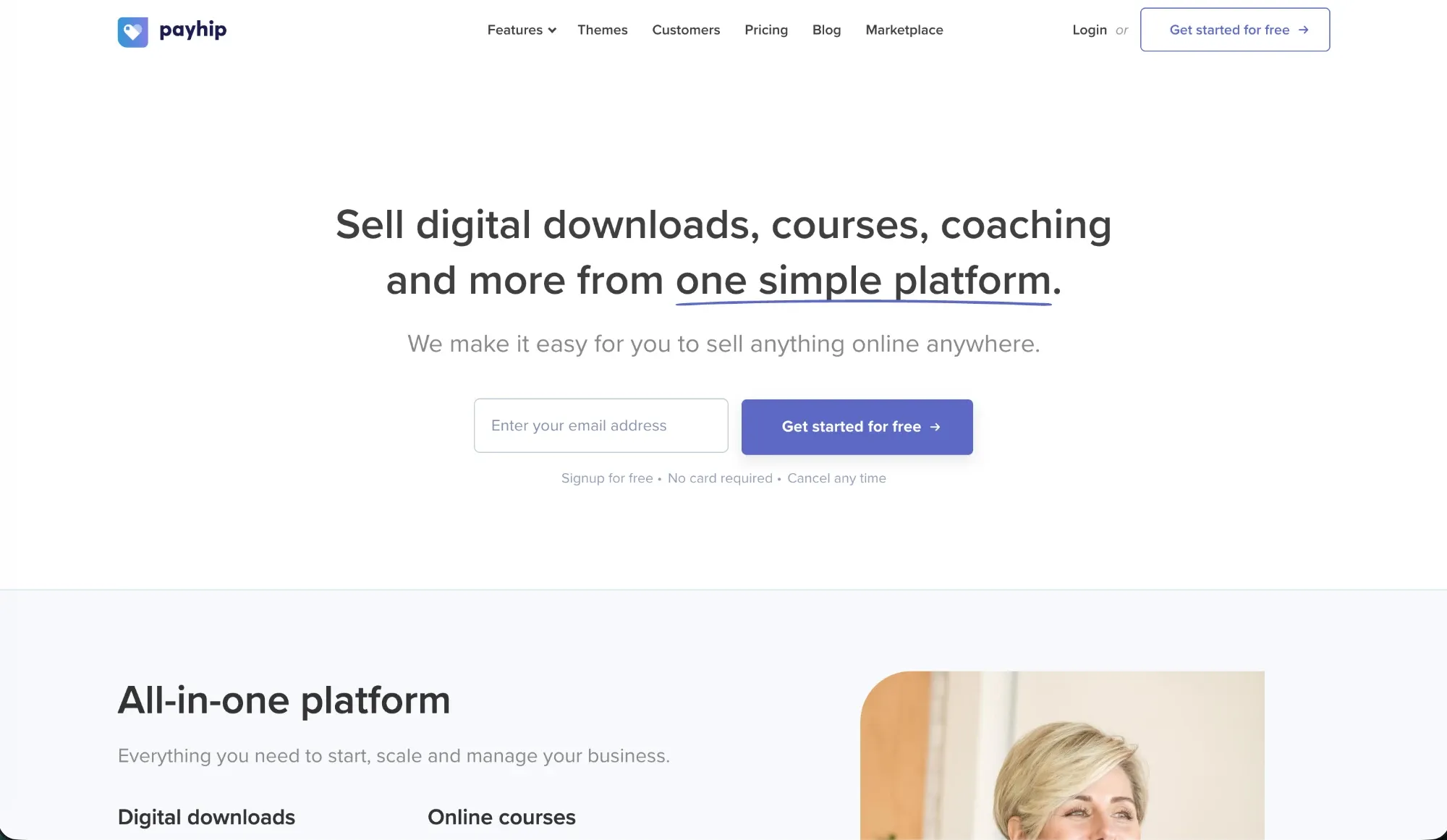
- Free plan: yes, with a 5% fee on sales
- Paid from: $29 per month (Plus) with a 2% fee, or $99 per month (Pro) with no fee
- Trustpilot: 4.6 out of 5 from 555 reviews
What it does well
- No monthly cost to start selling, which makes it the cheapest option in this comparison at low sales volumes.
- No feature gating: according to Payhip pricing, Free, Plus and Pro include the same features.
Watch out for
- The fee only reaches 0% on Pro at $99 per month, more than Stan Store ($29) or Beacons Creator Plus ($30).
- Built for selling: brand deals and media kits are outside its scope.
Choose Payhip if: you want to start selling digital products with no monthly cost and move to a lower fee as sales grow.
6. Gumroad: best for selling with sales tax handled for you
Gumroad sells digital products, courses and memberships with no monthly fee.
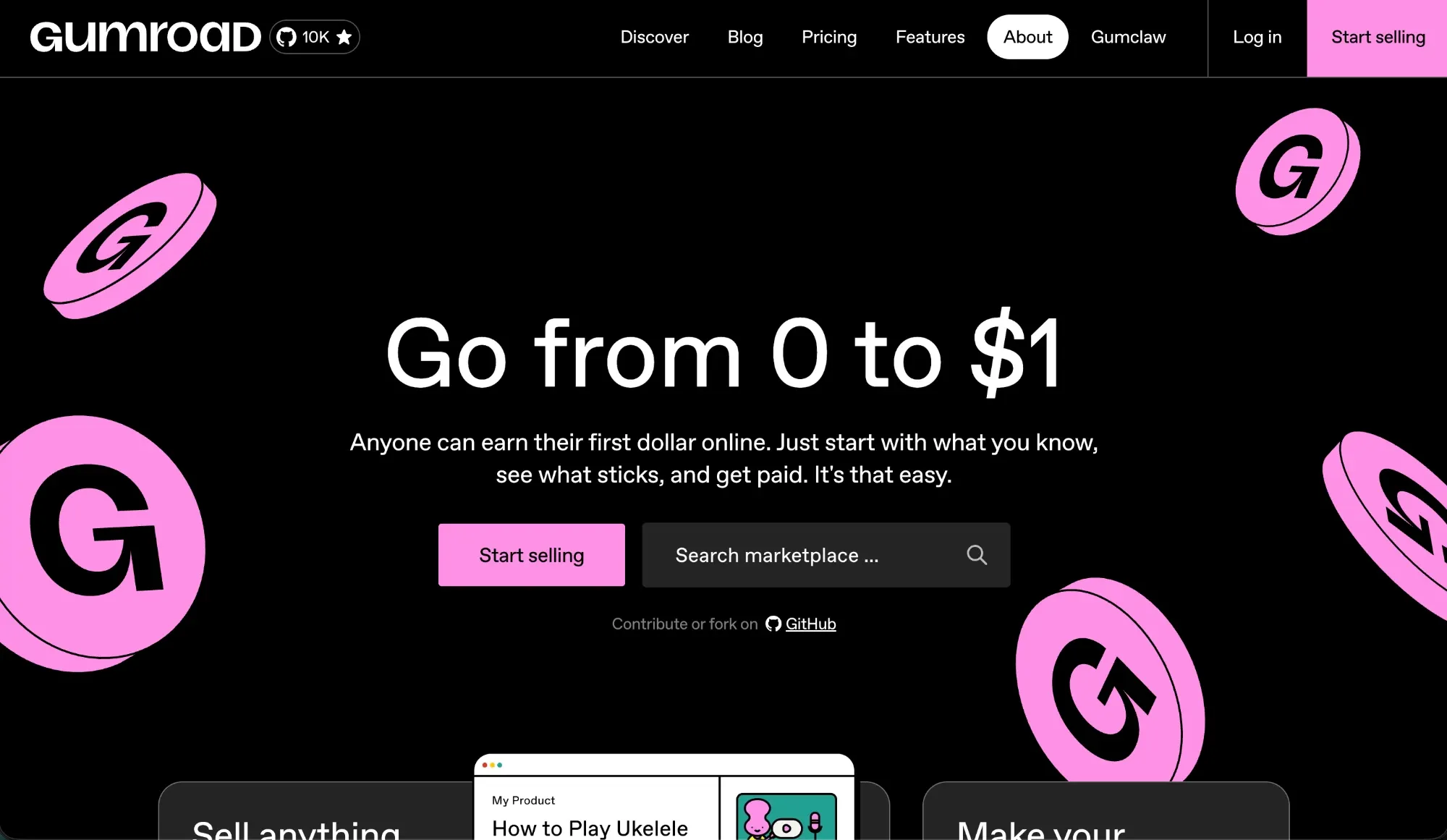
- Free plan: yes, with no monthly fee at all
- Paid from: no paid plans; 10% plus $0.50 per direct sale
- Trustpilot: 1.4 out of 5 from 419 reviews
What it does well
- You pay nothing until you sell, which suits occasional sellers.
- Since January 2025, Gumroad acts as merchant of record and handles sales tax worldwide, according to Gumroad pricing.
- Its Discover marketplace can bring buyers who did not come from your own audience.
Watch out for
- The highest per-sale cost in this comparison: 10% plus $0.50 per direct sale, and 30% on sales through its Discover marketplace.
Choose Gumroad if: you sell occasionally, want no fixed costs, or want sales tax handled for you.
7. Komi: best premium mini-site
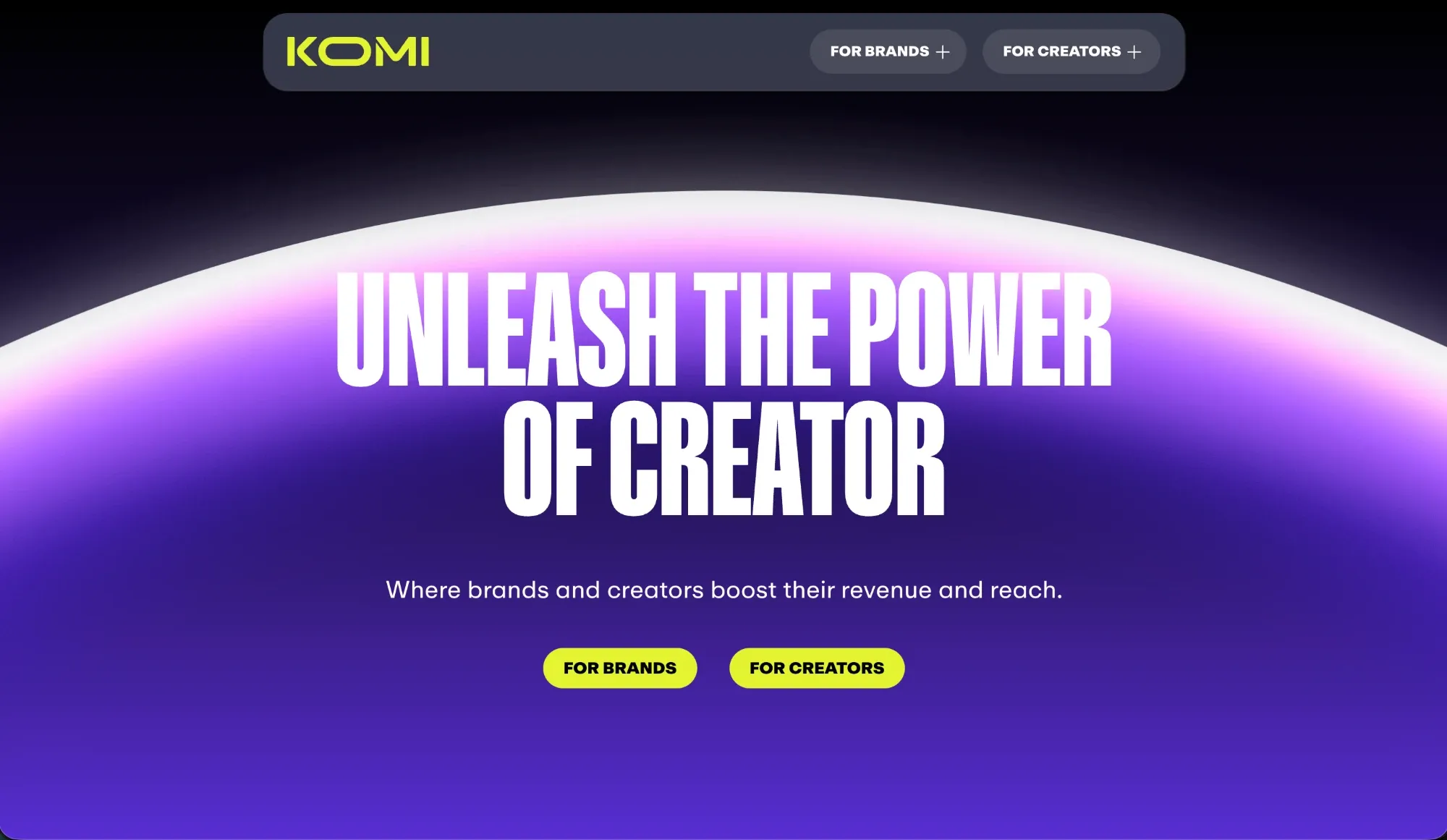
Komi is a premium-looking mini-site that now presents itself as a place where brands and creators meet.
- Free plan: a mini-site, unlimited links, fan contacts, analytics and brand deal access
- Paid from: $20 per month (Pro), $16 per month billed annually
- Trustpilot: 2.5 out of 5 from 16 reviews
What it does well
- Customizable themes and integrations with YouTube, Spotify and Shopify.
- Access to brand deals through Komi's marketplace, even on the free plan.
Watch out for
- Its plans do not list a media kit that you send to brands yourself; brand deals run through Komi's Brand Hub.
- Email campaigns and 0% fees on digital product sales require Pro, according to Komi pricing.
Choose Komi if: you want a high-end page for fans and are open to brand deals sourced through a marketplace.
How to switch from Beacons without losing sales or brand leads
- Set up the new tool first. Rebuild only the parts you use, and check that products, links and forms work before changing anything public.
- Keep your data. Export your audience as a spreadsheet from Beacons' Audience section, as Beacons' export guide explains, and keep copies of your product files before downgrading.
- Update every link at once. Change the link in each social bio, then update email signatures, pitch templates and any media kit links already sent to brands.
- Downgrade instead of deleting. Because Beacons has a free plan, you can keep the old page live with a link to the new one while old links still circulate.
How these Beacons alternatives were chosen
Creators use Beacons for four jobs: a link-in-bio page, a store, email tools and a media kit for brand deals. Each tool on this list replaces at least one of those jobs.
Each tool's own pricing and help pages, and its Trustpilot score, were checked in October 2026. Scores based on a few dozen reviews or fewer are less reliable.
A few tools that appear in other lists were left out: Koji, which Linktree acquired and closed in January 2024; simpler page builders such as Bio.link and Carrd, since Linktree and hoo.be already cover the simple link page; and course platforms such as Kajabi, Podia and Teachable, which are built around courses rather than a link-in-bio page.
CreatorsJet publishes this article and ranks itself first because it is built for the brand deal side of Beacons. If you mainly sell products or need a simple link page, another tool on this list may suit you better.
Beacons alternatives: common questions
Is there a free alternative to Beacons?
Yes. CreatorsJet, Linktree, hoo.be, Payhip and Komi have free plans, and Gumroad has no monthly fee, only a fee on each sale. For selling, Payhip's free plan takes the lowest seller fee, at 5%.
Beacons vs Linktree: which is better?
Beacons offers more on its free plan, including a store, a media kit and 50 email sends a month, but takes a 9% seller fee. Linktree's free plan is simpler and focused on links. For selling without platform fees, Linktree Pro ($17 per month) is cheaper than Beacons Creator Plus ($30 per month).
Beacons vs Stan Store: which is better for selling?
On price, they are close: Stan Store Creator costs $29 per month and Beacons Creator Plus $30, and both take 0% of sales. Stan Store is more focused on checkout, courses and coaching. Beacons covers more jobs and has a free plan, at the cost of a 9% fee.
Which Beacons alternative is right for you?
Start from the job you actually use Beacons for:
- Pitching brands and landing sponsorships: CreatorsJet.
- Selling courses, coaching or digital downloads: Stan Store.
- Selling digital products with no monthly cost: Payhip.
- Selling with sales tax handled for you: Gumroad.
- A simple link page at the lowest cost: Linktree.
- A link page where design comes first: hoo.be.
- A premium mini-site with marketplace brand deals: Komi.
If you use every part of Beacons and sell enough to justify Creator Plus, staying may be the simplest option. If you only use one part, a focused tool usually costs less and does that job better. Once the tool is chosen, this guide on how to get brand deals covers finding and pitching the right brands.