

A creator can have a phone full of clips, a folder of half-finished ideas, and still feel unprepared for the next post. The best tools for content creators do not all solve the same problem. One helps you edit, another helps you present your work to brands, and others help you plan, publish, write, or share files.
This list is built for independent creators working across Instagram, TikTok, and YouTube. The right stack is usually a small set of tools that removes repeated work without taking over the creative process.
How these tools were selected
Each tool earns its place by solving a different part of the creator workflow: production, brand readiness, design, distribution, planning, trend research, writing support, or file management. The goal is not to install eight subscriptions. It is to understand which bottleneck each tool can remove and where a simpler option is enough.
Quick comparison
| Tool | Best for | Role in your workflow |
|---|---|---|
| CapCut | Short-form editing | Turn raw clips into platform-ready videos |
| CreatorsJet | Brand collaborations | Present your audience, offer, and partnership details |
| Canva | Visual design | Create thumbnails, carousels, and social graphics |
| PostPlanify | Scheduling and approvals | Plan, publish, approve, and review performance |
| Notion | Content planning | Track ideas, scripts, deadlines, and next actions |
| Virlo | Short-form trend research | Find outlier videos and turn patterns into content ideas |
| ChatGPT | Ideation and drafting | Explore angles, hooks, scripts, and captions |
| Google Drive | File storage and sharing | Keep working files, approvals, and deliveries organized |
The best fit depends on the part of your workflow that is slowing you down. A video editor will not solve a planning problem, and a scheduling tool will not replace a media kit when a brand asks about your audience and offer.
1. CapCut: short-form video editing
CapCut is a straightforward editor for turning raw clips into short videos for TikTok, Instagram Reels, and YouTube Shorts. It supports trimming, transitions, captions, audio editing, templates, resizing, and other tools that help a creator move from a camera roll to a publishable cut.
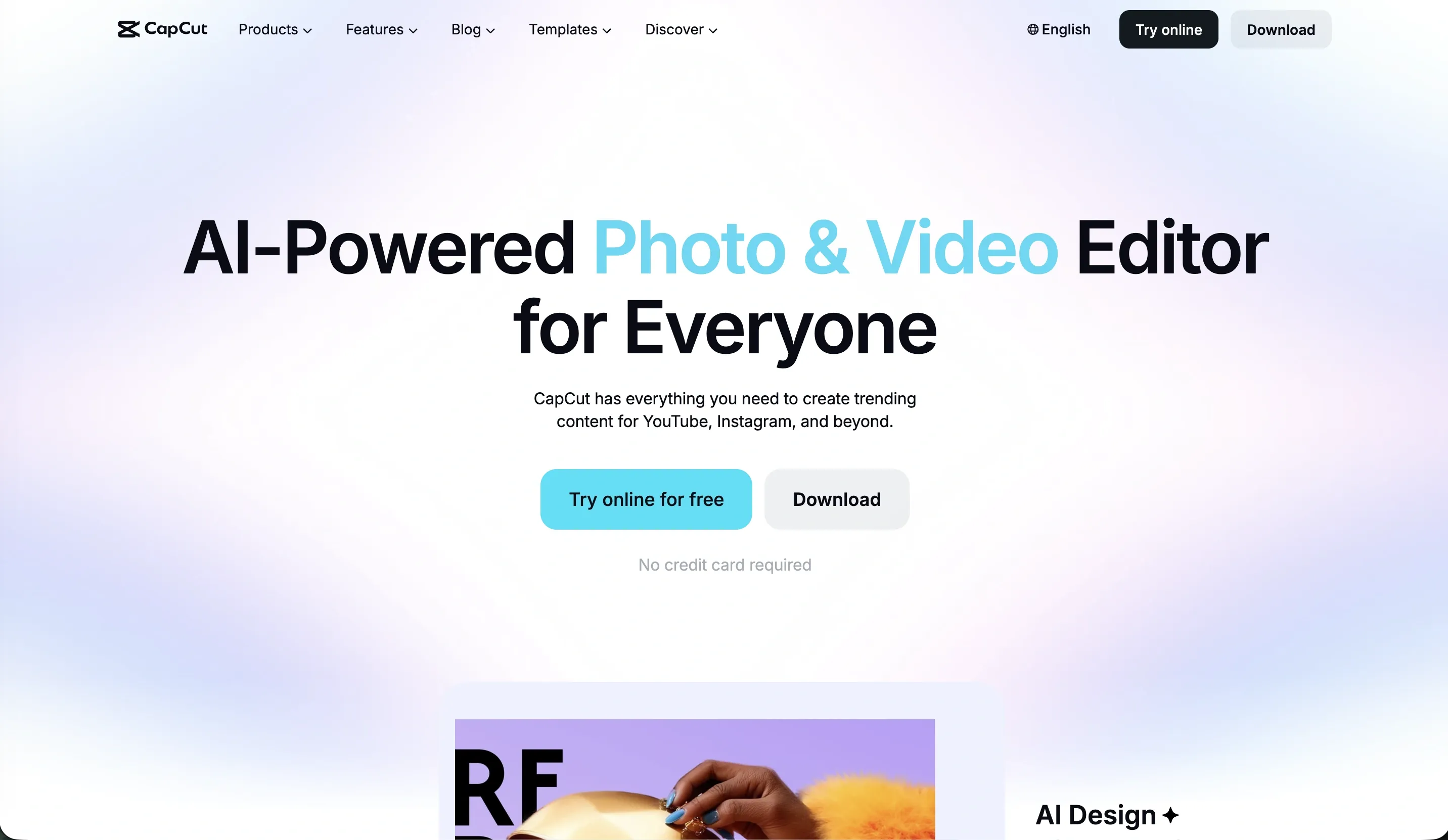
It suits creators who publish video frequently and want a fast workflow on mobile, desktop, or the web. It is especially useful when a video needs captions, quick pacing, several aspect-ratio versions, or a repeatable intro and outro.
A useful workflow is to create one clean master edit, then export versions for each platform. Check captions manually, remove filler that weakens the opening, and keep a version without platform-specific music so you can adapt the cut later. CapCut has a free version, while some features and plans can vary by region, so confirm the current offer before budgeting for it.
2. CreatorsJet: media kits for brand collaborations
CreatorsJet solves a different problem. It helps creators present social statistics, audience information, rates, partnerships, services, and contact details in a professional media kit for brand conversations. It is not a scheduling tool, video editor, or creator CRM.
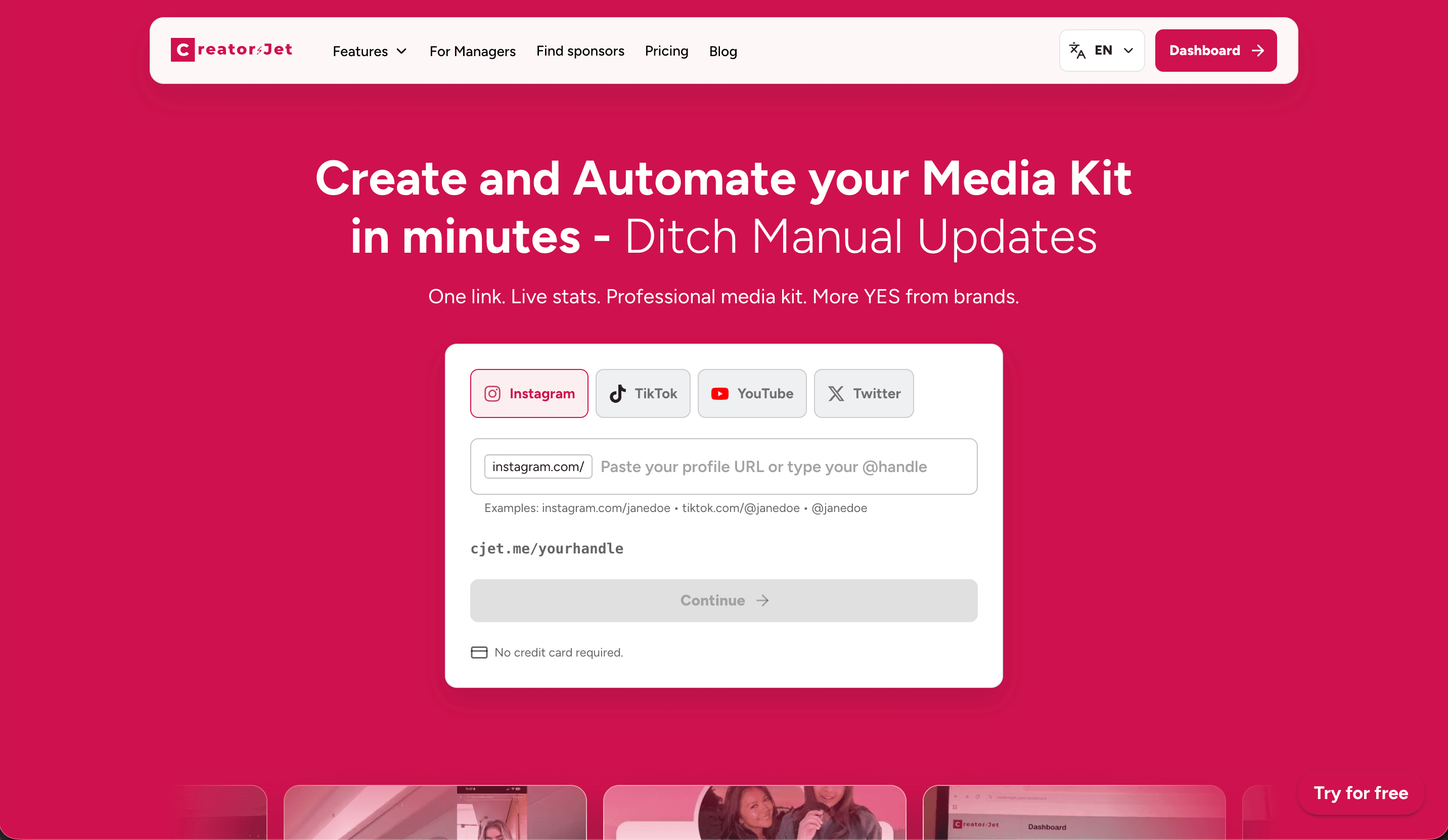
It suits creators who pitch brands regularly, work across several platforms, or need a hosted link and PDF when a partner asks for more context. Automatic social statistics can reduce manual updates, while creator-focused sections keep commercial information in one place.
Use it when a brand needs to understand the audience behind your content, not just see a follower count. Add examples that match the campaigns you want, keep your offer realistic, and check that rates and contact details are current. If you are preparing your first one, this influencer media kit guide walks through the information brands usually look for.
3. Canva: graphics, thumbnails, and social designs
Canva is a flexible design tool for thumbnails, carousels, Stories, presentations, channel graphics, and campaign assets. Templates, layout controls, image editing, brand colors, and export formats make it useful when a creator needs a visual system rather than a single graphic.
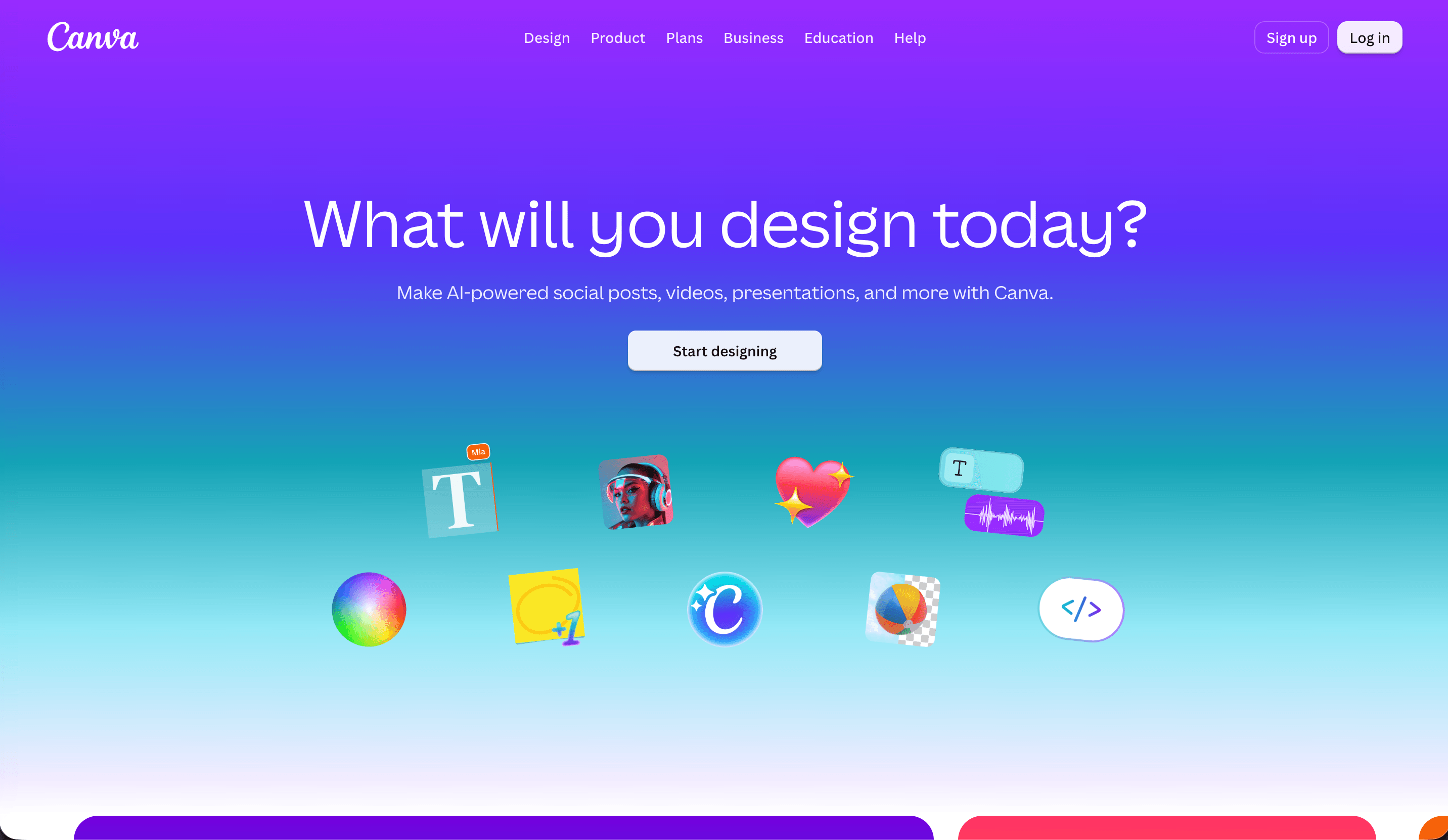
It suits creators who want control over the look of their content or who need to create several formats without opening a more complex design application. A YouTube creator can build a thumbnail system, an Instagram creator can keep carousel pages consistent, and a TikTok creator can prepare cover frames or supporting graphics.
Use one master template for recurring formats and duplicate it before each new post. Keep text readable on a phone, design the thumbnail for the actual promise of the video, and export the correct dimensions for each platform. The main limitation is maintenance. Your audience numbers, rates, links, and examples still need to be updated manually if you use Canva for a media kit.
4. PostPlanify: scheduling and approvals for creator teams
PostPlanify is a social media management platform built around a visual content calendar. Creators can plan and publish posts to 10 platforms, including Instagram, TikTok, YouTube, and LinkedIn, from one dashboard, then track results with built-in analytics. Its value is keeping finished content moving on schedule, especially when more than one person touches it.
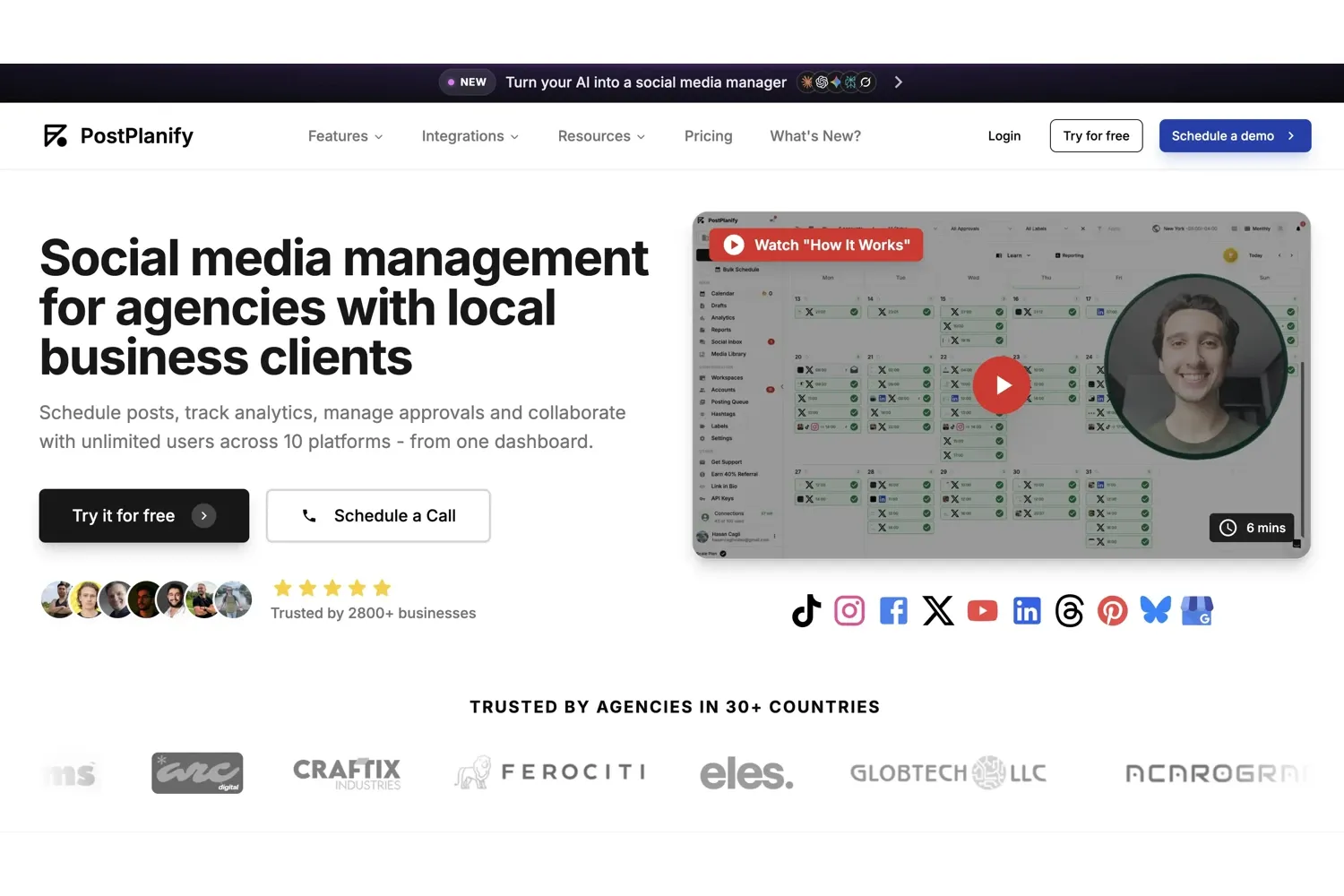
It suits creators who work with an editor, a manager, or brands that want to review posts before they go live. Approval workflows let a manager sign off on captions, and a brand can review a sponsored post through a dedicated client role. Team members are unlimited, so adding a collaborator does not raise the price.
Use PostPlanify once your publishing involves more than one person or more than one brand. Batch a week of posts, send sponsored content for approval, and compare analytics to see which formats perform best. PostPlanify offers a 7-day free trial and prices per workspace rather than per seat.
5. Notion: content planning and organization
Notion is a flexible workspace for storing ideas, briefs, scripts, checklists, calendars, and notes. It suits creators who want one place to connect an idea to its hook, draft, filming status, publish date, and follow-up observations.
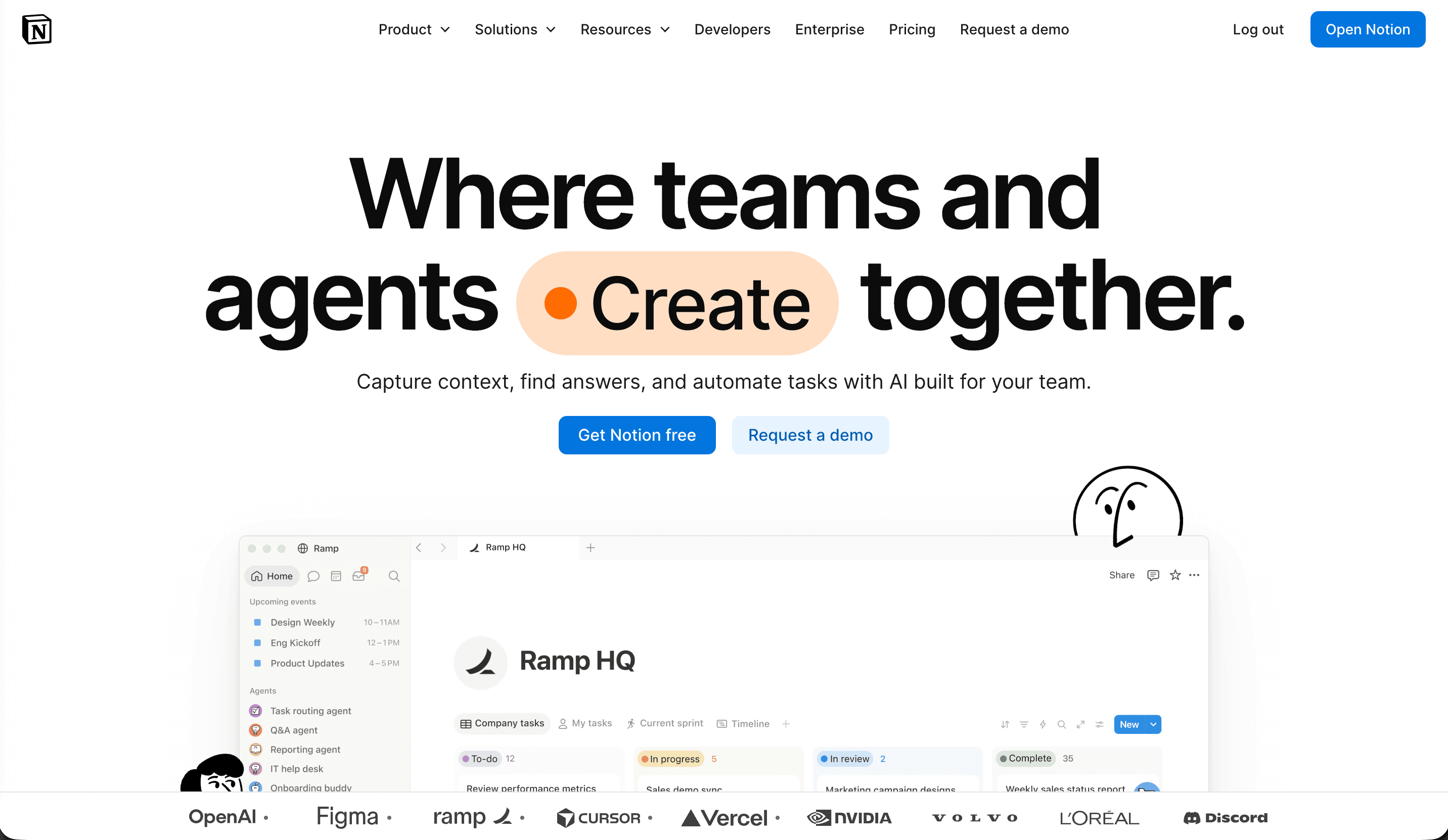
Use it as a lightweight content planning system. Create an idea database with fields for platform, format, audience goal, status, source comment, and next action. Add a simple view for this week so the system stays useful instead of becoming a second job.
Notion is a good fit when planning is the bottleneck. It is less helpful when the real problem is editing speed or automatic social reporting. Keep the workspace small enough that you will actually update it after publishing.
6. Virlo: trend discovery for short-form video
Virlo is a data-driven trend-discovery and AI content platform for creators working on TikTok, Instagram Reels, and YouTube Shorts. Its content research agents find outlier videos in a niche, analyze patterns such as hooks, formats, calls to action, and scripts, then turn those findings into ideas creators can adapt. It is most useful before scripting, when the question is what deserves attention rather than how to word a finished post.
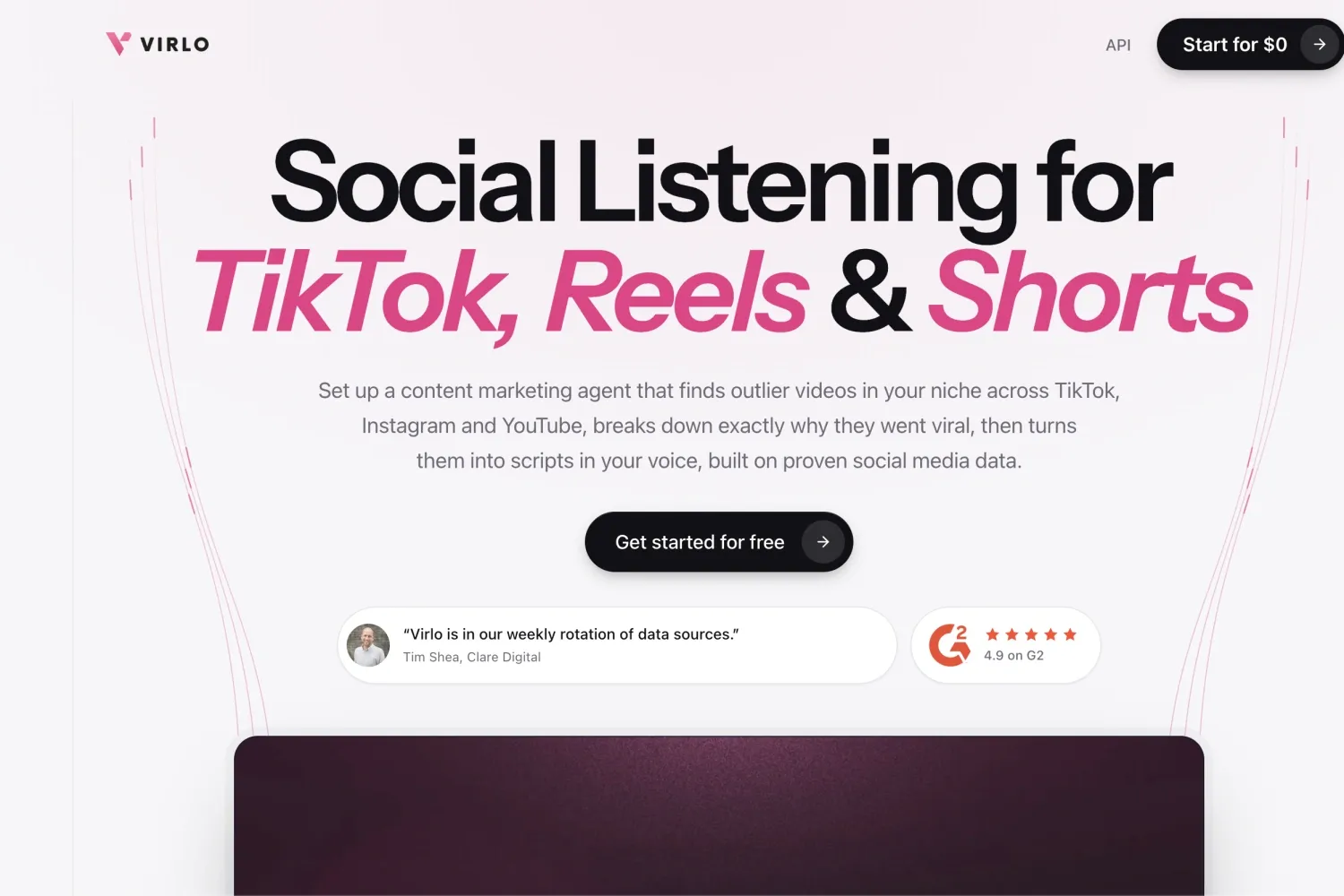
Virlo suits creators who want a faster alternative to manually scrolling feeds for ideas. Start with a clear topic or niche, compare several outliers, and note recurring structures instead of copying one video. A popular format is not guaranteed to fit your audience, so use the data as a research signal and apply your own experience, voice, and judgment.
Use Virlo when short-form research is the bottleneck. Save useful findings to Notion, develop promising angles with ChatGPT, and measure whether the resulting posts improve retention, shares, or the goals that matter to your channel. Virlo uses a credit-based model, so check its current plans and usage limits before relying on it for frequent research.
7. ChatGPT: ideas, scripts, and captions
ChatGPT can help creators turn a rough thought into angles, outlines, questions, hooks, scripts, captions, and repurposing options. It is most useful as a thinking partner and first-draft assistant, not as a replacement for the creator’s point of view or fact checking.
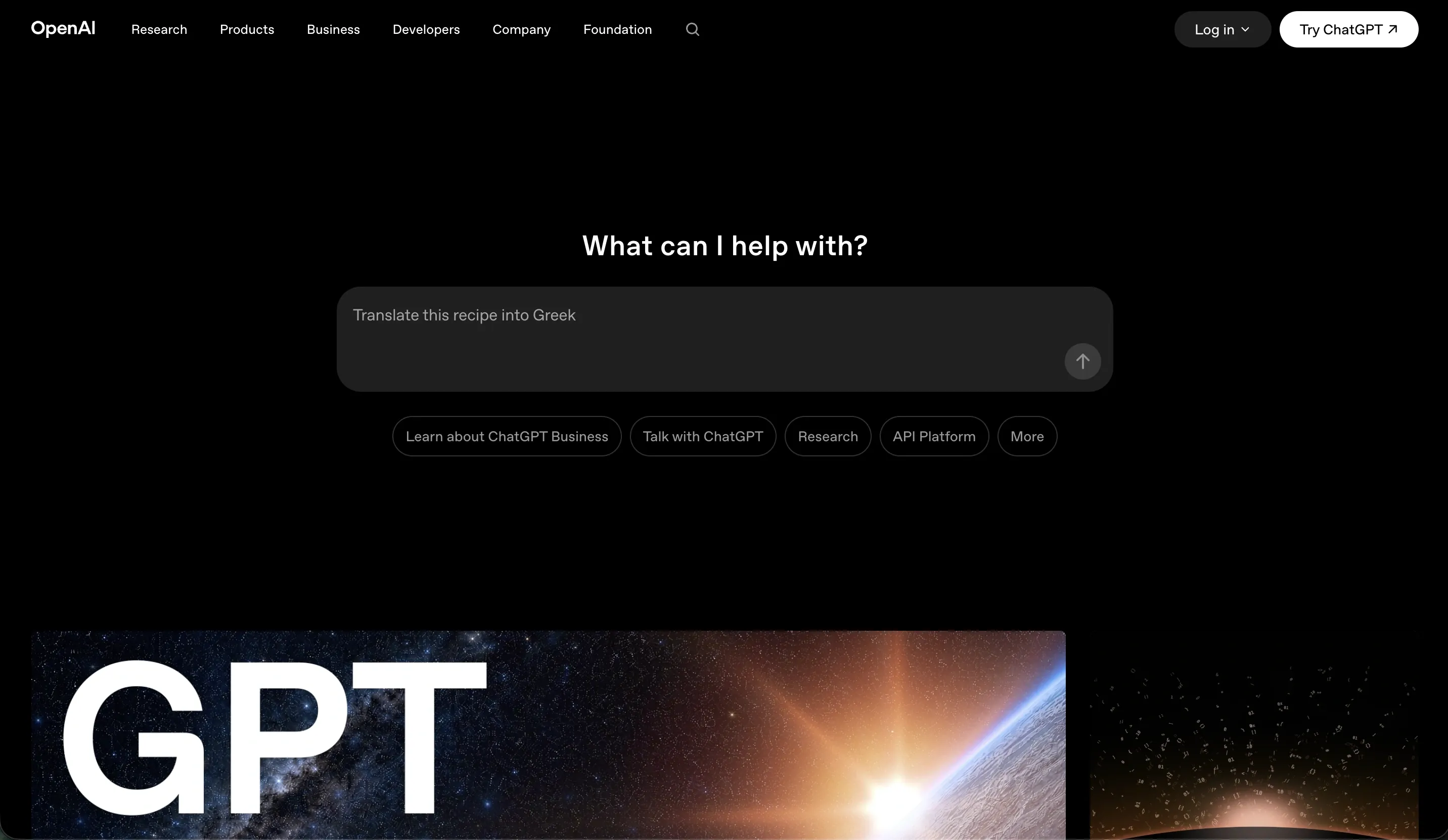
It suits creators who have useful expertise but lose time staring at a blank document. Give it the audience, platform, topic, tone, length, claims that need checking, and examples of what should be avoided. Then edit the output until the idea sounds like the creator and fits the format.
For example, a prompt can ask for five hooks for one audience problem, three different angles for a YouTube video, or a short caption that preserves a specific claim. Ask for options, not a final post. Verify facts, remove generic phrasing, and never paste private brand information or confidential campaign material into a tool without permission.
8. Google Drive: content storage and file sharing
Google Drive is the file layer behind a creator workflow. It can store raw footage, edited exports, thumbnails, contracts, brand briefs, invoices, and final delivery folders. Shared permissions make it easier to send a brand the correct file without attaching large exports to an email.
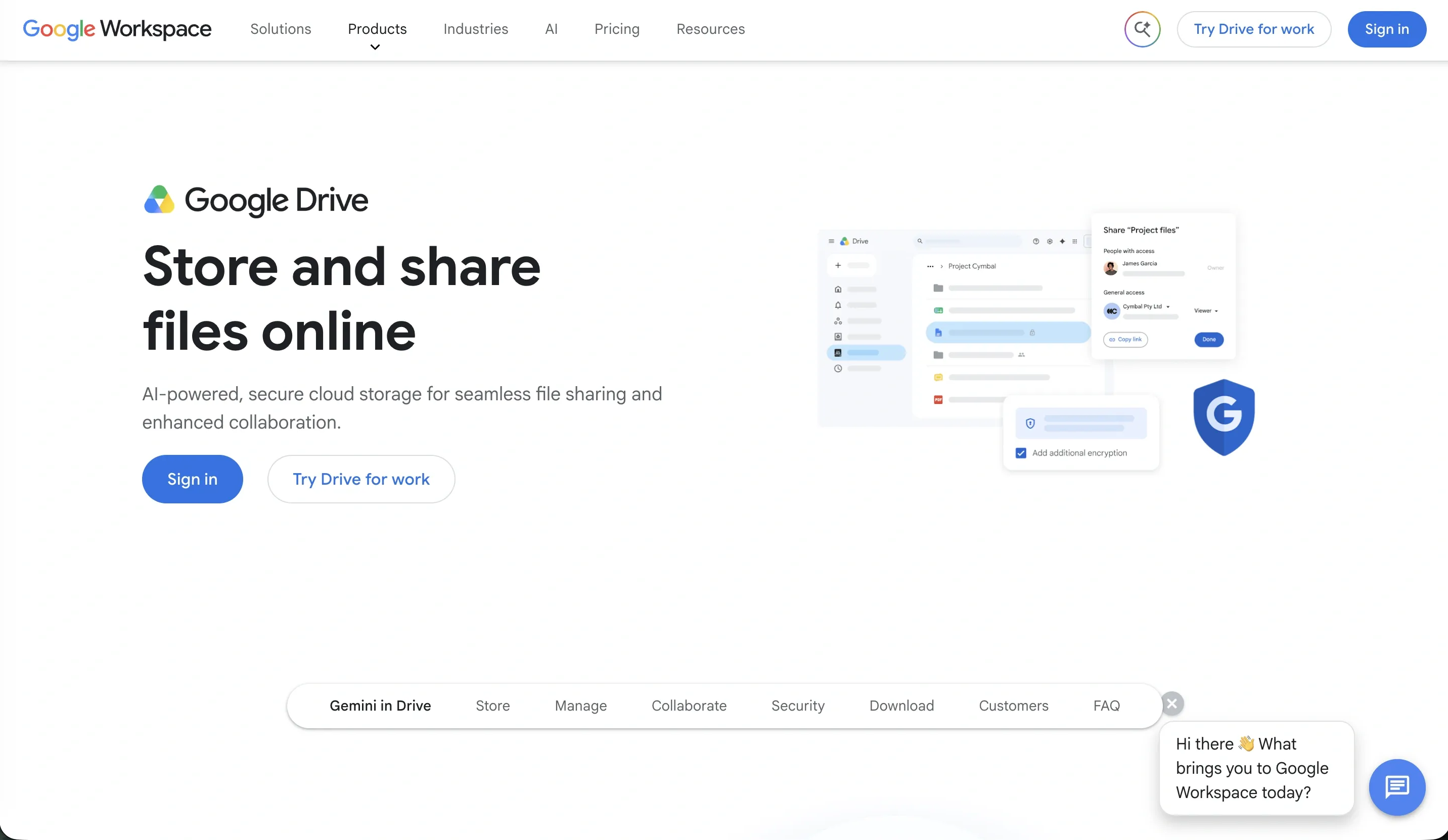
It suits creators who collaborate with editors, managers, brands, or clients, and anyone who needs an archive that is not tied to one laptop. Use a clear folder structure such as 2026 / Brand / Campaign / Drafts / Final / Reports, and give each file a useful name with the platform and version.
For brand work, separate working files from approved deliverables and check whether a shared link allows viewing, commenting, or downloading. Before planning a large archive, check how much storage you have available and whether your current plan covers it.
A simple creator stack
These tools work best when each has a clear job:
- Research short-form patterns in Virlo.
- Track ideas, scripts, and deadlines in Notion.
- Use ChatGPT to develop promising angles and first drafts.
- Capture and edit in CapCut.
- Create thumbnails and supporting graphics in Canva.
- Schedule finished posts and collect approvals in PostPlanify.
- Store working files and final exports in Google Drive.
- Use CreatorsJet when a brand needs your audience, examples, offer, and collaboration details.
You do not need every tool from day one. Start with the bottleneck that costs you the most time, then add another tool only when the workflow around it is clear. A smaller stack that you maintain is more useful than a long list of subscriptions that you rarely use.
Final takeaway
The best tools for content creators are the ones that fit the work you already need to do. CapCut handles short-form production, CreatorsJet supports brand readiness, Canva handles design, PostPlanify handles scheduling and approvals, Notion handles planning, Virlo supports trend research, ChatGPT helps develop ideas and drafts, and Google Drive keeps files accessible. Choose by bottleneck, available time, and the level of collaboration your next month of content actually requires.