

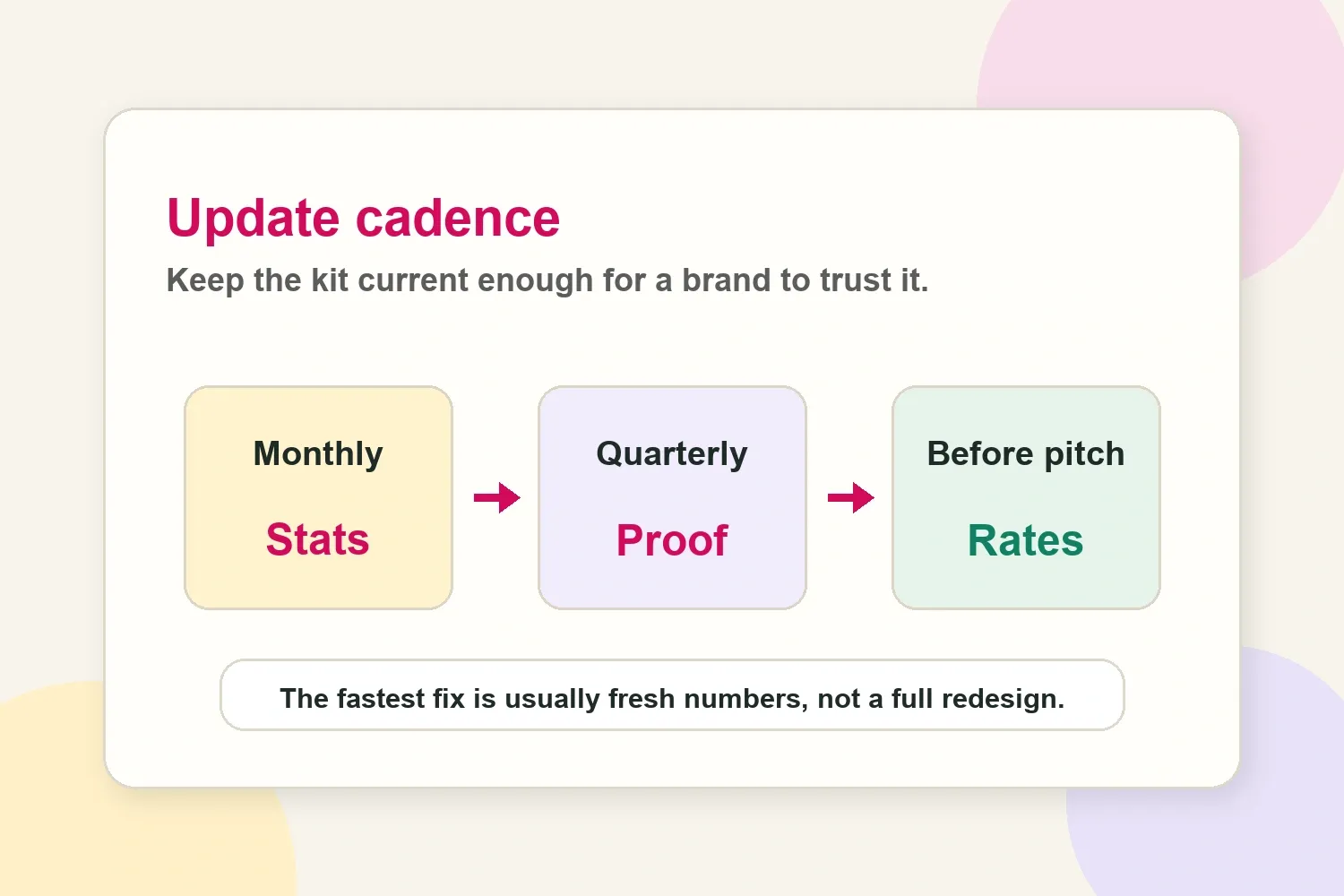
A creator's media kit should be current enough that a brand can trust it without asking for screenshots five minutes later. For most creators, that means updating core stats monthly, reviewing the full kit every quarter, and doing a quick check before any important pitch or negotiation.
That does not mean rebuilding the whole thing every few weeks. A good media kit is a working sales asset. It only needs to change when the information inside it affects how a brand judges fit, credibility, price, or risk.
The practical update schedule
The easiest way to think about media kit freshness is in layers. Some information goes stale quickly. Some information only needs a seasonal review. Some information should change only when the creator's positioning changes.
Use this cadence as a practical baseline:
- Monthly: follower count, average reach, engagement rate, audience demographics, platform screenshots, and recent content performance.
- Quarterly: case studies, testimonials, past brand examples, content samples, niche positioning, package structure, and overall design clarity.
- Before every serious pitch: rates, availability, deliverables, usage rights, exclusivity terms, and the examples most relevant to that brand.
A creator can adjust that baseline depending on how active the business is:
| Creator situation | Best update rhythm |
|---|---|
| Pitching brands every week | Check headline stats before each pitch batch |
| Growing quickly on TikTok, Reels, or Shorts | Refresh core stats every 2 to 4 weeks |
| Stable niche creator | Monthly stats and a quarterly full review |
| New paid collaboration with useful results | Add proof as soon as the result is ready |
| Changing niche, audience, or platform focus | Review positioning immediately |
This keeps the asset useful without turning it into another weekly admin task. If a creator is growing quickly, pitching often, or changing niches, the monthly layer may need more attention. If growth is steady and brand outreach is occasional, a disciplined monthly check is usually enough.
Update stats monthly, even if the design stays the same
Stats are the part of a media kit that go stale fastest. A brand does not need a perfect live dashboard, but it does need numbers that roughly match what the creator can deliver today.
The monthly update should focus on the metrics brands actually use when shortlisting creators:
- Follower or subscriber count by platform.
- Average reach or views over a recent period.
- Engagement rate, especially if it has changed meaningfully.
- Audience location, age range, gender split, or niche-specific audience details.
- Recent top-performing posts, videos, Reels, Shorts, Stories, or newsletters.
- Platform-specific proof, such as Story link clicks, saves, watch time, or conversion examples when available.
For Instagram, creator and business accounts can use Insights to review reach, engagement, and audience information. Instagram's own help center describes Insights as a way to view account and content performance, including reach, engagement, and audience demographics through professional tools like the dashboard and account insights: Instagram account and content insights.
For YouTube, the same principle applies. YouTube Analytics includes audience, reach, engagement, and content performance reports, including metrics such as impressions, click-through rate, views, unique viewers, watch time, and subscriber data: YouTube Analytics overview.
In the media kit itself, freshness should be visible where a brand reviews the stats. A small "last updated" signal near the analytics area makes it easier to trust the numbers without asking for a fresh screenshot.
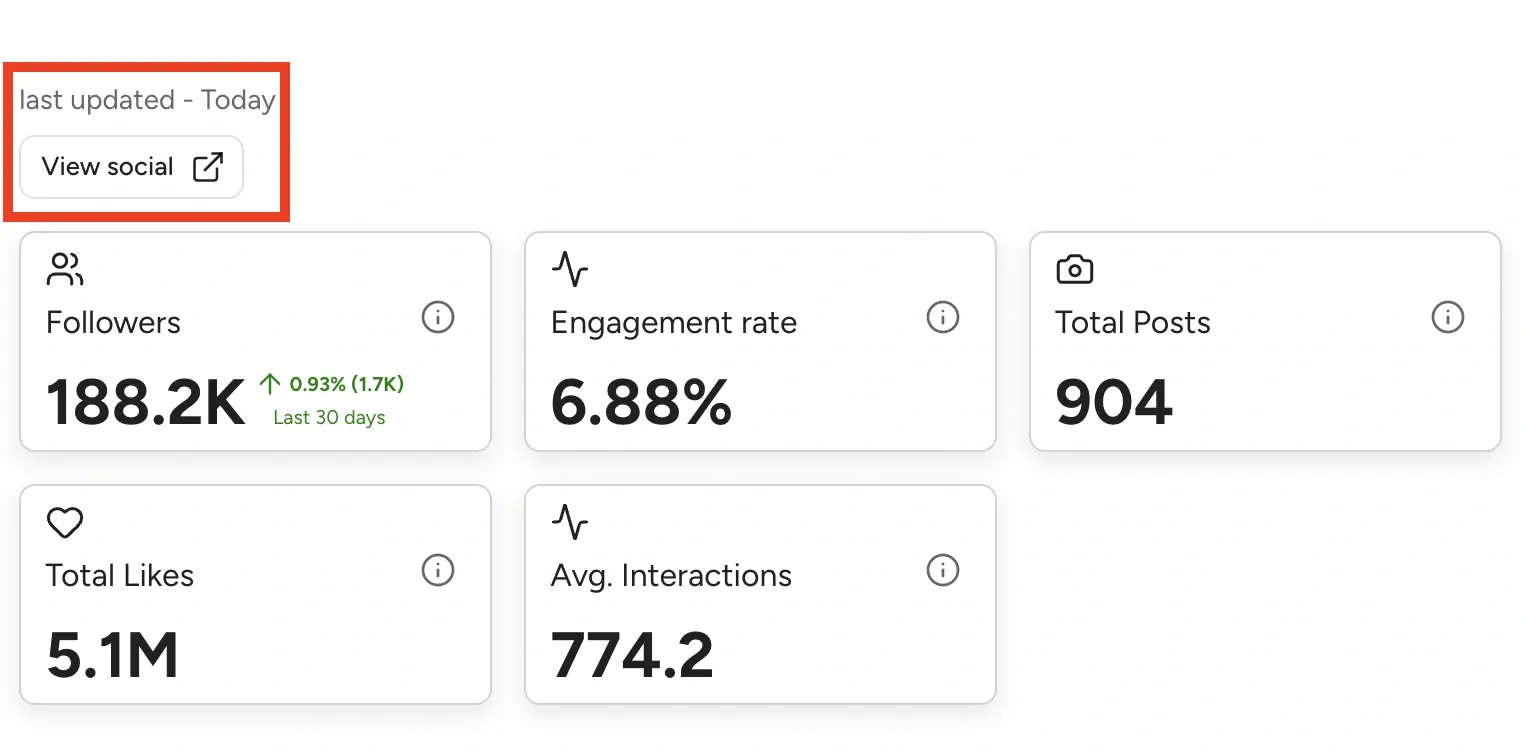
A simple rule works well: if a number is more than 30 to 45 days old and a brand might use it to decide whether to reply, refresh it.
Review the full media kit every quarter
A quarterly review is less about changing every number and more about checking whether the kit still represents the creator's business.
Creators often outgrow their media kit quietly. The profile still says lifestyle creator, but the content has shifted toward home organization. The case study still highlights a gifted campaign, but the creator now has paid partnerships. The rate card still reflects early pricing, even though the creator has better proof and higher demand.
A quarterly review should answer these questions:
- Does the opening positioning still describe the creator's current niche?
- Are the best content examples from the last few months represented?
- Are brand examples still relevant to the types of deals the creator wants next?
- Do case studies show useful proof, not just logos or pretty screenshots?
- Are packages and deliverables still realistic?
- Does the design still make the important information easy to scan?
- Is anything included only because it used to matter?
Quarterly updates are especially useful for creators who are becoming more professional. A creator might start with basic stats and a few content examples. Three months later, they may have better audience proof, stronger paid results, more polished creative, or clearer positioning. The media kit should evolve with that.
Refresh before pitching a brand that matters
Before sending a media kit to a brand, agency, or manager, do a quick pitch-specific pass. This is not a redesign. It is a relevance check.
The goal is to make the media kit feel like it was selected for that opportunity, not pulled from an old folder.
Before a pitch, check:
- Stats: are the headline numbers current enough?
- Examples: does the kit show content similar to what the brand might buy?
- Audience: is the most relevant audience proof easy to find?
- Rates: do prices still match the deliverables, usage, and demand?
- Proof: is there a recent result, testimonial, screenshot, or campaign note worth adding?
- Availability: are timelines, formats, and deliverables still accurate?
For example, a food creator pitching a kitchenware brand should not lead with a travel Reel from six months ago just because it performed well. A better kit would show recent cooking content, audience fit, and any proof that followers save recipes, ask product questions, or click shopping links.
What makes a media kit look stale
A stale media kit usually does not look broken. It looks slightly disconnected from the creator's current work.
Brands notice small signals because they are trying to reduce uncertainty. If the media kit says 18,000 followers but the public profile shows 31,000, the brand has to wonder what else is outdated. If the latest example is from last year, the brand may assume the creator has not done recent partnerships. If rates are listed without context, the brand may need more back-and-forth before deciding.
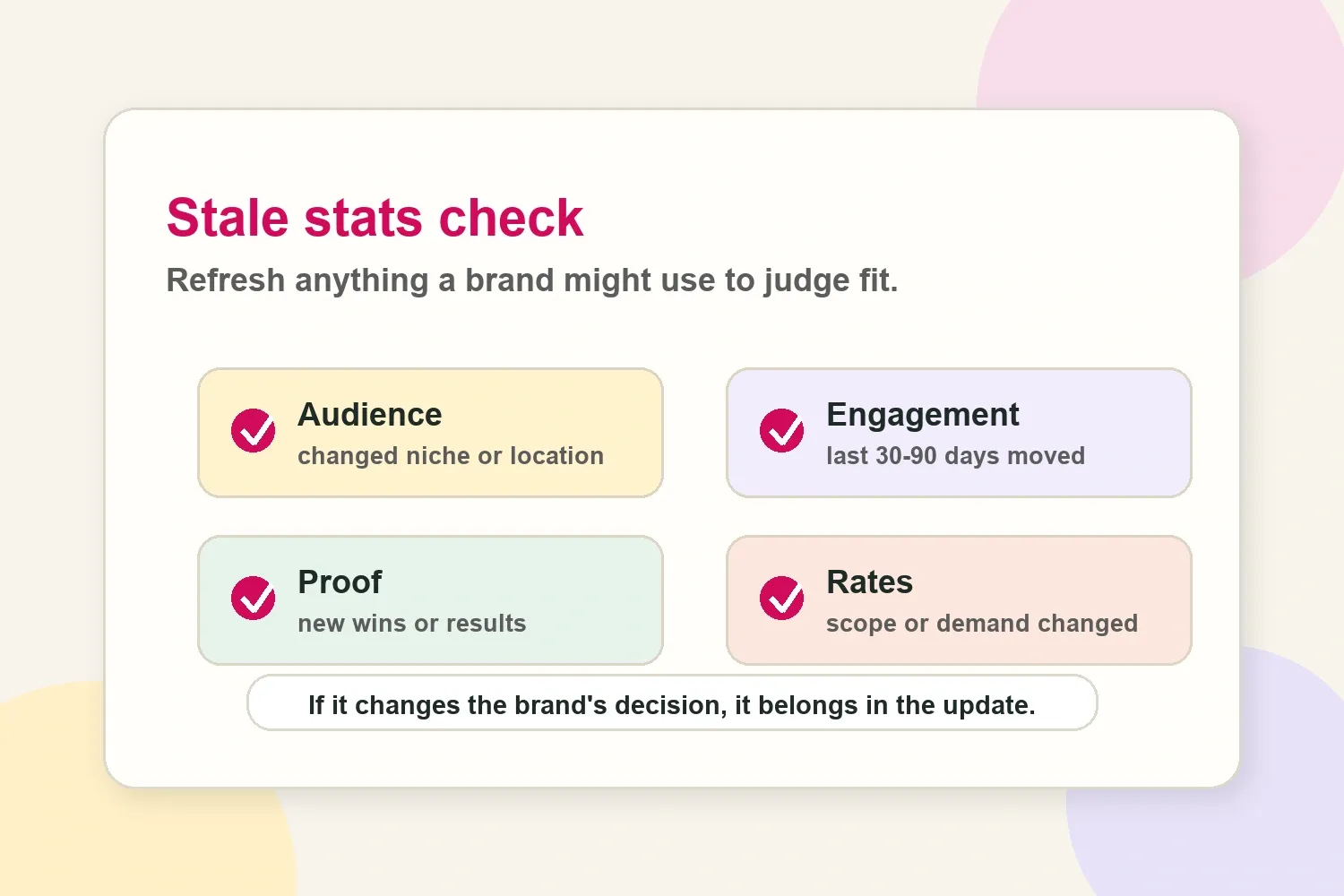
The most common stale signals are:
- Old follower counts that no longer match public profiles.
- Engagement rates based on an unclear or outdated time period.
- Audience demographics from a previous niche or content phase.
- Case studies that do not reflect the creator's current quality.
- Old brand examples that no longer support the type of work being pitched.
- Rates that have not changed even though demand, scope, or proof has changed.
- Screenshots with old dates, old platform layouts, or irrelevant posts.
A media kit does not need to show every recent win. It should show enough current proof that the brand does not feel like it is evaluating an old version of the creator.
When to update faster than monthly
Monthly is a useful default, but some situations deserve a faster update.
Update the media kit sooner when:
- A post, Reel, Short, or video performs far above the creator's usual baseline.
- A major brand collaboration finishes and produces useful results.
- The creator crosses a visible audience milestone.
- The audience mix changes, especially location, age, or niche interest.
- The creator changes niche, format, platform focus, or content promise.
- Rates change because of demand, production quality, usage rights, or exclusivity.
- A brand asks for a specific metric that is missing from the kit.
A creator who suddenly gets a high-performing video should not wait three months to add that proof if it helps pitch similar campaigns. The same is true after a paid collaboration with clear results. If a skincare campaign generated useful clicks, saves, comments, or sales context, that result belongs in the kit while it is still relevant.
What not to update every time
Not every media kit edit is worth doing. Constantly changing the layout, colors, bio, or package names can waste time and make the asset less consistent.
These parts usually do not need frequent updates:
- The overall design system, unless it feels hard to read or off-brand.
- The creator bio, unless positioning or niche has changed.
- Long-term audience story, unless the audience has shifted meaningfully.
- Core services, unless the creator has stopped offering them.
- Brand values or content themes, unless the creator has repositioned.
The best media kit updates are often small. A refreshed average reach number, a better campaign example, and a more relevant content sample can do more than a complete redesign.
What to update first if you only have 10 minutes
If the media kit needs to go out today, do not start with fonts, colors, or a full redesign. Start with the information most likely to affect a brand's decision.
Update these first:
- Headline follower counts on each active platform.
- Average reach or views from a recent period.
- Engagement rate, especially if it has moved meaningfully.
- Latest audience screenshot or audience summary.
- One recent content example that matches the brand being pitched.
- Rates, if the creator is sending the kit for a real opportunity.
That short pass fixes the biggest freshness risks. A cleaner layout can wait if the numbers, proof, and pricing are already decision-ready.
Keep old proof, but label it carefully
Old proof is not automatically useless. A useful case study from last year can still help if it shows a clear result, a recognizable brand, or a campaign type the creator still wants to sell.
The issue is context. A media kit should not make old numbers look current.
If a case study is older but still useful, make the timing clear in the surrounding text. For example, a creator might write that a campaign was a previous skincare launch example, then pair it with current audience stats elsewhere in the kit. That keeps the proof honest and avoids mixing old performance with fresh metrics.
A good distinction is:
- Current stats show what the creator can likely offer now.
- Past proof shows that the creator has delivered value before.
Both matter, but they should not be presented as the same thing.
A simple media kit freshness checklist
Before sending a media kit, creators can run a quick check in five minutes:
- Are the headline platform stats from the last 30 to 45 days?
- Does the kit include at least one recent content example?
- Are audience demographics still accurate enough to support the pitch?
- Are rates and deliverables still aligned with current scope?
- Does the proof match the type of brand being contacted?
- Are old examples clearly still relevant, or should they be replaced?
- Would a brand need to ask for obvious missing information after reading it?
If the answer to the last question is yes, the kit probably needs a quick update before it goes out.
The right update frequency depends on how active the creator is
A creator pitching brands every week needs a more current media kit than someone who only takes a few partnerships per year. A fast-growing TikTok creator may need to refresh stats more often than a niche newsletter creator with stable audience numbers. A creator selling usage rights and paid social whitelisting may need to review rates more often than a creator selling one organic post.
The useful standard is not perfection. It is decision-ready freshness.
Brands do not expect a media kit to update in real time. They do expect the important information to be recent, relevant, and honest. Monthly stats, quarterly proof reviews, and before-pitch rate checks are enough for most creators to avoid stale media kit problems without turning the process into busywork.