A sponsorship should not be improvised once the camera is recording. Use this YouTube sponsorship checklist after the brand brief arrives and before you film, so you can confirm the claims, product demonstration, placement, links, approvals, deadlines, and disclosure. That protects the creator’s time and gives the brand a clear opportunity to resolve problems before they become expensive reshoots.
This is a pre-filming checklist for an agreed sponsorship, not a pricing or contract guide. The goal is not to make the video sound scripted or let a sponsor control every sentence. It is to separate what is required, what is approved, and what remains the creator’s editorial choice.
Start with the required talking points and claims
Ask the brand to identify the statements that must appear, the statements that are optional, and the statements that are not allowed. A brief that says “mention the key benefits” is too vague to use safely on camera.
Put the following in writing:
- The product or service name and the exact pronunciation, if relevant.
- The main benefit or problem the campaign is meant to communicate.
- Required features, statistics, comparisons, or proof points.
- Words or claims that need qualification, such as “up to,” “from,” “in select markets,” or “results vary.”
- Competitor references or claims the creator must avoid.
- Whether the creator must describe personal experience, demonstrate a feature, or use approved wording.
Do not repeat a claim simply because it appears in a deck. Ask what evidence supports it and whether it applies to the exact product, market, and version being filmed. A creator should be able to explain a product accurately without making a promise the brand cannot substantiate.
Before you finalize the placement, use this comparison of YouTube sponsorship integrations and dedicated videos to confirm which format the brief describes. That choice changes the expected duration, approval scope, and filming plan.
Confirm product details and demonstration requirements
Before filming, confirm that the product, sample, account, software version, or access credentials are ready. A missing feature or late shipment can change the entire concept.
Clarify:
- Which product version, package, plan, or color should appear.
- Whether the product must be shown on camera, used live, tested, installed, or compared.
- Which screens, settings, accessories, packaging, or logos need to be visible.
- Whether the brand expects a specific result, setup, workflow, or demonstration sequence.
- What happens if the product does not work as described during filming.
Run the demonstration before the official shoot. Record the steps, note anything confusing, and flag claims that are difficult to show honestly. It is better to adjust the brief before filming than to discover during editing that the required feature is unavailable in the creator’s region.
Define the integration placement and duration
“Include the sponsor in the video” is not a deliverable. Specify whether the segment is an opening mention, mid-roll, closing section, dedicated chapter, or the subject of the entire video.
Agree on:
- The placement and the point in the video where it should happen.
- The minimum and maximum duration, preferably as a range.
- The transition into and out of the segment.
- Whether the sponsor can appear in the title, thumbnail, chapters, or opening hook.
- Whether the segment can be shortened for pacing while keeping the required points.
A duration range is usually more practical than an exact second count. For example, “a 60–90 second mid-roll after the first teaching section” gives the creator room to make the transition natural while giving the brand a clear expectation.
Do not leave placement until the edit. A sponsor mention that is technically present but buried after the viewer’s main question may not satisfy the campaign goal, while a long opening segment can damage retention if it delays the promised value.
Lock the links, discount codes, and description copy
The description should not become a last-minute collection of URLs. Confirm every destination before recording, especially if the creator will say the link or code aloud.
Check:
- The exact landing page and whether it works on mobile.
- The discount code, capitalization, expiry date, market, and exclusions.
- UTM parameters, affiliate tracking, or other attribution requirements.
- The required call to action and whether it must be spoken, displayed, or both.
- The description copy, pinned comment, chapters, and link order.
Prepare the final description block before filming, but leave room to update campaign dates or tracking details at upload. If the code is difficult to pronounce, agree on an alternative spoken phrase and show the exact spelling on screen.
Agree on approval and revision process
Approval should be a defined stage, not an unlimited right to rewrite the video. Confirm what the brand reviews, who gives final feedback, and how many revision rounds are included.
Write down:
- What is shared for approval: concept, outline, script, rough cut, final cut, thumbnail, description, or all of them.
- The deadline for each review.
- The number of included revision rounds.
- What counts as a correction to an agreed claim versus a new creative request.
- What happens if feedback arrives late or conflicts with the agreed brief.
The creator should retain a clear editorial boundary. A brand can verify product accuracy and required claims without taking over the channel’s voice, audience promise, or unrelated sections of the video. For a broader view of draft delivery, feedback, revision rounds, and publishing windows, see this influencer campaign brief guide and adapt only the steps that fit your agreement.
Confirm the filming deadline and publishing date
A filming deadline and a publishing date are different. The creator needs time between them for editing, brand review, revisions, thumbnail work, upload checks, and scheduling.
Confirm:
- Product arrival or access date.
- Script, outline, or concept approval date.
- Filming deadline.
- Rough-cut delivery date.
- Final approval deadline.
- Publishing date and time zone.
- Any launch, sale, embargo, or code-expiry date.
Add a contingency plan. If the product arrives late, the platform changes, the creator becomes unavailable, or approval misses the agreed window, decide whether the publishing date moves, the placement changes, or the campaign is rescheduled. A realistic timeline is part of the deliverable, not an administrative detail.
Set the disclosure requirements before recording
Paid promotion should be planned before filming, not added as an afterthought. YouTube says creators must declare paid product placements, sponsorships, endorsements, or other commercial relationships in Studio by selecting the paid promotion option. Its automatic disclosure does not replace any additional obligations that may apply under local law.
You can follow YouTube’s paid-promotion setup instructions to enable the platform disclosure. Local advertising rules may also apply, so confirm the wording and placement required in your market.
Agree on:
- Whether the video contains paid promotion, free product, affiliate compensation, or another material connection.
- The spoken disclosure wording, if the campaign requires one.
- Any on-screen disclosure and where it appears.
- The YouTube Studio paid-promotion declaration.
- Disclosure wording in the description, pinned comment, or other distribution channels.
Do not hide the disclosure in a long description or use vague language that a viewer could miss. The exact requirement depends on the relationship and jurisdiction, so confirm the applicable rules rather than treating one template as universal.
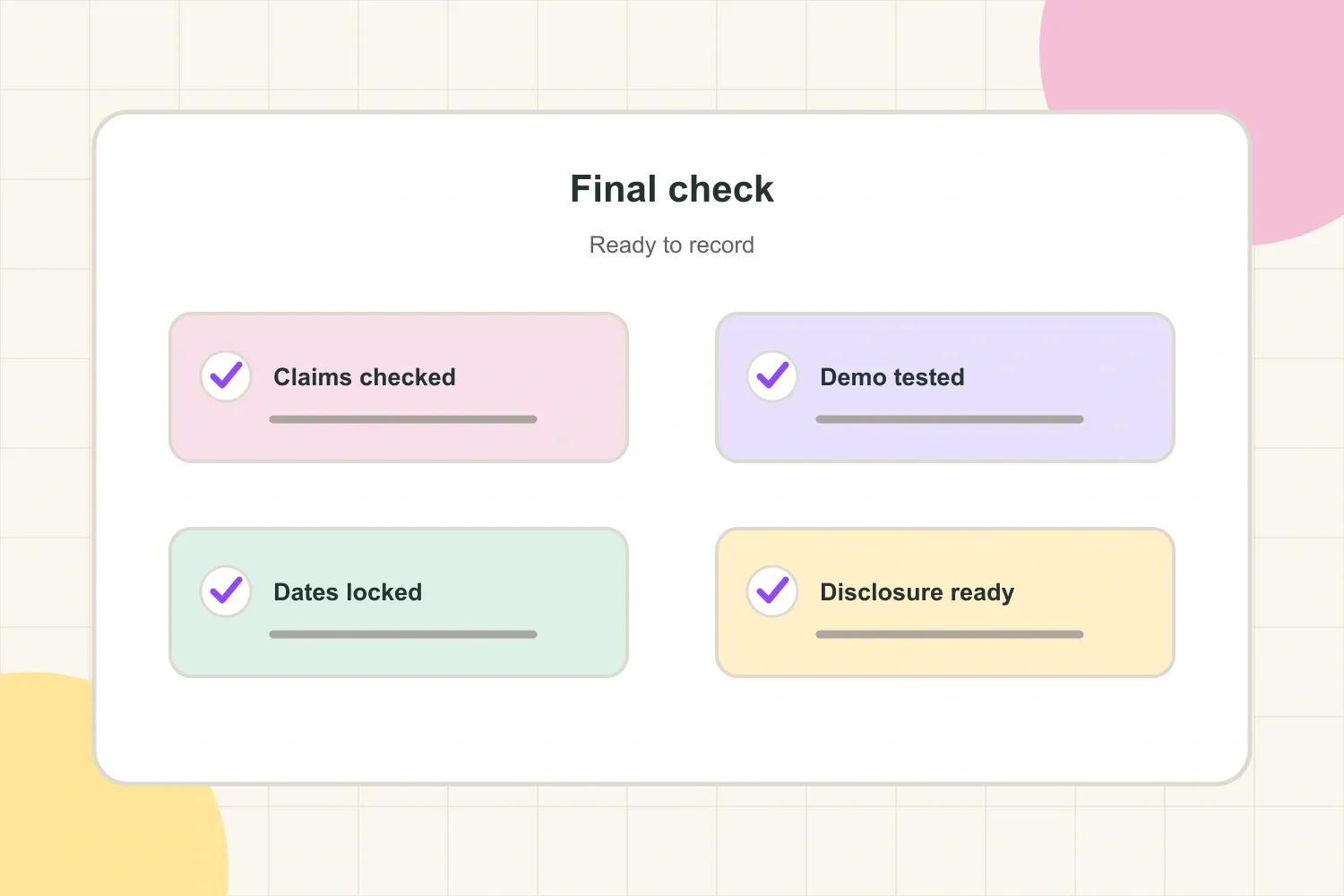
Run the final pre-filming checklist
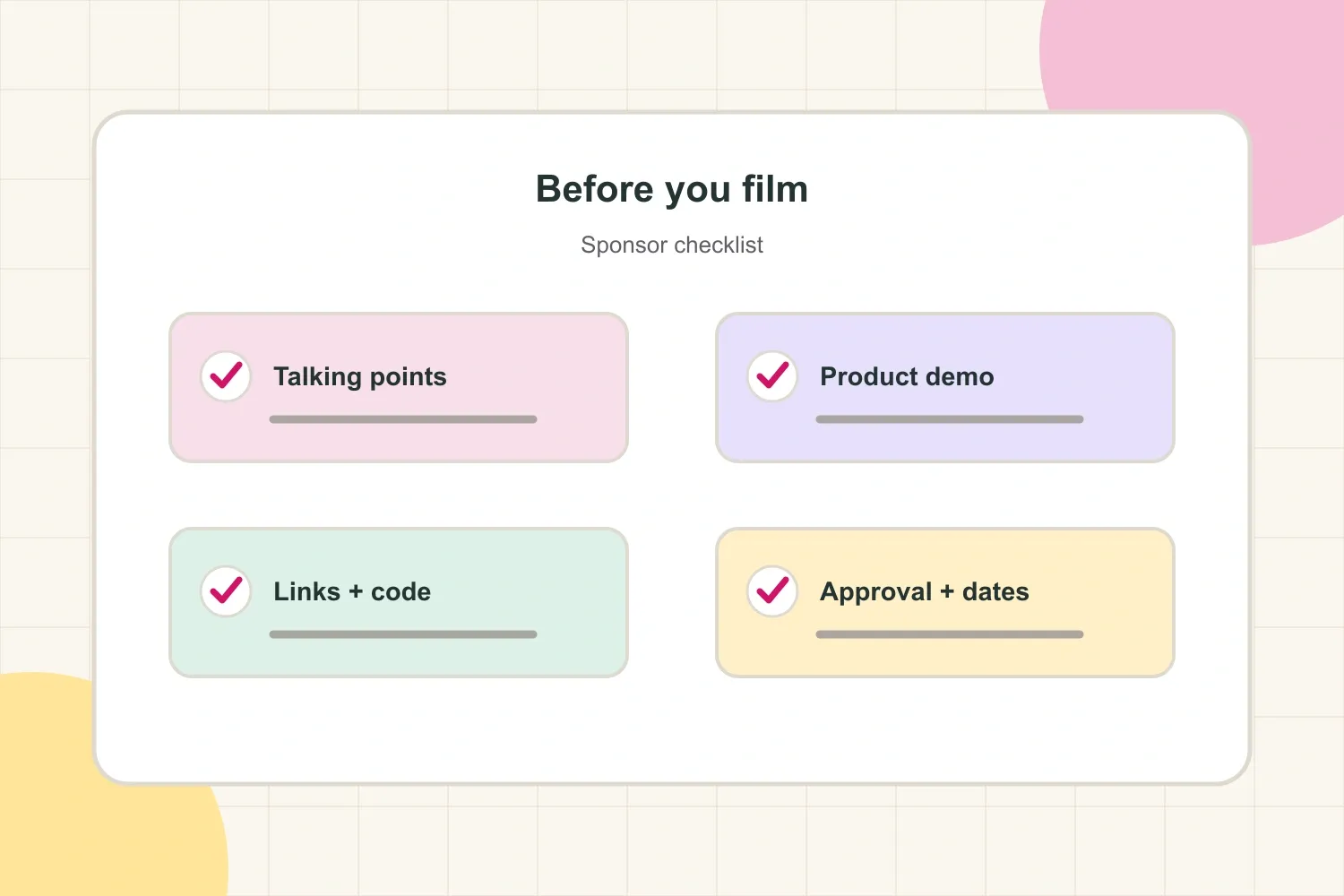
Use a final check shortly before recording. Every item should have a clear answer or owner:
- Are the required claims and prohibited claims documented?
- Is the correct product, version, account, or sample ready?
- Has the demonstration been tested from start to finish?
- Is the placement and duration agreed?
- Are the link, code, landing page, and description copy confirmed?
- Does everyone know what requires approval and how many revisions are included?
- Are filming, review, approval, and publishing dates realistic?
- Is the disclosure plan ready for the recording and upload?
- Does the creator know what can remain in their own voice?
If any answer is “not yet,” pause the shoot or assign a specific person to resolve it. A short delay before filming is usually cheaper than a reshoot, a missed launch, or a video that cannot be approved.
The best YouTube sponsorship checklist creates clarity without flattening the creator’s voice. Confirm the factual and commercial requirements, test the product, define the review path, protect enough time for production, and plan disclosure before the camera turns on. Then the sponsored segment has a better chance of feeling useful to viewers and workable for the brand.