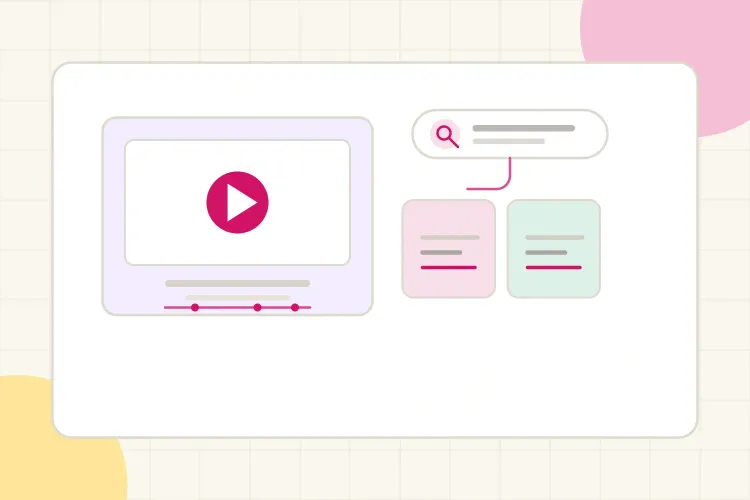
A creator can publish a genuinely useful video and still watch it disappear because YouTube does not have a clear enough understanding of who should see it. YouTube SEO is the work of making the topic, promise, context, and viewer experience easier for the platform and the audience to understand.
The practical answer is not to repeat a keyword in every field. Choose a topic with a specific viewer need, build a title and thumbnail that make the promise clear, explain the video naturally in the description, add useful chapters, and then study whether viewers actually continue watching. Search can help someone discover the video; satisfying that viewer is what gives the video a chance to travel through recommendations too.
Short answer: prioritize the viewer’s question and the quality of the answer before fine-tuning metadata. A clear topic earns relevance, the title and thumbnail earn the click, and a satisfying video gives search traffic a chance to become recommendations.
What YouTube SEO actually means
YouTube SEO is often reduced to tags and keyword tools. Those can be useful for research, but they are only part of the picture. YouTube says search systems consider relevance, engagement, and quality, including how well the title, description, tags, and video content match the query and how viewers respond to the result. You can check the platform’s official explanation of how YouTube search works when you want to separate platform guidance from SEO folklore.
That creates two jobs for a creator:
- Make the topic legible: give YouTube and the viewer enough consistent context to understand what the video answers.
- Make the answer worth watching: deliver on the title and keep the video useful enough that viewers do not leave immediately.
This is why SEO begins before the upload screen. If the idea is vague, metadata cannot turn it into a focused video. If the idea is useful but the packaging is unclear, the right viewers may never click.
Start with a topic people can actually find
Topic selection is the most important part of YouTube SEO. Start with a problem, task, comparison, or question that a specific viewer might type into YouTube. “Camera tips” is a subject. “How to get sharp photos in low light” is a clearer search need and a more useful video brief.
Look for topics in four places:
- YouTube autocomplete: begin typing a phrase and note the completions. These are not a guarantee of volume, but they reveal the language people use.
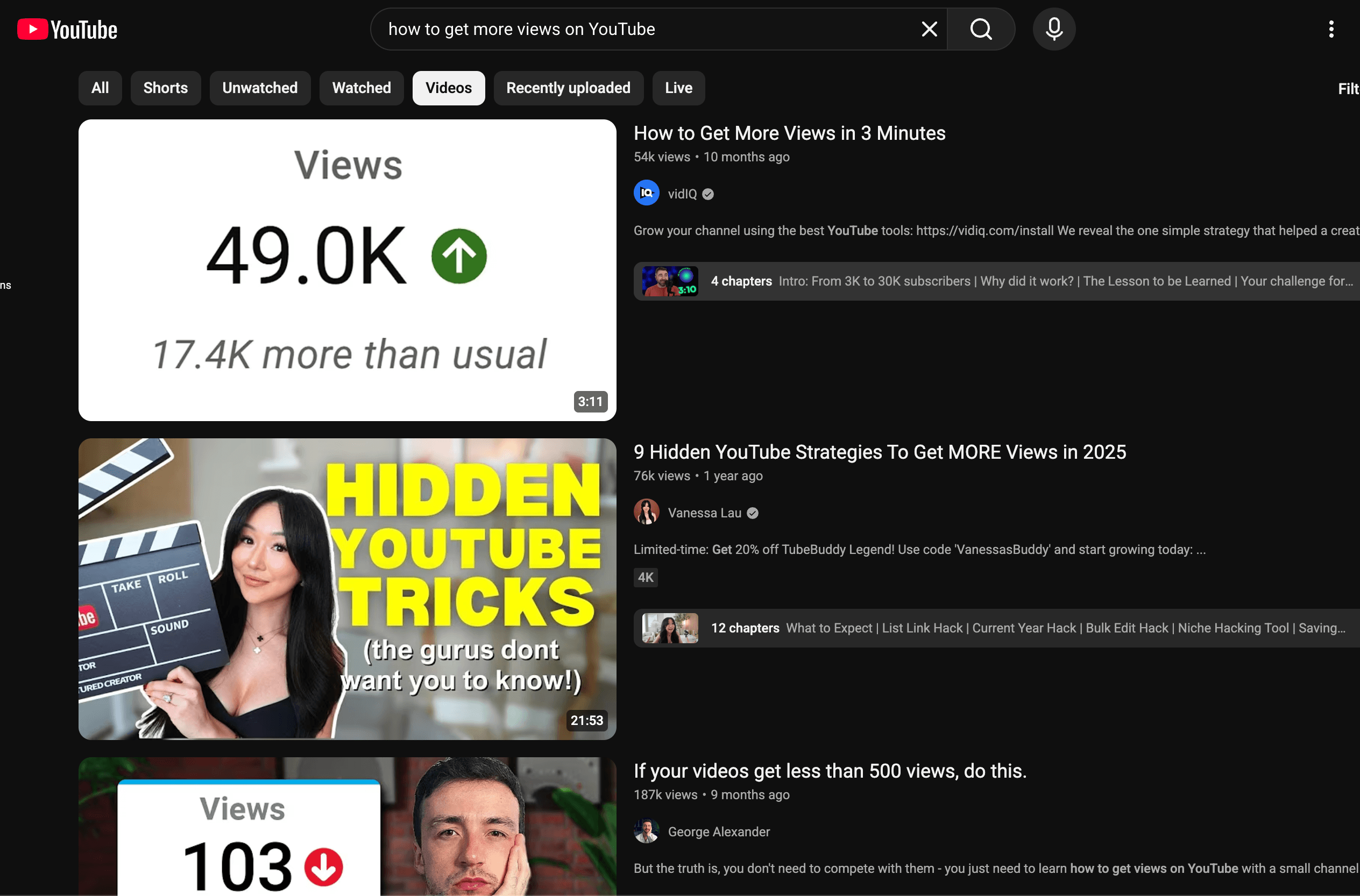
- Search results: inspect the videos already ranking. Are they tutorials, reviews, explainers, or recent answers? Notice what the current results fail to explain.
- Your own comments and analytics: recurring questions, YouTube Search traffic, and the exact terms in reach reports can reveal topics that already fit your audience.
- Adjacent questions: once you find one useful query, list the next questions a viewer would ask before and after it. A creator teaching sourdough, for example, can move from “how to feed a sourdough starter” to “why is my starter not rising?” and “how to store sourdough starter.”
Choose one primary question per video. Related phrases can appear naturally in the script and description, but a video that tries to answer five unrelated searches usually makes a weaker promise. If your topic could work as either a Short or a longer video, use this comparison of YouTube Shorts and long-form videos to match the format to the viewer’s intent.
When you review the results, compare the recurring promise, format, audience, and level of detail before deciding what your video should add.
Match the title to the search intent
The title should tell the viewer what they will get, not merely contain the keyword. The best wording depends on the intent behind the search:
| Search intent | Useful title direction | Example |
|---|---|---|
| Learn a process | How to, tutorial, step-by-step | How to Edit YouTube Videos on Your Phone |
| Fix a problem | Why, fix, mistakes, troubleshooting | Why Your YouTube Videos Get No Views |
| Choose between options | Best, comparison, X vs. Y | CapCut vs. Premiere Pro for Beginners |
| Understand a topic | Explained, guide, what it means | YouTube Analytics Explained for Small Creators |
Put the important phrase where it still sounds natural, usually near the beginning or in the first half of the title. Then add the detail that makes the result specific: the audience, constraint, method, timeframe, or decision.
Avoid titles that promise a result the video cannot demonstrate. Clickbait may create an impression, but a fast drop after the click tells you the packaging and experience are misaligned. A precise title can attract fewer casual clicks and more of the viewers who are actually likely to watch.
Your thumbnail supports the title rather than repeating it. Use a clear focal point, a visual contrast, or a short emotional cue that helps the viewer understand why the video is worth attention. For more help making that promise readable at small size, see CreatorsJet’s guide to YouTube thumbnails that get views.
Write a description that adds real context
The first lines of the description have two audiences: the person deciding whether to continue and the systems trying to understand the video. Use them to state the answer, audience, or outcome in plain language instead of opening with a wall of links.
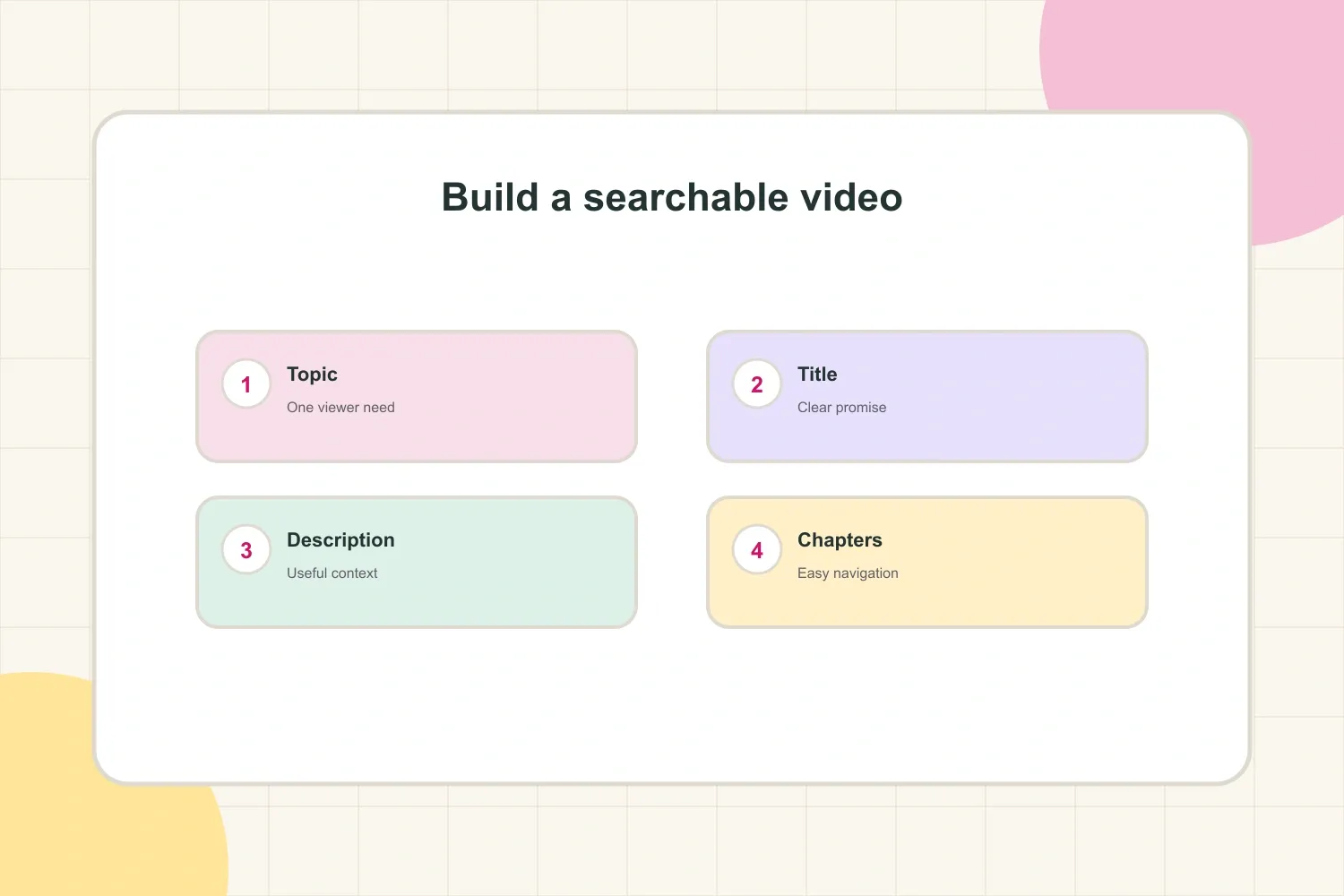
A useful description can follow this structure:
- Opening summary: explain what the video helps the viewer do and name the main topic naturally.
- What the viewer will learn: list two or three specific points, especially if the video answers a multi-step question.
- Resources and related videos: add genuinely useful links after the summary. A “watch next” suggestion can help the viewer continue within the channel.
- Chapters: place the timestamp list where it is easy to scan, using titles that describe the actual sections.
Do not copy a keyword list into the description. Repetition makes the writing less useful and can look like spam. The description should help a viewer decide, navigate, and take the next relevant step.
Use chapters as navigation, not keyword stuffing
Chapters improve the experience of a long video by helping viewers jump to the part they need. They also give additional language and structure around the topics covered, but their first job is navigation.
For manual chapters, YouTube currently requires the first timestamp to start at 00:00, at least three timestamps in ascending order, and chapter sections of at least 10 seconds. The official YouTube video chapters guidance explains the current requirements and automatic-chapter settings.
Write chapter titles as useful labels:
00:00 What this video will solve01:18 The mistake that causes the problem03:42 The setup that works better06:10 What to test next
“Part one” and “Part two” tell the viewer very little. A descriptive label can also help someone decide whether the video contains the exact answer they need.
Give YouTube consistent signals beyond metadata
YouTube can use more than the title and description to understand a video. The spoken content, captions, transcript, on-screen wording, chapters, and the way viewers respond all contribute to the context and performance picture.
That does not mean every sentence should be written for a machine. It means the video should use the same vocabulary as the viewer’s problem. If the title says “how to price a brand deal,” the opening, examples, chapter labels, and conclusion should make that subject obvious without awkward repetition.
Accurate captions are useful for accessibility and for viewers who watch without sound. They also reduce ambiguity when names, tools, or technical terms are easy to mishear. Review automatic captions when the terminology matters.
Tags are not the main lever. YouTube’s own guidance says the title, thumbnail, and description are more important for discovery, while tags play a minimal role except when they help with common misspellings. Use a few relevant tags if they clarify variants or spelling, then spend the remaining time improving the video and its packaging.
Use supporting fields without overrating them
Hashtags, filenames, playlists, end screens, and pinned comments can support a video, but they cannot rescue a vague topic or a weak opening. Use a small number of relevant hashtags when they genuinely describe the subject, and organize related uploads into a playlist when viewers are likely to watch them in sequence. Then give a satisfied viewer a relevant next video through an end screen or a natural mention. These choices support discovery and continued viewing; they are not substitutes for a clear promise.
Understand search versus recommendations
Search and recommendations can lead viewers to the same video, but they begin with different viewer situations.
- Search: the viewer has an active question or task. Relevance and a direct answer matter immediately.
- Recommendations: the viewer may not have searched for your exact topic. The video needs a compelling promise, a clear audience fit, and a viewing experience that makes continuing feel worthwhile.
A search-led video can earn recommended traffic when it satisfies the people who find it. A recommendation-led video can also appear in search when its topic and language are clear. These are not separate SEO systems where one keyword unlocks a traffic source. They are different entry points into the same viewer-response loop.
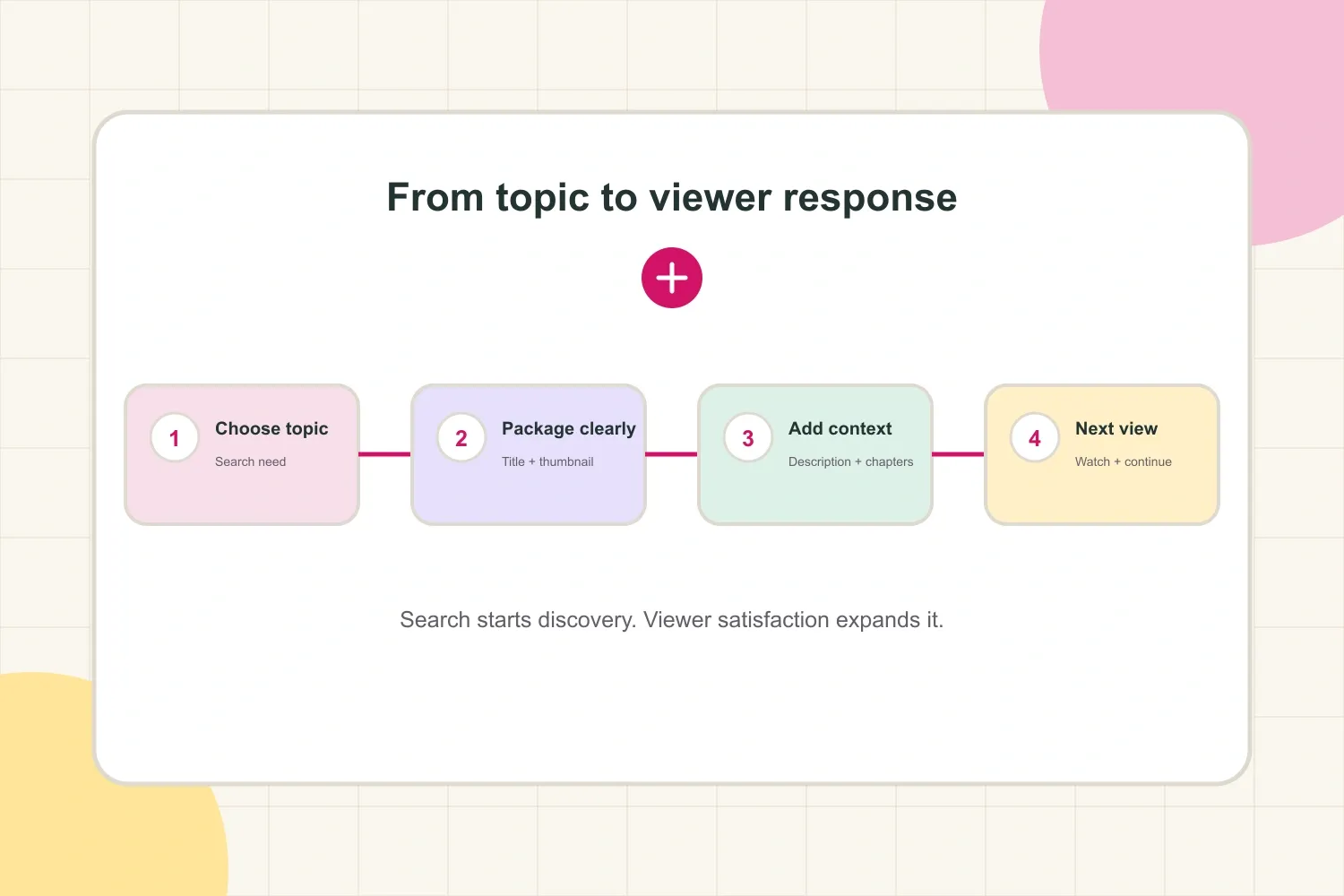
Think of the loop this way: a clear topic earns the first opportunity, packaging earns the click, the opening validates the promise, and the rest of the video earns satisfaction. If the video is useful but nobody clicks, revise the title and thumbnail. If it earns clicks but viewers leave early, improve the opening or correct the promise. If search traffic is healthy but recommendations are weak, look at whether the video gives viewers a reason to continue to another upload.
Use YouTube Analytics to improve the next video
YouTube SEO becomes more useful when it turns into a feedback system. After publishing, check the traffic source and the viewer behavior together rather than celebrating one number in isolation.
Useful questions include:
- Are impressions coming from YouTube Search? Review the exact terms where available and compare them with the title and the question the video actually answers.
- Are search impressions earning clicks? If not, test a clearer promise, a more specific title, or a thumbnail that makes the outcome easier to understand.
- Do viewers stay after the opening? A sharp early drop often means the video took too long to reach the answer or created an expectation it did not immediately confirm.
- Do viewers continue to another video? End screens, playlists, and a naturally related next step can turn a one-off search visit into a channel session.
- Which topics earn returning viewers? A topic that brings the right audience back may be more valuable than one that produces a single spike.
Do not make five changes at once on an old video and then assume you know which one worked. Change the element most connected to the problem, give it enough time to collect data, and keep notes on what the audience response says.
A practical YouTube SEO checklist
Before publishing, ask:
- Does the video answer one clear viewer question or task?
- Does the title state a specific outcome without overstating it?
- Does the thumbnail add a visual reason to click instead of duplicating the title?
- Do the opening lines of the description explain the video naturally?
- Are the chapters accurate, useful, and formatted from
00:00? - Do the spoken content, captions, and on-screen terms match the topic?
- Is the first minute organized around the promise made before the click?
- Is there a relevant next video, playlist, or channel action for viewers who want more?
- Will the analytics answer what to improve next?
The practical answer
YouTube SEO is not a metadata trick. It is a way to connect a real viewer need with a clear video promise, useful context, and a satisfying watch. Choose the topic carefully, package it honestly, use descriptions and chapters to make the content easier to understand, then let search and audience response show you what to improve next.