

A good YouTube thumbnail is not just a nicer image for the video. It is the first decision point: someone sees the thumbnail, reads the title, and decides whether the video feels worth a click.
The practical goal is simple: make the promise obvious fast. A thumbnail should show the viewer what the video is about, create enough curiosity to stop the scroll, and set an expectation the video can actually satisfy. If the thumbnail gets clicks but the video loses viewers immediately, YouTube has no reason to keep recommending it.
What makes a YouTube thumbnail get clicked
A thumbnail usually works when four things happen at once:
- Clarity: the viewer understands the topic in less than a second.
- Relevance: the image matches what the viewer wanted when YouTube recommended the video.
- Curiosity: there is a visible gap, result, contrast, mistake, or transformation worth opening.
- Honesty: the video delivers on the promise instead of baiting a click.
That last point matters more than many creators think. Click-through rate can look good for a misleading thumbnail, but the video will usually lose watch time, satisfaction, and long-term trust. A thumbnail that attracts the right viewer is more useful than one that attracts any viewer.
Use the right thumbnail specs
YouTube’s official thumbnail guidance recommends uploading a high-resolution 16:9 image and keeping the file within YouTube’s format and size limits. The safest working size for most creators is still 1280 x 720 px or larger, with a clear 16:9 crop and readable visuals. YouTube’s current help page also says thumbnails can be JPG, GIF, BMP, PNG, or WEBP, and must follow YouTube thumbnail policies.
The specs are the easy part. The harder part is designing for where the thumbnail will actually appear: home feed, search results, suggested videos, Shorts surfaces, TV screens, and mobile notifications. If the idea only works at full size inside a design file, it is not ready.
Design the thumbnail and title together
The thumbnail and title should not repeat each other. They should work as one package.
The thumbnail creates the visual question. The title gives context, stakes, or payoff. If the thumbnail says everything and the title says the same thing again, the package feels flat. If the thumbnail and title suggest two different videos, the viewer feels tricked.
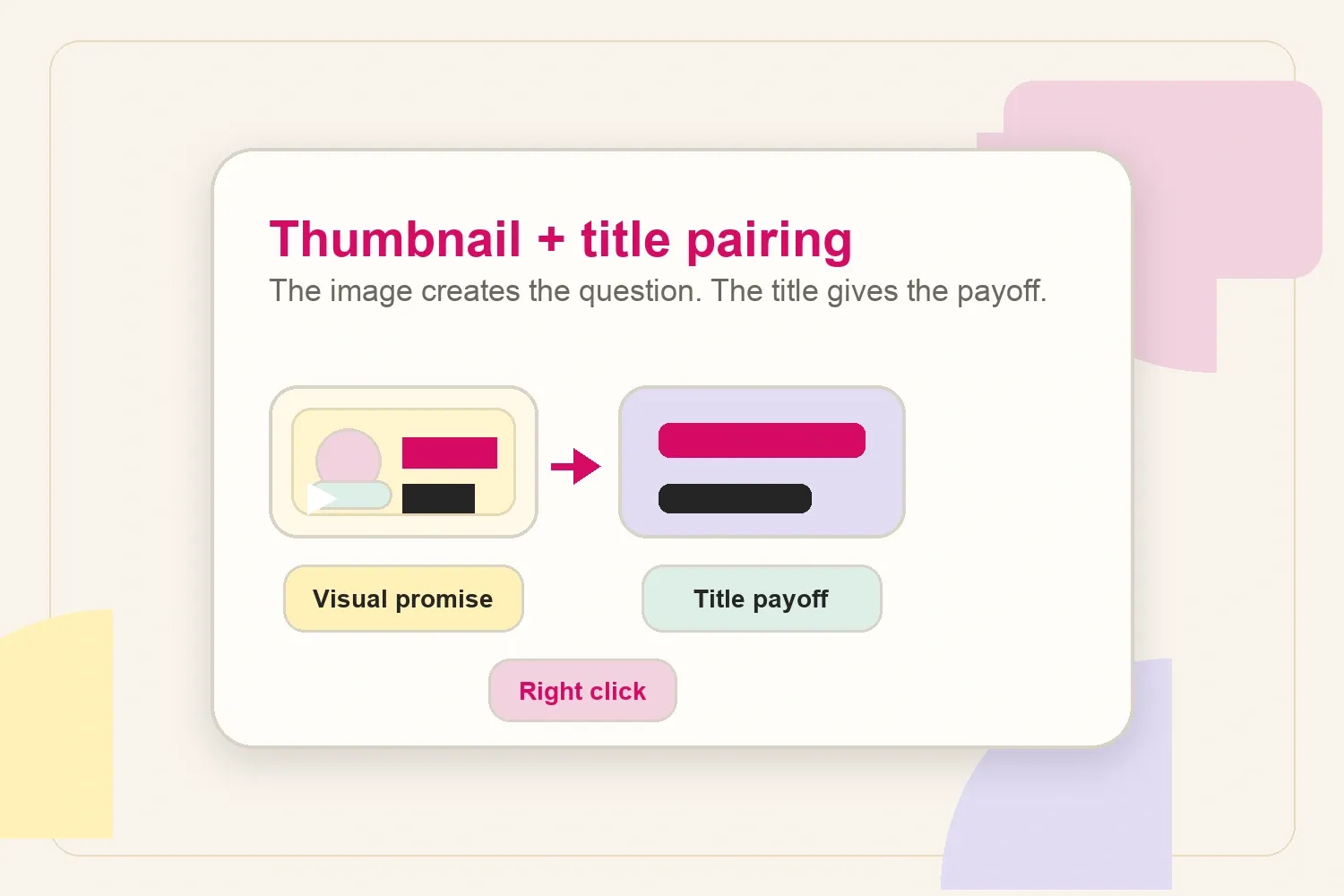
For example, a creator making a video about fixing low retention could use the thumbnail to show a dramatic drop in a retention graph, while the title explains the angle: “Why Viewers Leave in the First 30 Seconds.” The image creates the problem; the title explains why clicking helps.
Before filming, write a one-line promise for the video:
- What does the viewer want?
- What will be clearer after watching?
- What visual moment best represents that promise?
- What title angle makes the promise specific?
This is also why packaging should happen before the edit is finished. A creator planning a tutorial, reaction, comparison, or experiment can capture better thumbnail material during filming instead of hunting for a weak screenshot later. If the video idea still feels vague at this stage, reviewing a list of YouTube video ideas can help sharpen the concept before design starts.
Choose one focal point
Most weak thumbnails are not ugly. They are crowded.
The viewer should not have to decode five elements, three faces, two arrows, and a wall of text. Pick one main idea and make it large enough to survive mobile. Good focal points include:
- a face with a clear emotion;
- a product, tool, screen, or object being discussed;
- a before-and-after contrast;
- a result, mistake, or surprising detail;
- a simple chart or number when the video is about performance.
If two elements are necessary, make the hierarchy obvious. One should be primary, the other should support it. When everything has the same visual weight, nothing feels important.
The embedded YouTube Short makes the same point in a practical way: a thumbnail becomes easier to click when it uses only a few recognizable elements, looks believable, and matches what the viewer sees immediately after clicking.
The useful takeaway is not that every thumbnail should be raw or unedited. It is that realistic and authentic thumbnails often feel more trustworthy than over-designed ones. If the image looks believable and the opening seconds validate the promise, the click has a better chance of turning into watch time.
Run the small-screen test
A thumbnail does not need to be beautiful at full size. It needs to stay understandable when YouTube shrinks it.
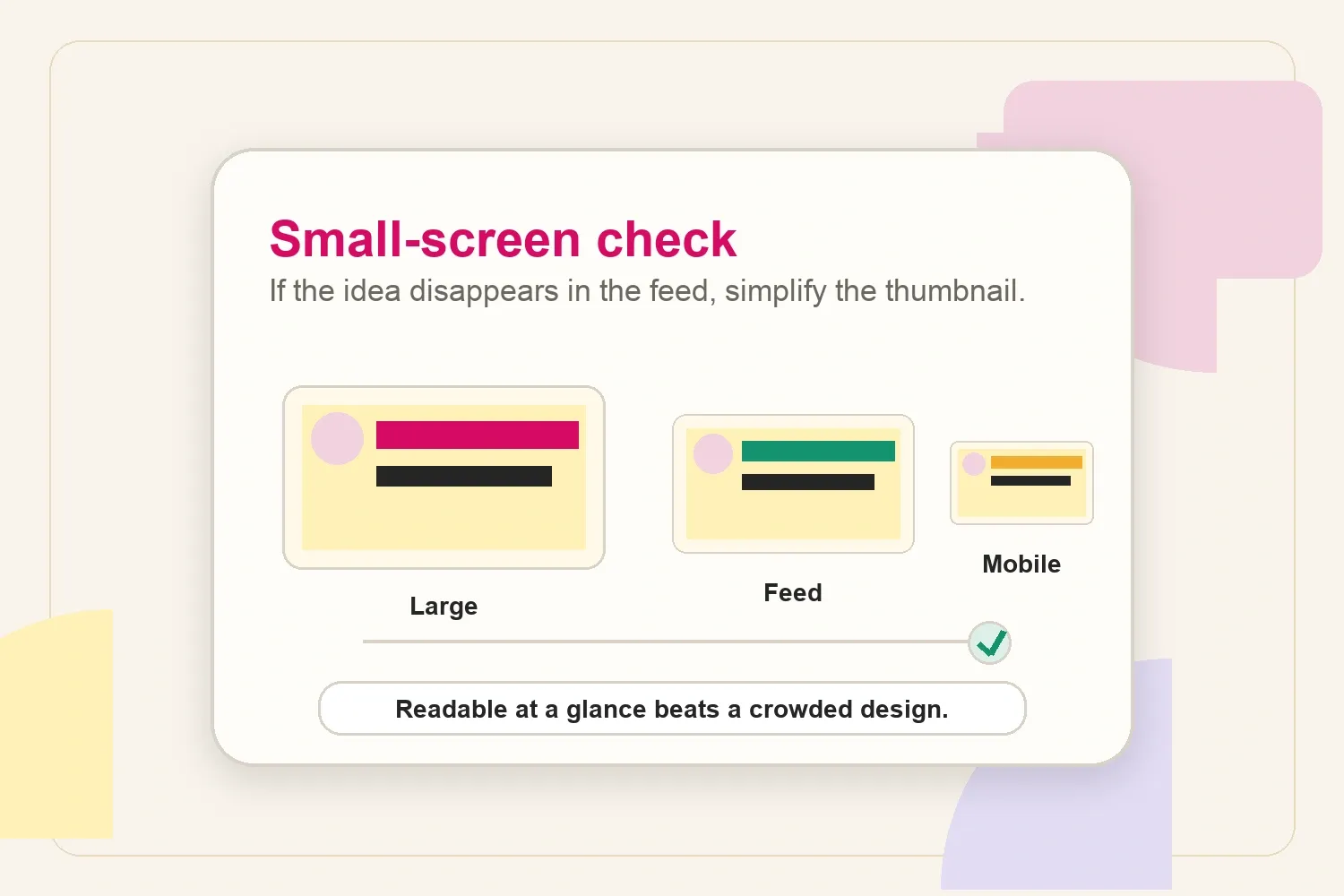
Before publishing, zoom out until the thumbnail is roughly the size it appears in a feed. Then ask:
- Can the main subject still be identified?
- Is the contrast high enough?
- Is the text readable without effort?
- Does the image still look like the same idea?
- Would a stranger understand the category of the video?
If the answer is no, simplify. Remove a prop, crop tighter, make the subject bigger, reduce the text, or increase the contrast. A slightly simpler thumbnail usually beats a clever design that only makes sense to the creator.
Use text only when it adds something
Thumbnail text should add tension or clarity, not repeat the title. In most cases, zero to four words is enough.
Useful thumbnail text can:
- name the transformation: “Before” / “After”;
- create contrast: “Then” / “Now”;
- highlight a result: “3x faster”;
- make a mistake visible: “Wrong setup”;
- label the subject when the image alone is unclear.
Avoid tiny captions, long sentences, and decorative labels. If the viewer has to read the thumbnail like a slide, the design is doing too much.
Match the thumbnail to the viewer’s intent
Different YouTube formats need different thumbnail logic.
A tutorial thumbnail should make the outcome clear. A commentary thumbnail needs a recognizable subject or tension. A product review should show the product and the angle. A challenge or experiment should show the stakes. A creator story can use emotion, contrast, or a visible turning point.
This is where niche matters. Finance thumbnails often rely on numbers and contrast. Beauty thumbnails rely on faces, products, and visible results. Gaming thumbnails rely on action and instantly recognizable scenes. A thumbnail should feel native to the viewer’s expectations without becoming a copy of every other channel in the niche.
Test variations without chasing empty clicks
YouTube’s native Test & Compare feature lets eligible creators test up to three thumbnails for the same video. According to YouTube’s thumbnail testing documentation, the winning thumbnail is based on watch time share, not only click-through rate.
That is a useful signal because a thumbnail should not just get attention. It should attract viewers who keep watching.
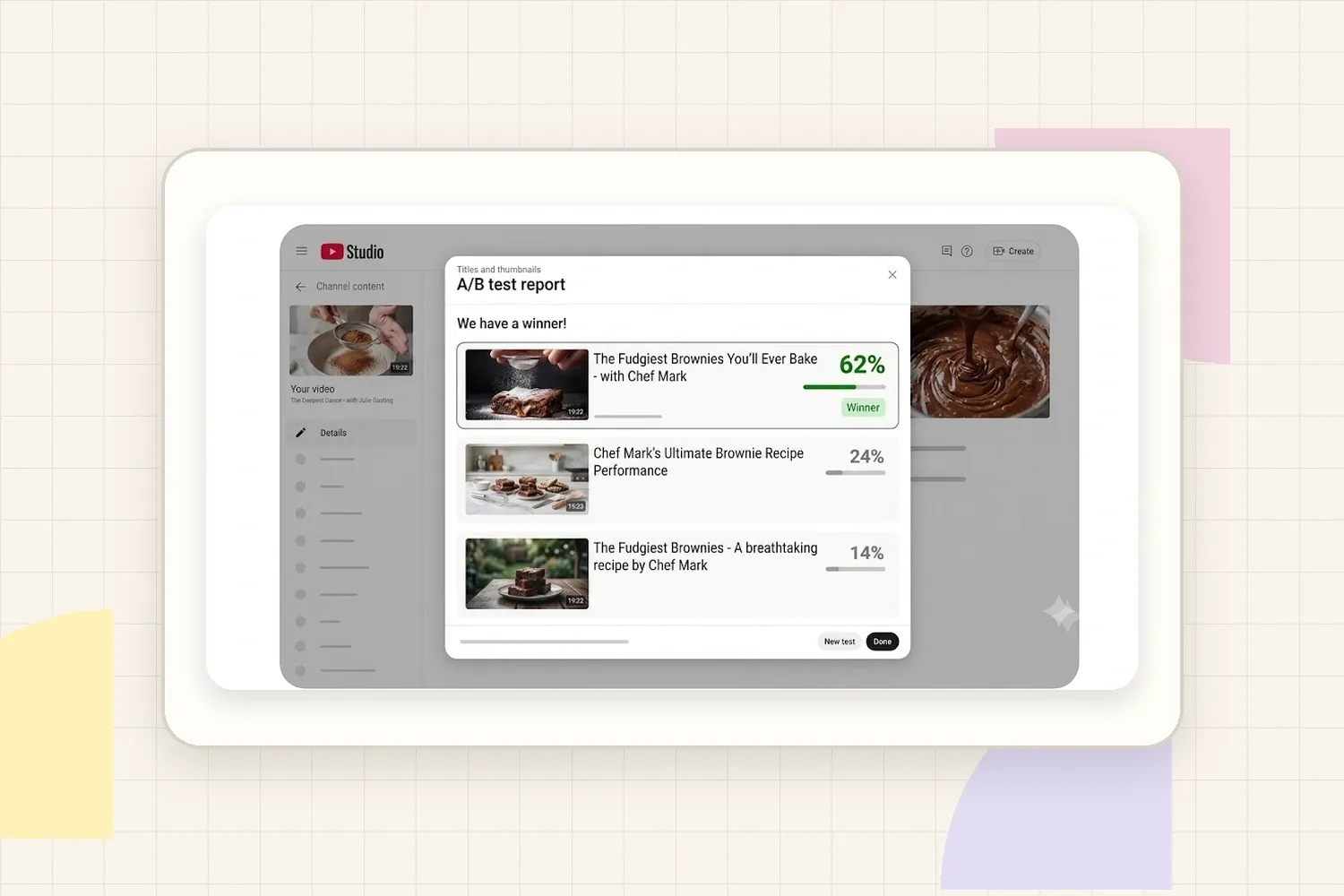
The report view makes the lesson more concrete: thumbnail testing is about comparing packages and choosing the version that earns better viewer behavior, not just the design that looks nicest in isolation.
Good tests usually change one meaningful thing at a time:
- face vs. object;
- result vs. problem;
- text vs. no text;
- close crop vs. wider context;
- high contrast vs. calmer design.
Avoid testing five tiny layout changes that nobody notices. If the difference is invisible at feed size, the test is unlikely to teach anything useful.
Common thumbnail mistakes
The most common thumbnail mistakes are easy to miss because they often look acceptable in the design file:
- Too much text: the thumbnail becomes unreadable on mobile.
- No clear focal point: the viewer does not know where to look first.
- Generic emotion: an exaggerated face without a specific reason feels fake.
- Mismatch with the title: the package promises two different things.
- Misleading image: the click happens, but trust and watch time drop.
- Overused template: every video starts to look the same, even when the topic changes.
- No performance review: the creator keeps guessing instead of learning from results.
The fix is not to make every thumbnail louder. The fix is to make every thumbnail more intentional.
Review performance like a creator-business asset
Thumbnail performance is not only a growth metric. It affects how well a creator can prove demand, package content, and show audience interest to partners.
If better thumbnails lift qualified views and watch time, the revenue impact can be estimated with a YouTube money calculator. For brand work, a creator’s influencer media kit can also separate top-performing videos, audience fit, and examples of content that already earns attention.
Useful metrics to review after publishing:
- click-through rate, especially compared with similar videos;
- average view duration and retention after the click;
- traffic source, because search, browse, and suggested videos behave differently;
- comments that mention why viewers clicked;
- repeat patterns across the videos that keep performing.
A thumbnail is not successful because it looks good in isolation. It is successful when it attracts the right viewer, supports the title, and helps the video earn real watch time.
Final checklist
Before publishing a YouTube thumbnail, check:
- The main idea is readable in under a second.
- The thumbnail and title work together instead of repeating each other.
- The image still works at mobile size.
- Any text is short, large, and useful.
- The promise is honest to the video.
- The file follows YouTube’s current upload guidance.
- The results will be reviewed after publishing.
Thumbnails that get views are not just brighter, louder, or more dramatic. They are clearer. They help the right viewer understand why the video matters, and they give the content a fair chance to be watched.