

A media kit should make it easy for a brand to understand who you are, what your audience looks like, what you can create, and how to contact you. The best media kit tool is therefore not always the tool with the most templates. It is the one that matches how often you update your numbers, how much design control you need, and whether you want creator-business features such as rates, partnerships, hosted links, or PDF exports.
The six media kit tools in summary
| Tool and best for | Main advantage | Main limitation |
|---|---|---|
| CreatorsJet: dedicated media kit tool | Automatic social statistics, creator-focused sections, rates, partnerships, hosted link, and PDF export | Less unrestricted design freedom than general design tools |
| Canva: complete design control | Extensive templates, customization, and multiple export formats | Statistics and audience data require manual updates |
| Kittl: creator branding and visual design | Design tools, templates, branded visuals, and campaign concepts | No automatic social-stat integration or creator administration |
| Visme: interactive media kits | Data visualizations, interactive elements, hosted links, embeds, and PDF exports | Not specifically designed around creator analytics |
| Adobe Express: Adobe users | Professional templates, Adobe fonts, and reusable brand assets | No automatic social-stat integration |
| Notion: simple DIY option | Flexible public page, easy editing, and free templates | No automated analytics, rate-card features, or creator workflow |
There is no universal “best” tool. A creator who sends pitches every week has different needs from someone who updates a one-page portfolio only twice a year. The sections below explain those two workflows before comparing each option.
1. CreatorsJet: best dedicated media kit tool for creators
CreatorsJet is the best fit when your media kit is part of an ongoing brand-deal workflow. It is designed around creator needs rather than general presentation design, so the structure can include social statistics, audience information, rates, partnerships, services, and a clear way for brands to contact you. You can use a hosted link for outreach and export a PDF when a brand requests an attachment.
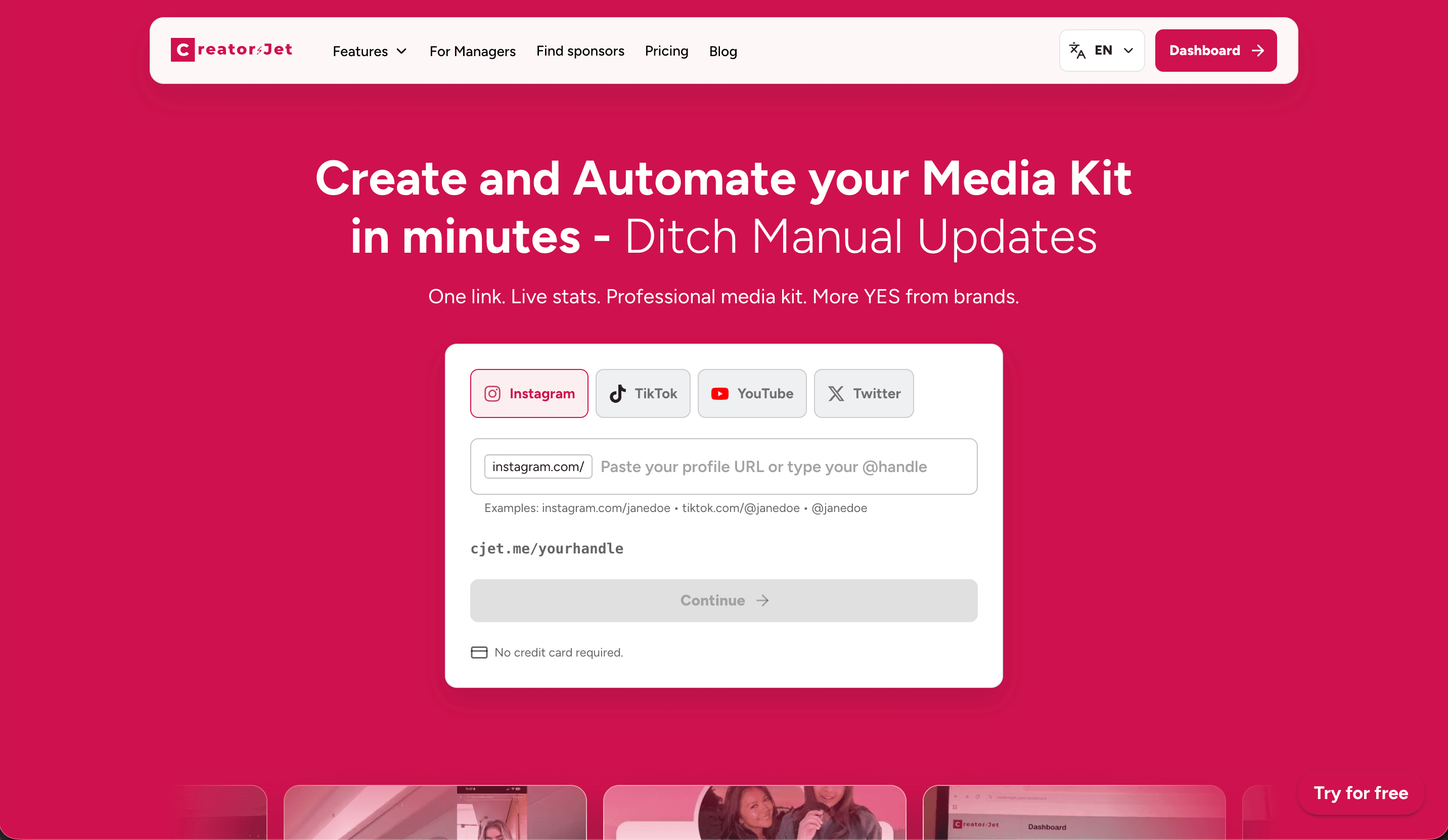
The main advantage is reduced maintenance. Automatic social statistics can keep the proof in your media kit closer to your current channel performance, while creator-focused sections help you present commercial information in one place. That is particularly useful when you pitch across several platforms or need different versions of your offer for different campaigns.
The trade-off is design freedom. You will have less control than in a blank canvas tool such as Canva. That is a reasonable compromise if your priority is speed, current data, and a repeatable creator workflow rather than designing every spacing and decorative element yourself.
Choose CreatorsJet if you regularly contact brands, want a hosted media kit and PDF option, or need to keep statistics and offers easy to update. It is less compelling if you are making a one-off portfolio and want complete control over an unusual visual layout.
If you are still deciding what your document should contain, this influencer media kit guide is a useful reference for the information brands usually need to evaluate a collaboration.
2. Canva: best for complete design control
Canva is a good fit for creators who want to control the visual identity of every page. Its template library, drag-and-drop editor, image layouts, brand colors, and export options make it easy to create a media kit that feels closely connected to your content.
It works especially well when your pitch depends on visual presentation: fashion, beauty, travel, food, photography, design, or any niche where examples need to look professional immediately. You can create a PDF, adapt the same content for a presentation, or build different versions for different brand categories.
The limitation is manual upkeep. Every time your follower count, engagement snapshot, audience breakdown, rates, or portfolio changes, you must update the source file and any exported copies. A beautiful PDF with six-month-old statistics can weaken trust more than a simpler but current document.
Choose Canva when design control is your main requirement and you are disciplined about maintaining one current source file. Before sending it, check every number, link, date, rate, and brand example. If you use several versions, name them clearly so you do not accidentally send an old file.
3. Kittl: best for creator branding and visual design
Kittl is a design-first option for creators who want their media kit to feel highly branded. It can be useful when your pitch depends on clear visual identity, campaign concepts, thumbnails, merchandise, or other design-led examples. Kittl’s design platform is built around creating branded visuals rather than managing creator analytics or campaign administration.
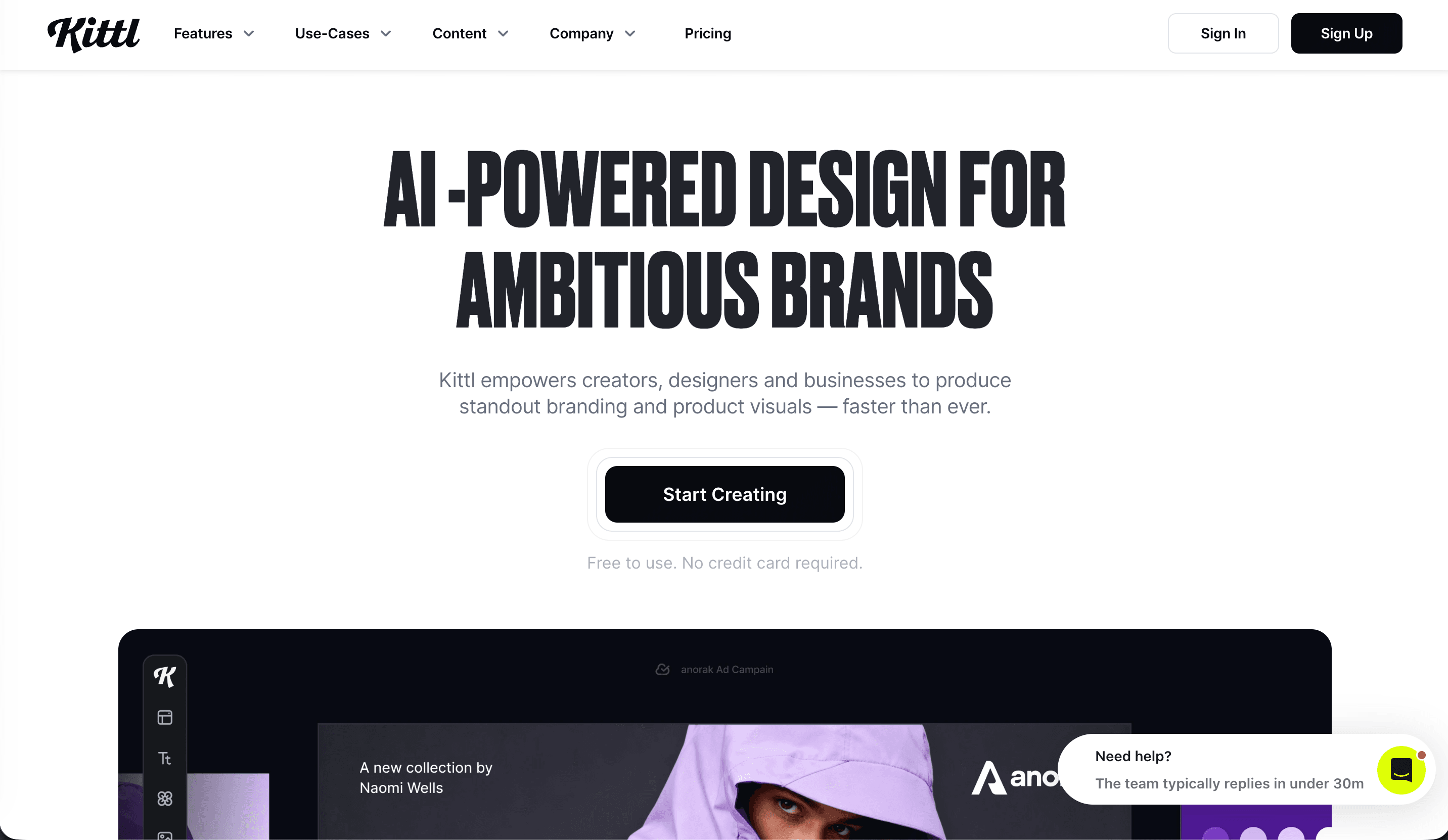
The advantage is creative control. A creator can use a consistent visual system across a media kit and the content examples inside it, then adapt the same assets for a proposal or campaign concept. That can be valuable in fashion, gaming, food, design, and other niches where presentation is part of the proof.
The limitation is maintenance and creator-business context. Kittl does not replace a live social-statistics workflow, rate-card system, or campaign tracker. You will still need to collect current audience data, update your offer, and keep the exported or shared version accurate.
Choose Kittl when the visual identity of your media kit is the main selling point. Choose CreatorsJet when you need current creator statistics and partnership information to be easier to maintain.
4. Visme: best for interactive and data-rich media kits
Visme is a good choice when your media kit needs more than static pages. It is designed for presentations and visual communication, so it can support charts, data visualizations, interactive elements, hosted links, embeds, and PDF exports. A creator with a complex audience story or several service packages may use those features to make information easier to explore.
For example, a travel creator could present audience geography in a chart, organize destination examples in a visual portfolio, and link each case study to a relevant campaign. A business or education creator could use interactive sections to separate audience data, content examples, and partnership options without putting everything into one dense page.
Visme is most useful when the interactive presentation is part of the pitch. The limitation is that it is not built specifically around creator analytics. You may still need to collect, verify, and update social statistics manually, and it can take longer to maintain than a dedicated creator tool.
Choose Visme when data storytelling or interactivity will genuinely help a brand understand your value. Do not add motion, charts, or embeds simply because the tool allows them. A brand should be able to find your audience, examples, offer, and contact path quickly.
5. Adobe Express: best for creators already using Adobe
Adobe Express makes sense for creators who already work inside the Adobe ecosystem or want a coherent design system without starting from a blank page. Templates, Adobe fonts, brand assets, and reusable visual elements can help your media kit match your website, portfolio, or content identity.
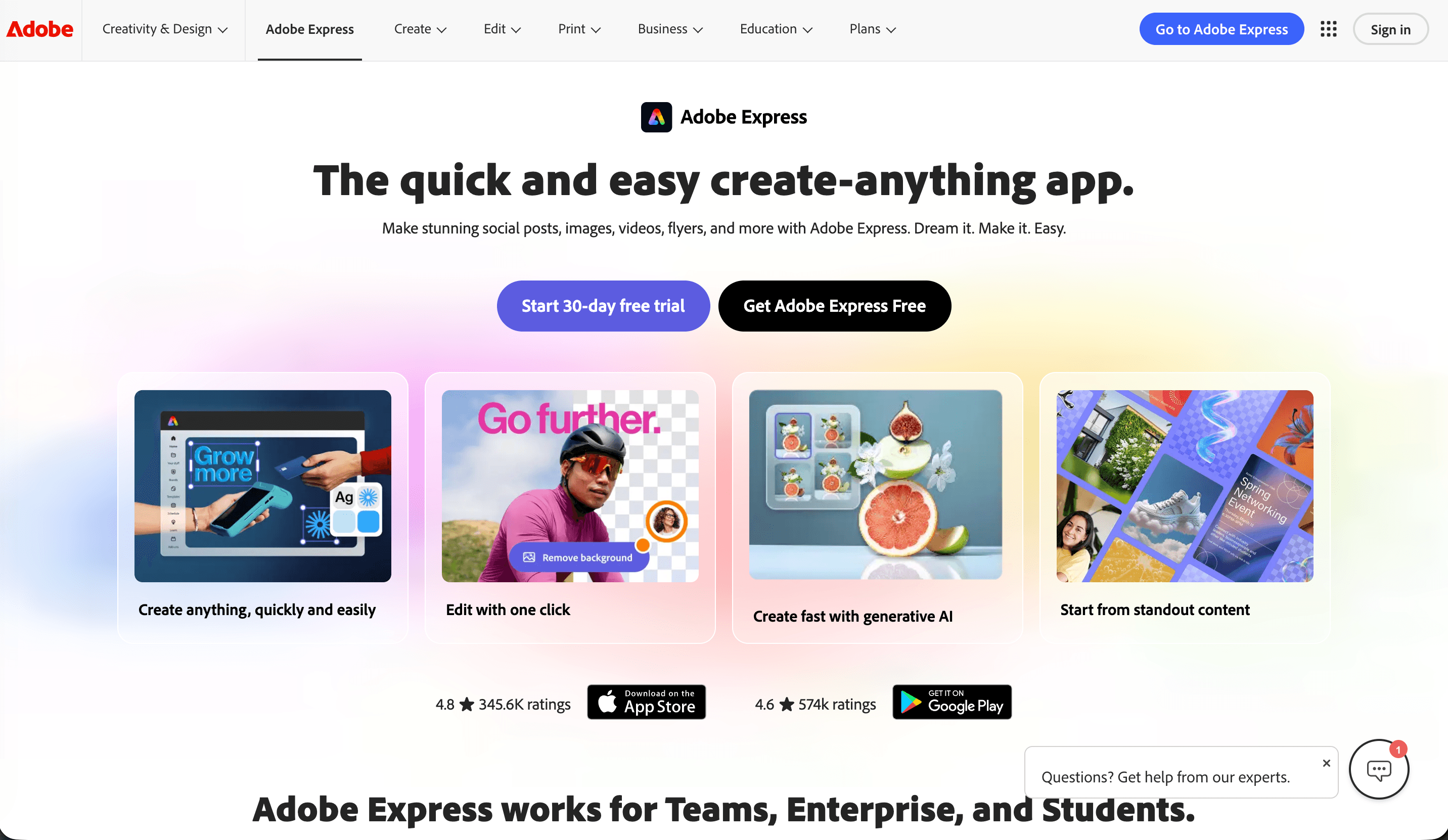
It is a practical choice for design-conscious creators who need a straightforward PDF or presentation and already have their images and brand rules organized. Reusing the same colors, typography, and visual assets can make several commercial documents feel consistent.
The limitation is the same one found in most general design tools: your social statistics and audience data are not automatically maintained as part of a creator workflow. You must update the numbers, proof points, links, rates, and examples yourself. Keep a dated master file and review it before every major outreach cycle.
Choose Adobe Express when the design system and your existing Adobe workflow matter more than connected creator analytics. Otherwise, compare the time required to maintain it with the time you would save using a dedicated tool.
6. Notion: best for a simple DIY media kit
Notion is the simplest option for creators who want a flexible public page that is easy to edit. You can organize a short introduction, audience snapshot, content examples, services, rates, testimonials, and contact details without designing a full PDF. Free templates can help you create a starting structure quickly.
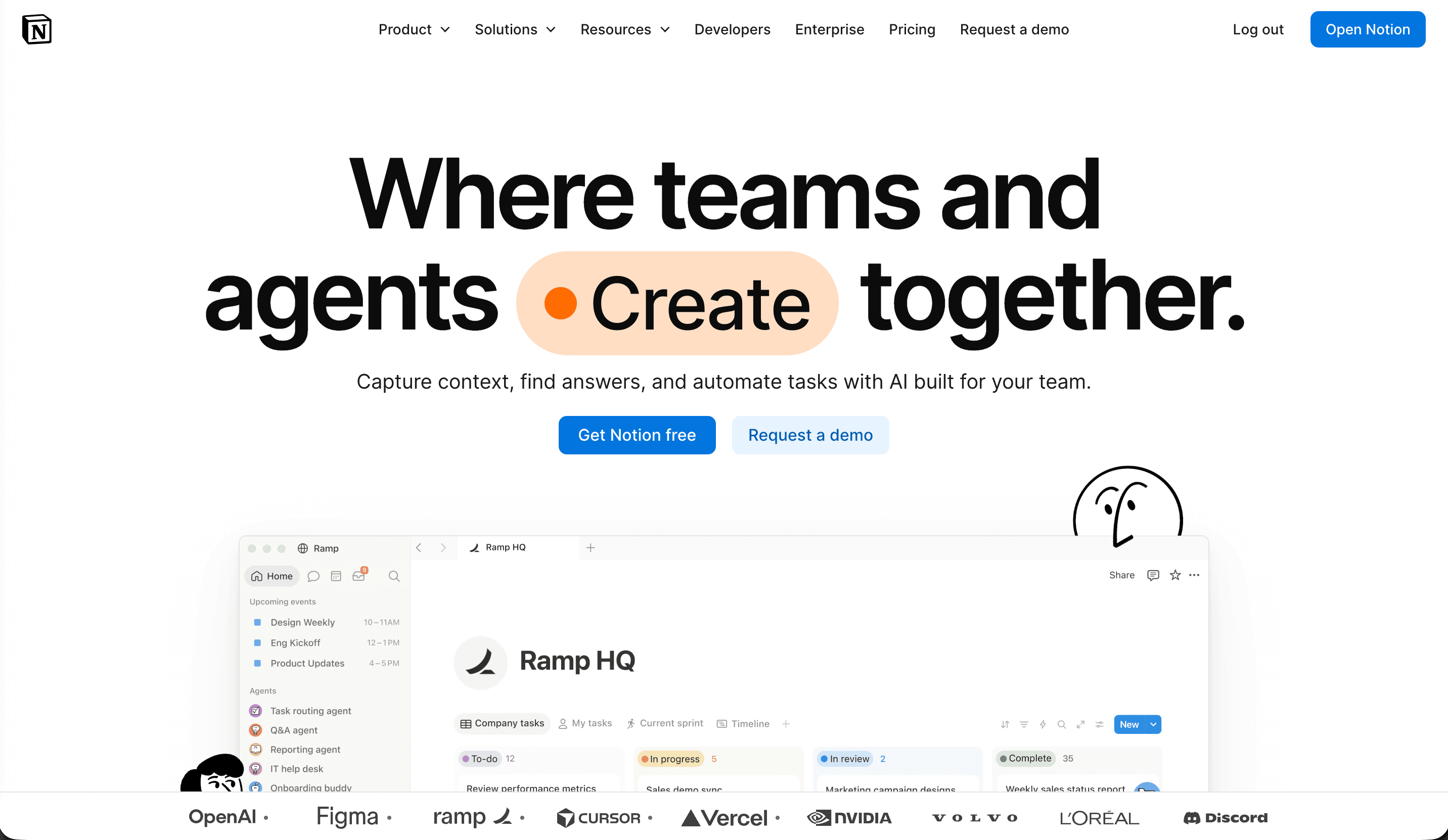
Its biggest advantage is speed and flexibility. You can update the page from anywhere, change the order of sections, and send one public link instead of exporting a new attachment each time. It can be enough for a new creator who is testing a niche or beginning to contact small brands.
The limitations are important. Notion does not automatically refresh social analytics, provide a dedicated rate-card workflow, or guide you through a professional creator-business presentation. You are responsible for the visual hierarchy and for making sure the page does not feel like an internal notes document.
Choose Notion when your priority is a current, shareable page and your offer is still simple. Move to a dedicated tool or a more designed builder when you need clearer proof, richer presentation, multiple versions, or a more formal sales experience.
How these media kit tools were compared
The comparison focuses on the decisions that affect a creator after the first template is chosen: how current the social proof can stay, how much visual control you have, whether you can share a hosted link or export a PDF, how easily you can present rates and past partnerships, and how much maintenance the workflow requires. “Free” does not automatically mean better value if every statistic and rate must be rebuilt manually. Features and plan limits can change, so check the current offer before committing to a paid plan.
For a quick decision, choose CreatorsJet for a recurring creator-business workflow, Kittl for design-led branding, Canva or Adobe Express for familiar visual control, Visme for interactive data storytelling, and Notion for a simple public page you can update yourself.
Creator-focused tools vs. manual media-kit builders
CreatorsJet is the creator-focused option in this comparison, while Kittl is the design-first option. Both can help a media kit feel more intentional, but they solve different problems: CreatorsJet reduces creator-business maintenance, while Kittl gives you more room to shape the visual identity.
Canva, Visme, Adobe Express, and Notion are manual builders. They can produce a professional result, but you remain responsible for checking statistics, replacing old examples, updating rates, exporting the latest version, and making sure a shared link still reflects your current offer. That flexibility is valuable when visual control matters more than automation.
The important distinction is not “professional versus unprofessional.” A well-maintained Notion page can be more useful than an outdated automated profile. The distinction is who does the maintenance and how much creator-business context the tool provides around the finished media kit.
How to choose the right media kit tool
Use your working habits as the decision filter:
| If you need to… | Start with… | Why |
|---|---|---|
| Keep social proof current with less manual work | CreatorsJet | Creator-specific structure and automated statistics |
| Build a clearly branded media kit and campaign visuals | Kittl | Design-first tools and reusable visual assets |
| Control every visual detail | Canva | Broad general design flexibility |
| Present complex data or interactive sections | Visme | Better suited to data-rich visual storytelling |
| Reuse an existing Adobe brand system | Adobe Express | Familiar assets, fonts, and templates |
| Publish a simple page quickly | Notion | Flexible editing and a low-friction public link |
Also consider how often your media kit changes. If your numbers and rates change every month, automation or a single hosted source of truth becomes more valuable. If your information is stable and your niche depends heavily on visual identity, manual design control may be the better trade-off.
What every media kit should include
Whichever tool you choose, the finished media kit should answer the same practical questions:
- Who are you? Give a concise positioning statement, niche, location if relevant, and the kind of audience or problem your content serves.
- Who watches? Include current follower or subscriber counts, typical views, audience demographics, geography, and a useful engagement or reach context when available.
- What can you create? Show representative content examples and name the formats, platforms, and deliverables you offer.
- Why should a brand trust the fit? Add relevant partnerships, results, testimonials, or a short explanation of why your audience matches the category.
- What can the brand buy? List services, packages, starting rates or a clear “available on request” note, plus likely timelines and deliverables.
- How can the brand contact you? Make the email or booking path obvious. A media kit that hides the next step creates unnecessary friction.
Avoid filling the page with every post you have ever made. Select examples that demonstrate the type of work a potential partner is likely to commission. Update the date and key statistics so the reader can tell whether the document is current.
Free or paid: what should you actually compare?
The free-versus-paid decision is less important than the cost of maintenance and the value of the opportunities you are pursuing. A free builder can be completely sufficient when you are starting out, your offer is simple, and your audience data changes slowly. A paid or dedicated tool becomes easier to justify when you pitch regularly, manage several platforms, need multiple exports, or lose time updating the same information repeatedly.
Compare the full workflow, not just the subscription price. Ask whether the tool reduces manual updates, keeps one current link, supports a PDF when needed, makes your rates and partnerships easy to present, and saves enough time to matter. Also check what happens if you stop paying: does your hosted page disappear, can you export your content, and will old links still work?
Final recommendation
Choose CreatorsJet when you want a creator-specific media kit that stays close to your current statistics and commercial offer. Choose Kittl when the visual identity of the media kit is the priority. Choose Canva, Visme, or Adobe Express when presentation control is the priority. Choose Notion when you need a simple, editable public page today.
The best media kit is not the one with the most decoration. It is the one that gives a brand current proof, relevant examples, a clear offer, and an easy next step without making the creator rebuild the document every time something changes.