
Build your professional media kit in minutes with CreatorsJet. The only media kit maker that helps creators secure more brand collaborations.
Ask your favorite AI for a second opinion.
© 2026 CreatorsJet. All rights reserved.
Check if your desired TikTok username is available before creating an account. Our free TikTok username checker gives you instant results, no signup, no login required. Simply enter the handle you want and see if it is available or already taken.
Username
Use 2-24 characters: letters, numbers, periods, and underscores only. No spaces or hyphens, and no period at the end.
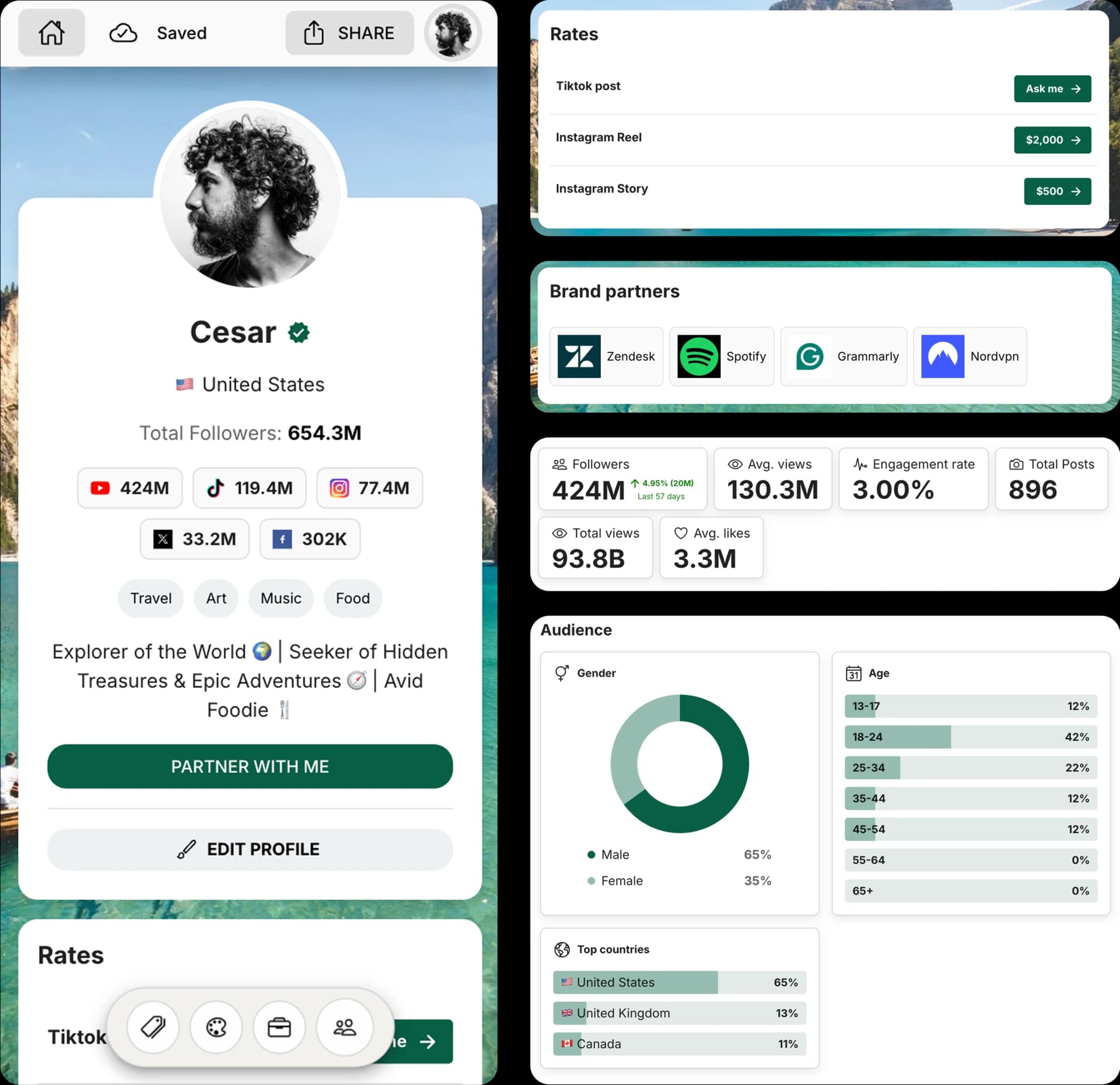
Create and Automate your Media Kit in minutes - Ditch Manual Updates. See the media kit page
Type the username you want to check. We will clean extra symbols and spaces for you.
Select 'Check availability' to open the public profile in a new tab.
If the platform says the account doesn't exist, the username is likely available. If you see a profile, it's taken.
A quick TikTok username check helps creators, brands, and teams avoid launching with a handle they cannot claim.
Confirm the username before you build a new TikTok profile around it.
Test your exact handle and backup options before changing a username you can only update every 30 days.
Make sure your TikTok handle is clear, available, and consistent across platforms.
Use the same username across platforms when possible to make your brand easier to recognize.
Your handle is how people find you on TikTok—in search, tags, and profile links. A short, clear username builds recall, looks professional, and keeps your brand consistent across channels.
A TikTok username checker lets you confirm availability before you commit. This page opens the public profile in a new tab, so you can quickly see whether the handle exists and avoid guessing.
Instead of wasting time on trial and error, you can test multiple variations in minutes, avoid brand confusion with similar names, and line up matching handles across Instagram, TikTok, YouTube, and X to look cohesive everywhere.
Aim for something short, readable, and on‑brand—prefer real words over random numbers, use one clear keyword from your niche, and add a location or descriptor only when needed to keep it memorable.
Start with clarity: choose a handle people can read and remember at a glance. Keep it short, align it with your niche or offer, and avoid extra punctuation. If your first choice is taken, add a simple modifier like a location or role so the name still feels intentional and easy to find.
Keep it between 3–15 characters if possible for readability and recall.
Keep the handle short enough to read in comments, captions, search results, and profile links.
TikTok usernames cannot include spaces, hyphens, symbols, or emojis.
TikTok allows periods inside usernames, but a period cannot be the final character.
Does this guarantee availability?
No. We show the best signal we can from public data, but availability can change quickly.
Get 4x more conversions with brands using CreatorsJet's media kit.
YouTube username checker
→
Use one clear keyword that signals your niche or category.
Avoid double underscores or extra punctuation that looks spammy.
Check availability on other platforms before you commit.
Open your profile, choose Edit Profile, replace your username with the new handle, and save. If the name is taken, tweak it and check again, then update any links or bios that referenced the old handle.
Why do I see 'Unable to verify'?
The platform may throttle automated requests or hide the profile page. Try again later.
Can I check multiple usernames?
Yes. Run a new check for each handle you want to test.
Is this tool free?
Yes, this username checker is free to use.
How do I check if a TikTok username is available?
Enter the TikTok username you want, click the check button, and review the result. If no public profile exists for that username, it is likely available.
How often can I change my TikTok username?
TikTok says usernames can be changed once every 30 days. If you change it, your profile link changes too.
Can I check multiple TikTok usernames at once?
No. This tool checks one username at a time so you can quickly test each option individually.
Why is my desired TikTok username taken?
Someone may already be using it, it may belong to an inactive account, or it may be temporarily unavailable. If your first choice is unavailable, try a close variation that still fits your brand.
What TikTok username rules should I know?
TikTok usernames can only use letters, numbers, underscores, and periods. A period cannot be the last character, and each account must have a unique username.


