TikTok Caption Generator
Generate 3 ready-to-copy TikTok captions for videos, photo carousels, trends, and product posts. Choose a format, tone, CTA, and hashtags to create free AI captions within the 2,200-character limit.
TikTok format
TikTok description
0/250
Goal or CTA
Optional, but it helps the caption include a clear next step.
Include hashtags
Add a short, relevant hashtag set to each caption when it helps reach.
You will get 3 ready-to-copy caption options for TikTok video, each within 2200 characters.
Try CreatorsJet
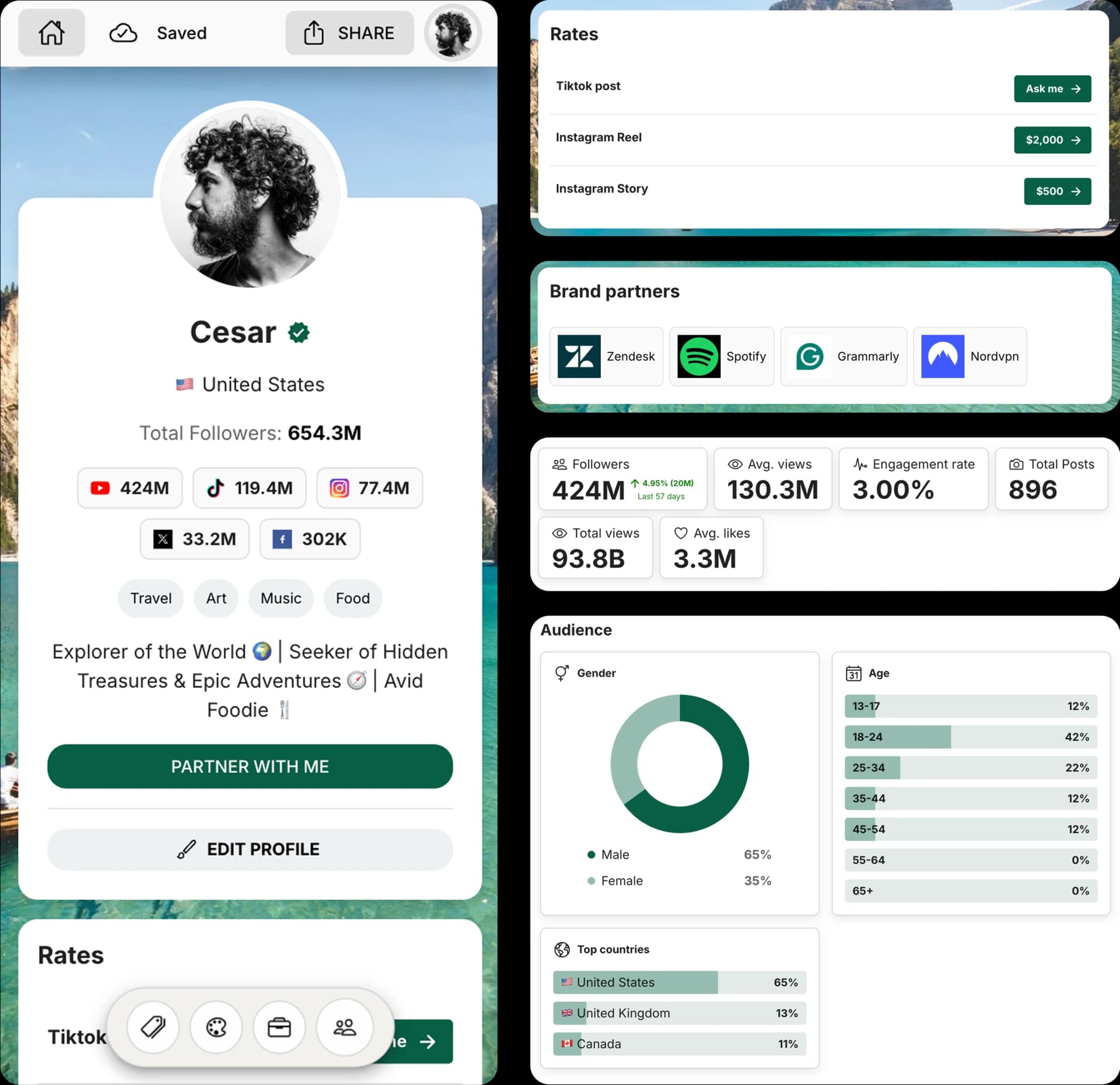
Create and Automate your Media Kit in minutes - Ditch Manual Updates. See the media kit page
How this TikTok caption generator works
This free AI caption generator turns your TikTok idea into three caption options for videos, photo carousels, trends, storytime posts, product videos, and announcements. Each result starts with a hook, matches your selected tone, and includes a CTA when it fits naturally.
Use the format selector and hashtag toggle to create TikTok captions that feel native: short hooks for fast videos, context for storytime posts, product CTAs, or concise captions with relevant hashtags.
How to write TikTok captions with AI
1. Choose the TikTok format
Select TikTok video, photo carousel, trend or challenge, product video, storytime, or announcement so the caption structure matches the content.
2. Describe your TikTok
Add the topic, hook, audience, product, mood, video context, or message you want the caption to support.
3. Set tone, CTA, and hashtags
Pick a tone, add the action you want viewers to take, and choose whether each caption should include relevant hashtags.
4. Copy your best option
Review the three generated captions, copy the best fit instantly, and make any final edits before posting on TikTok.
Frequently Asked Questions
How do I use the TikTok Caption Generator?
Choose the TikTok format, describe your video or post, select a tone, optionally add a goal or CTA, decide whether to include hashtags, and click Generate captions. The tool creates three options you can copy and edit.
Does the tool create TikTok captions with hashtags?
Yes. You can turn hashtags on to include a short relevant hashtag set with each caption, or turn them off for cleaner copy.
Do I need to sign up to use this tool?
No. You can generate TikTok captions for free without creating an account.
Does it respect TikTok's caption character limit?
Yes. TikTok captions can be up to 2,200 characters, and the generator is prompted to keep every option within that limit.
Can I edit the generated captions?
Yes. The generated captions are meant to be copy-ready starting points, and you can edit them to match your voice before posting.
Get 4x more conversions with brands using CreatorsJet's media kit.



