Check YouTube handle availability instantly
Check if your desired YouTube handle is available before creating a channel. Our free YouTube handle checker gives you instant results, no signup, no login required. Simply enter the handle you want and see if it is available or already taken.
Username
Use 3-30 characters: letters, numbers, periods, hyphens, and underscores. Do not start or end with punctuation.
Try CreatorsJet
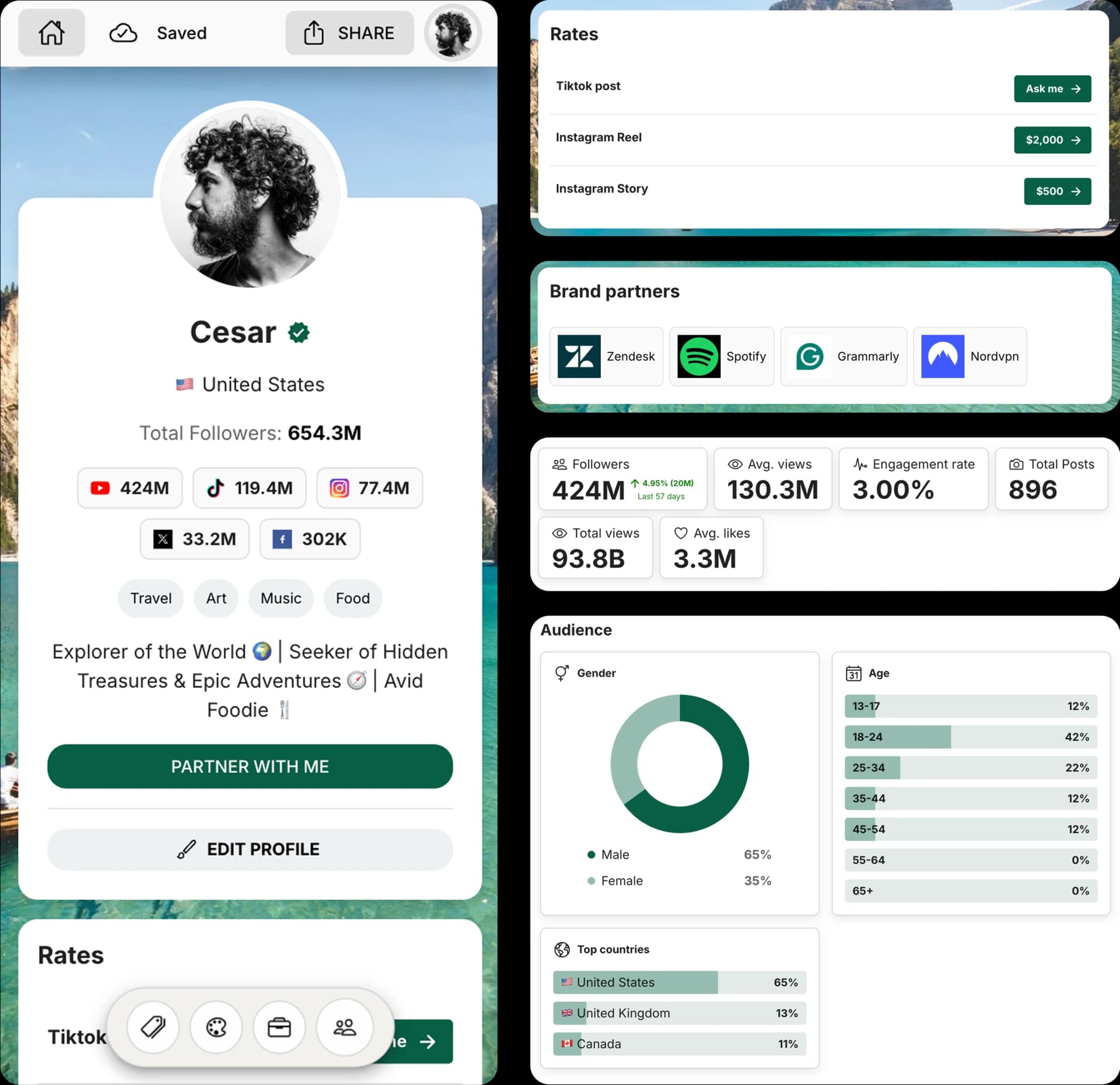
Create and Automate your Media Kit in minutes - Ditch Manual Updates. See the media kit page
How it works
Enter username
Type the username you want to check. We will clean extra symbols and spaces for you.
Click to check
Select 'Check availability' to open the public profile in a new tab.
Check the result
If the platform says the account doesn't exist, the username is likely available. If you see a profile, it's taken.
Why check YouTube handle availability
A quick YouTube handle check helps creators, brands, and teams avoid launching with a handle they cannot claim.
Before creating a channel
Confirm the handle before you build a new YouTube channel around it.
Before rebranding
Test the exact handle and backup options before changing links, banners, and channel references.
Before launching a creator or brand channel
Make sure your YouTube handle is clear, available, and consistent across platforms.
Check username availability on other platforms
Use the same handle across platforms when possible to make your brand easier to recognize.
Pick a username people remember
Your handle is how people find you on YouTube—in search, tags, and profile links. A short, clear username builds recall, looks professional, and keeps your brand consistent across channels.
What is the YouTube username checker?
A YouTube handle checker lets you confirm availability before you commit. This page opens the public channel in a new tab, so you can quickly see whether the handle exists and avoid guessing.
Why use this checker?
Instead of wasting time on trial and error, you can test multiple variations in minutes, avoid brand confusion with similar names, and line up matching handles across Instagram, TikTok, YouTube, and X to look cohesive everywhere.
Tips for a great username
Aim for something short, readable, and on‑brand—prefer real words over random numbers, use one clear keyword from your niche, and add a location or descriptor only when needed to keep it memorable.
How to choose a great YouTube username
Start with clarity: choose a handle people can read and remember at a glance. Keep it short, align it with your niche or offer, and avoid extra punctuation. If your first choice is taken, add a simple modifier like a location or role so the name still feels intentional and easy to find.
Best practices for the YouTube username
Keep it between 3–15 characters if possible for readability and recall.
Use one clear keyword that signals your niche or category.
Avoid double underscores or extra punctuation that looks spammy.
Check availability on other platforms before you commit.
How accurate is a YouTube handle check?
- A channel page that loads usually means the handle is taken.
- A missing page is a strong signal, but YouTube can still reserve, hold, or reject some handles.
- A previous handle may be held for a short period after a channel changes it.
If your YouTube handle is taken
- Add a short role like creator, studio, channel, agency, or team.
- Use one hyphen, period, or underscore only when it improves readability.
- Keep the handle close to your channel name and matching social handles.
How to change your YouTube username
Open your profile, choose Edit Profile, replace your username with the new handle, and save. If the name is taken, tweak it and check again, then update any links or bios that referenced the old handle.
Understanding YouTube handle rules
Usually 3-30 characters
Short handles are easier to remember, mention in videos, and fit inside YouTube links.
Letters, numbers, periods, hyphens, and underscores
Separators can help readability, but they cannot be the first or last character.
Cannot look like a URL or phone number
YouTube can reject handles that resemble websites, phone numbers, spam, or policy violations.
Frequently Asked Questions
Does this guarantee availability?
No. We show the best signal we can from public data, but availability can change quickly.
Why do I see 'Unable to verify'?
The platform may throttle automated requests or hide the profile page. Try again later.
Can I check multiple usernames?
Yes. Run a new check for each handle you want to test.
Is this tool free?
Yes, this username checker is free to use.
How do I check if a YouTube handle is available?
Enter the YouTube handle you want, click the check button, and review the result. If no public channel page exists for that handle, it is likely available.
How often can I change my YouTube handle?
YouTube says you can change your handle twice within a 14-day period. Your previous handle is held for 14 days in case you want to switch back.
Can I check multiple YouTube handles at once?
No. This tool checks one handle at a time so you can quickly test each option individually.
Why is my desired YouTube handle taken?
Another channel may already be using it, or it may still be held after a recent change. If your first choice is unavailable, try a close variation that still matches your channel brand.
What YouTube handle rules should I know?
YouTube handles are usually 3 to 30 characters, must be unique, and can use letters, numbers, underscores, hyphens, and periods. They also cannot look like a URL or phone number.
Get 4x more conversions with brands using CreatorsJet's media kit.



