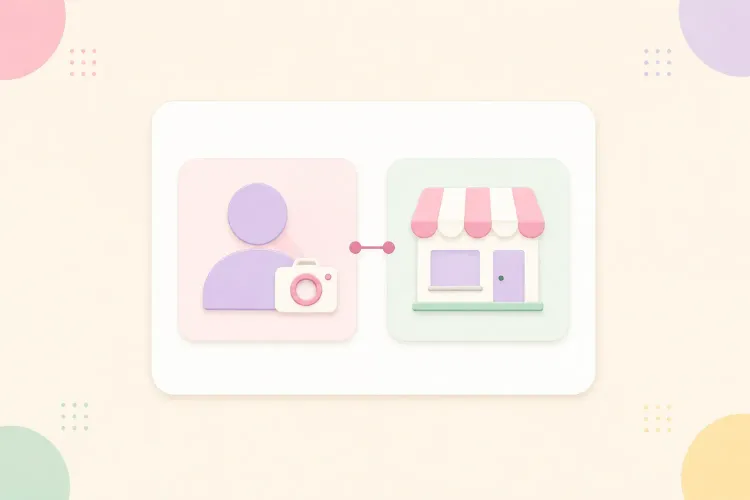


Choosing between an Instagram Creator account and a Business account can be confusing when you create content and run a business. The useful default is simple: choose Creator when the account represents you, your content, and your audience. Choose Business when it represents a shop, company, or service business. Then check the specific tools your work depends on before switching.
Both are professional account types. Business is not a paid upgrade from Creator, and earning money does not automatically mean you need it. The decision is about account features, integrations, and how the account operates, not which label sounds more professional.
Instagram creator vs business account: quick comparison
Neither option wins every category. Several features commonly presented as differences are shared, while others depend on your country, eligibility, or connected software.
| Decision factor | Creator account | Business account |
|---|---|---|
| Natural fit | Individual creators, artists, influencers | Shops, brands, organizations, service businesses |
| Cost of account type | Free | Free |
| Privacy | Public professional account | Public professional account |
| Insights and professional dashboard | Available | Available |
| Ads and eligible post promotion | Supported, subject to requirements | Supported, subject to requirements |
| Music | Access varies; commercial-use limits still apply | Some accounts and posts have restricted licensed music access |
| Scheduling and integrations | Supported, with tool-specific limits | Supported, with tool-specific limits |
| Automatic Story publishing via Facebook Login API | Not supported through this connection | Supported through compatible tools |
| Contact details and category display | Available; specific options vary | Available; specific options vary |
| Monetization and commerce | Check each feature’s eligibility | Check each feature’s eligibility |
There is no reliable basis for choosing one as an automatic reach advantage. A performance change after switching does not establish that the switch caused it. Treat account type as a tools decision, not a growth tactic.
Professional account is the umbrella term. Creator and Business sit underneath it; they are not three separate tiers. A personal account is the alternative to professional mode, especially when keeping the account private matters more than professional tools.
An account category, such as artist or entrepreneur, is another setting. Changing the displayed category is not the same as changing account type, and it should not be treated as a shortcut around feature restrictions.
Choose Creator when the person is the main brand
A Creator account is usually the most straightforward fit for an influencer, educator, musician, artist, or independent content producer. People follow the person’s ideas, work, or recommendations, even when that person also sells something.
A fitness creator who publishes workouts, works with sportswear brands, and sells a training guide does not need Business simply because revenue exists. Creator can still fit the account’s main purpose. The same applies to a photographer whose profile is built around their work and perspective.
Creator-oriented opportunities include Instagram’s creator marketplace and monetization products such as subscriptions and gifts. Selecting Creator does not automatically grant access to these tools or guarantee brand partnerships. Their eligibility requirements are a separate part of the decision, covered below.
The trade-off is operational: if a booking provider, publishing tool, or client workflow needs Business, that requirement may matter more than the label that best describes you.
Choose Business when the account serves customers
Business is the more natural starting point for a store, restaurant, agency, studio, or company. The account represents an operation customers can buy from, book, or contact, rather than mainly an individual’s content.
For example, a yoga teacher sharing their own practice may choose Creator. A yoga studio handling class enquiries, staff access, and booking software may choose Business. The subject matter is identical; the account’s job is different.
Business-oriented contact details and service integrations can be useful here. However, check the exact action button or booking partner, not just a comparison chart. Available buttons and connections can differ by account, provider, and market. A button being described as a business feature does not guarantee your specific service supports it.
Business is not automatically necessary because an assistant manages the account. Team access depends on the account’s connections and permissions too. Before choosing, identify who needs to publish, answer messages, or manage advertising, then check those workflows in the tools you actually use.
The feature differences that deserve a closer look
Music: access is not permission for commercial use
Music access can make switching account types tempting. Instagram’s licensed music guidance says its library is intended for personal, non-commercial use. Certain business accounts and types of posts have restricted access, and availability also varies by country or region.
That does not mean every Creator account gets every song, or every Business account gets no music. More importantly, switching to Creator does not turn a commercial post into personal use.
For a sponsored Reel or an ad, choose audio cleared for that use. Meta identifies Sound Collection as an option for commercial content, including ads. Check the applicable terms rather than assuming a track is cleared because it appears in the editor.
A useful distinction: what the app lets you select and what you may use for a campaign are different questions. Choose the account for its overall workflow, not as a workaround for music restrictions.
Scheduling: Creator accounts are not excluded
Both account types support scheduling workflows. A claim that Creator accounts cannot schedule posts is too broad and can lead to an unnecessary switch.
With a third-party scheduler, the connection it uses can affect which formats it can publish. Meta’s Instagram API publishing requirements confirm support for both Business and Creator accounts, but specify that publishing Stories through the Facebook Login API is limited to Business accounts.
That is not a restriction on a Creator posting a Story manually in Instagram. It is a distinction in a particular publishing connection.
Before committing to either account type, check whether your scheduler supports the formats you need and requires a linked Facebook Page. Also confirm whether it publishes automatically or sends a reminder for you to finish publishing in Instagram. Connecting an account does not necessarily enable every publishing feature.
Insights, inbox tools, and advertising overlap
Both Creator and Business offer professional tools for understanding performance and managing the account. Do not switch solely to unlock analytics or run your first ad. Those are not Business-only reasons.
The useful question is whether your current account provides the reports and permissions you need. To assess its reporting, this guide to five social media metrics creators should track explains what reach, engagement, and audience data can tell you. Check for those metrics before assuming you need a different account type.
Likewise, inbox tabs, saved replies, and connected messaging tools should be checked in your current setup. Old comparisons sometimes describe a shared feature as exclusive, or confuse an outside tool’s limitation with an Instagram-wide rule.
Ads remain subject to content eligibility, account permissions, and advertising requirements. A Creator account does not guarantee that a particular Reel can be boosted, just as switching to Business does not fix an advertising restriction.
Shops, product tagging, and monetization are separate checks
Selling products does not automatically require a different account type. There is a difference between linking to your online store, using Instagram commerce features, and earning through Instagram’s own monetization products.
A creator selling a downloadable guide through their website has a different setup from a retailer managing a catalog and product tags. For the second case, verify commerce eligibility, supported markets, catalog connections, and the specific account requirements before deciding.
For subscriptions and other monetization tools, open the professional dashboard and check the requirements for the specific product. Separate an account-type requirement from other conditions, such as location, age, or account standing. Changing account type does not guarantee access: if the missing requirement is unrelated to account type, switching will not resolve it.
A practical decision for creators who also sell
When both descriptions fit, use the requirement that would be hardest to replace. Write down the one task the account must support, such as automatic Story publishing or a particular booking connection. Then confirm the required account type in that tool’s current documentation or with its support team. “Works with Instagram” is not specific enough.
- A beauty creator earns mainly through partnerships: start with Creator. Check partnership and monetization eligibility separately.
- A handmade shop posts entertaining behind-the-scenes videos: start with Business. Making creator-style content does not change the shop’s customer-facing role.
- A consultant publishes educational videos and sells sessions: either may work. Creator fits a person-led account; Business may be preferable if a necessary booking integration requires it.
- A creator’s assistant must automatically publish Stories: check the scheduler’s account requirements. Business may be the practical choice for that publishing workflow.
There is no need to maintain two accounts just to satisfy the names. Separate creator and company accounts can make sense when they serve different audiences or operations, but the account-type decision alone does not justify doubling your workload.
If you are choosing for the first time and both types support everything important, choose the one that reflects the account’s main role. If your existing account already supports your work, there is no need to switch just to match a label. Revisit the decision when a concrete requirement changes, not every time a feature disappears temporarily.
How to switch between Creator and Business
Use the Instagram mobile app. Menu wording and placement can vary by app version and language; the labels below describe the usual route.
First, check which account type you have
In your profile menu, Creator tools and controls indicates a Creator account; Business tools and controls indicates a Business account. An option to Switch to professional account indicates that you are currently using a personal account. Do not rely on the public category label, which can be changed or hidden independently.
Change directly to the other professional type
- Open your profile and tap the menu in the top-right corner.
- Find Creator tools and controls or Business tools and controls, depending on your current account.
- Select Switch account type.
- Choose Switch to business account or Switch to creator account, read the confirmation, and confirm.
If you are starting from a personal account, look for Account type and tools, then Switch to professional account. Follow the category prompts and choose Creator or Business. Review the privacy change before confirming: professional accounts are public, and pending follow requests may be accepted when a private account becomes public.
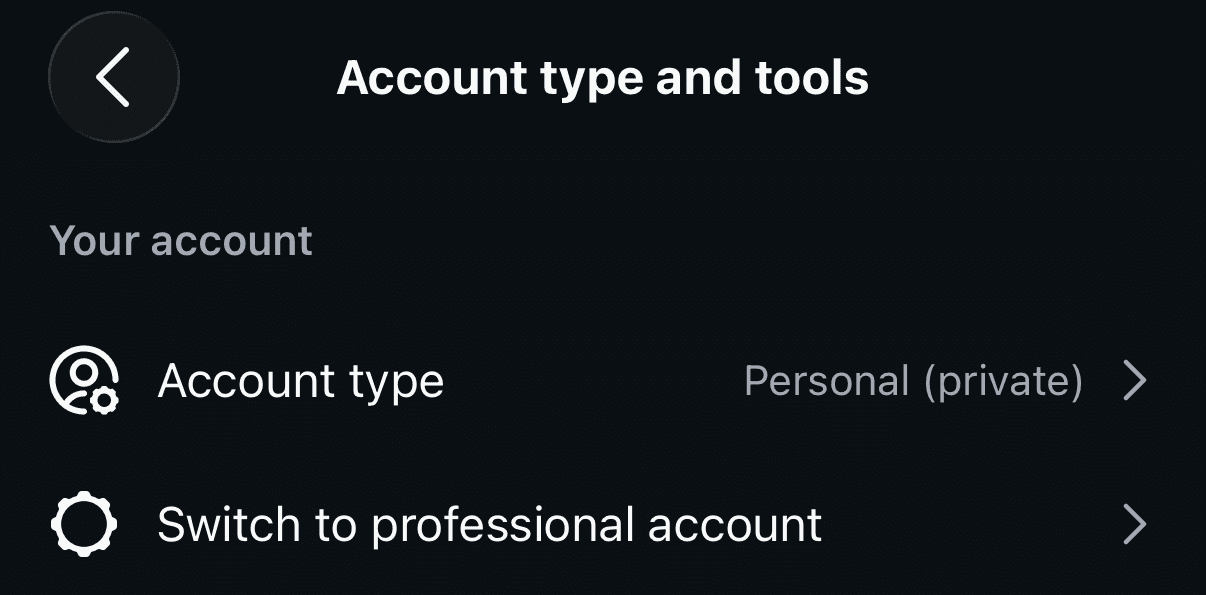
Do not select Personal as an intermediate step when you only want to move between the two professional types.
Check these items before and after switching
Changing account type is a settings change on the same account, not a new profile. It does not require rebuilding your audience or reposting your existing content. Connected workflows still deserve a check.
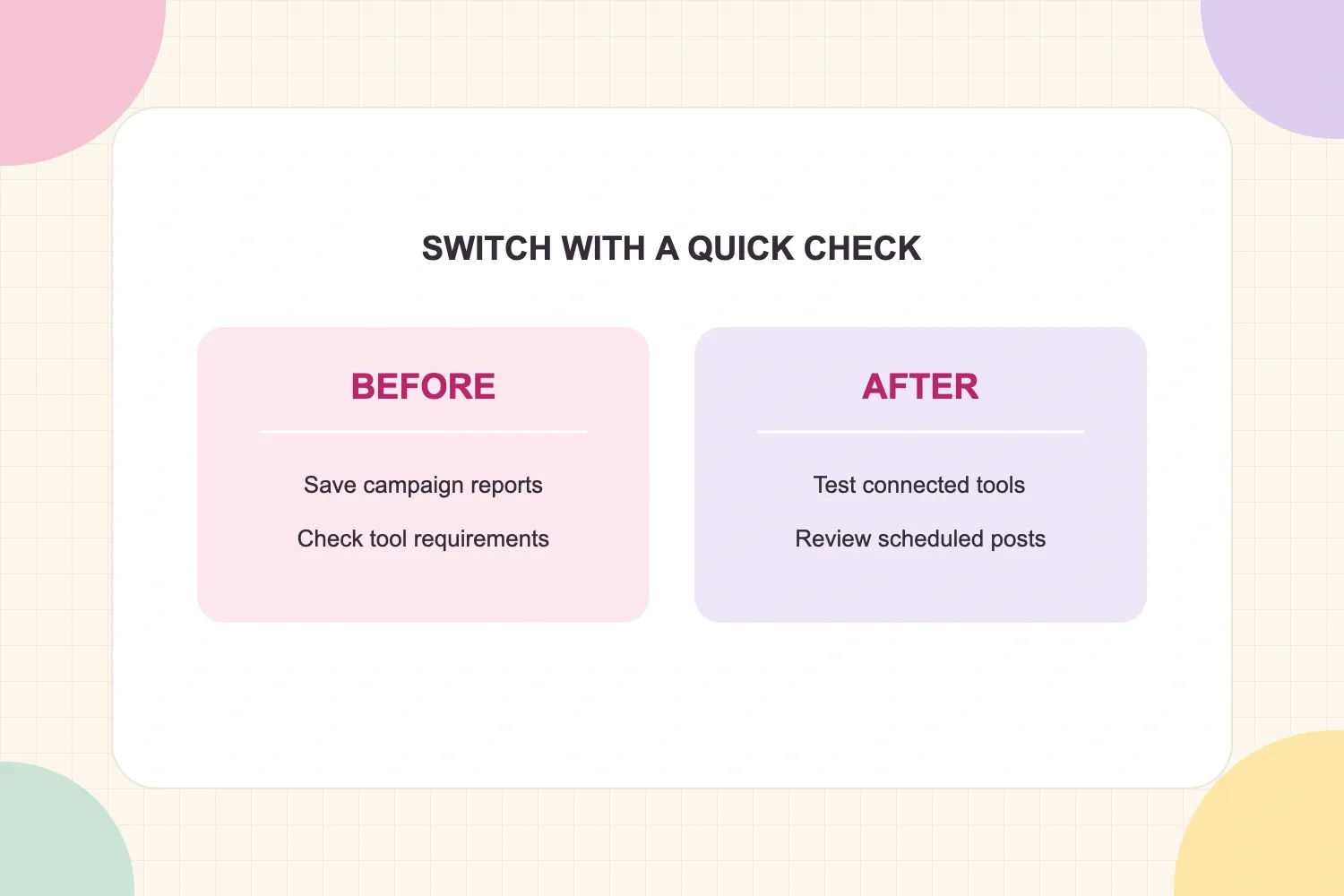
Before switching, save any reports needed for active campaigns and note your current connections. If you use Meta Verified, active monetization products, a shop, or advertising tools, review their account-change requirements first.
After switching, confirm:
- Your scheduler, reporting tools, and message integrations still connect correctly.
- Your scheduled and cross-posted content still has the intended destination and publishing method.
- Your contact details, buttons, and category visibility are appropriate.
- Your ads, commerce setup, and monetization tools remain available for the work already planned.
Returning to Personal is a different decision: professional tools and integrations can become unavailable. Do not use repeated switches through Personal to troubleshoot a missing feature, and do not assume historical reports will remain accessible exactly as before.
The simplest way to choose
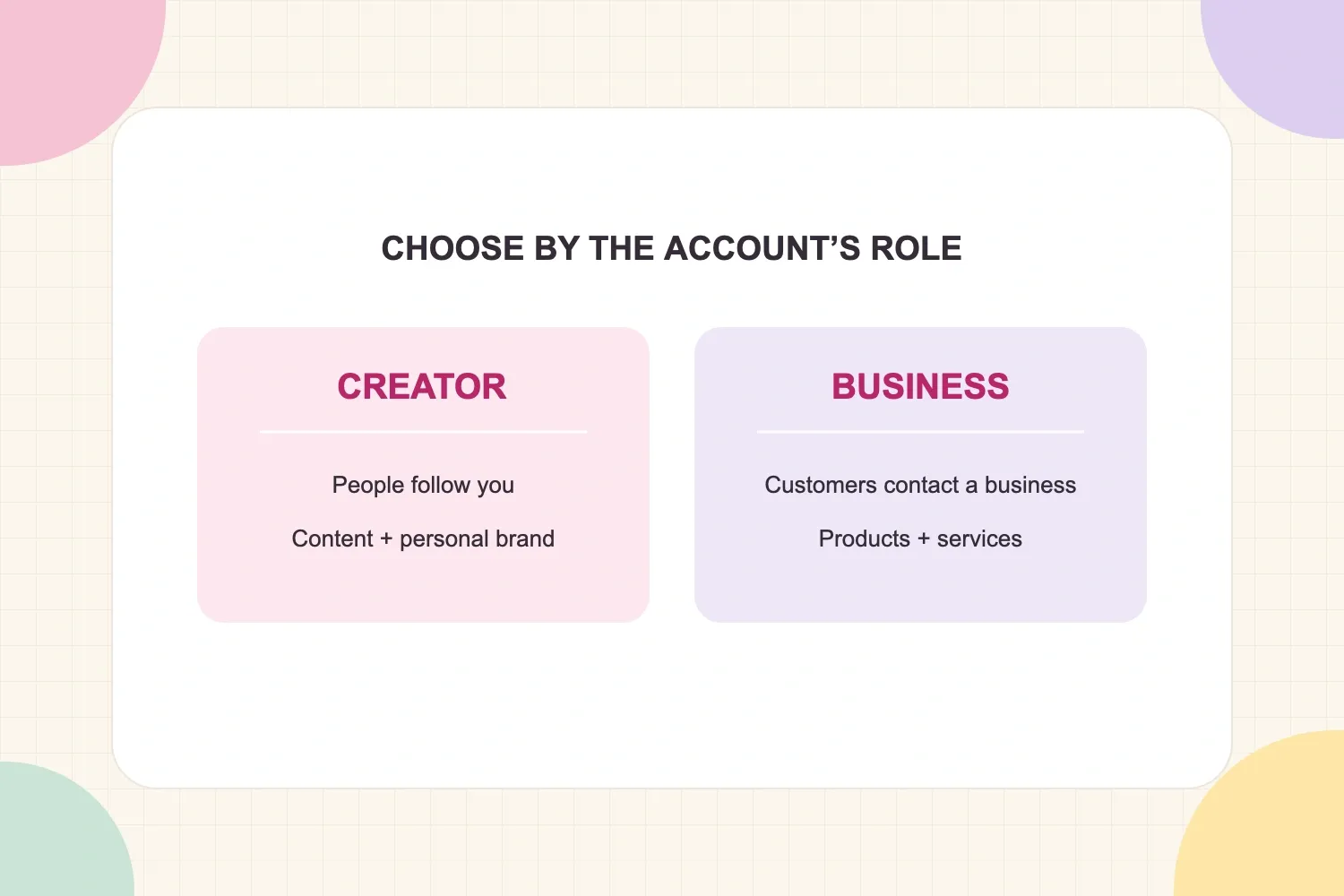
Creator is the practical default for a person-led content account. Business is the practical default for a customer-facing organization or service operation. When those overlap, let a verified tool requirement break the tie.
If your current account already supports that work, keep it. Switch when a specific need changes, not because the other label sounds more professional.