Instagram Caption Generator
Generate 3 ready-to-copy Instagram captions for posts, Reels, Stories, and carousels. Choose a format, tone, CTA, and hashtags to create free AI captions in seconds, no signup needed.
Post format
Post description
0/250
Goal or CTA
Optional, but it helps the caption include a clear next step.
Include hashtags
Add a short, relevant hashtag set to each caption when it helps reach.
You will get 3 ready-to-copy caption options for Feed post, each within 2200 characters.
Try CreatorsJet
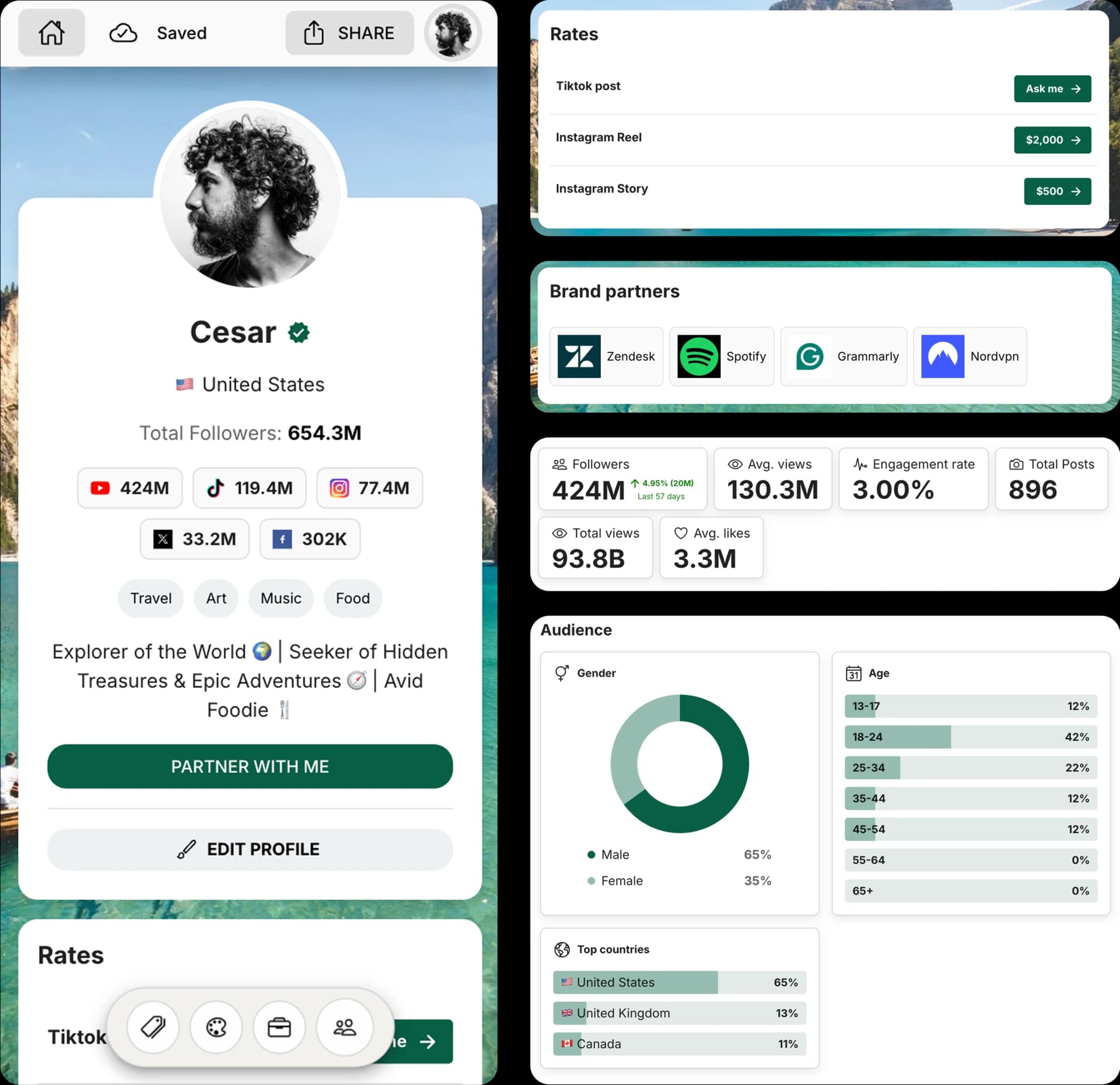
Create and Automate your Media Kit in minutes - Ditch Manual Updates. See the media kit page
How this Instagram caption generator works
This free AI caption generator turns your post idea into three Instagram caption options for feed posts, Reels, Stories, and carousels. Each result opens with a hook, matches your selected tone, and includes a CTA when it fits naturally.
Use the format selector and hashtag toggle to get captions that feel closer to how creators actually post: short Story captions, stronger Reel hooks, carousel context, product CTAs, or captions with relevant hashtags.
How to write Instagram captions with AI
1. Choose the post format
Select feed post, Reel, Story, carousel, product post, or announcement so the caption structure matches the content.
2. Describe your post
Add the topic, context, audience, product, mood, or story behind the Instagram content.
3. Set tone, CTA, and hashtags
Pick a tone, add the action you want people to take, and choose whether each caption should include relevant hashtags.
4. Copy your best option
Review the three generated captions, copy the best fit instantly, and make any final edits before posting.
Frequently Asked Questions
How do I use the Instagram Caption Generator?
Choose the post format, describe your content, select a tone, optionally add a goal or CTA, decide whether to include hashtags, and click Generate captions. The tool creates three options you can copy and edit.
Does the tool create captions with hashtags?
Yes. You can turn hashtags on to include a short relevant hashtag set with each caption, or turn them off for cleaner copy.
Do I need to sign up to use this tool?
No. You can generate Instagram captions for free without creating an account.
Can I use these captions for Reels, Stories, and carousels?
Yes. The format selector helps adapt captions for Instagram feed posts, Reels, Stories, carousels, product launches, creator updates, and brand content.
Can I edit the generated captions?
Yes. The generated captions are meant to be copy-ready starting points, and you can edit them to match your voice before posting.
Get 4x more conversions with brands using CreatorsJet's media kit.



