Instagram Hashtag Generator
Generate a strategic set of Instagram hashtags for Reels, posts, Stories, and carousels. Choose the number of hashtags, format, audience, and strategy to get relevant tags for reach and discovery.
Post format
Post description
0/350
Audience or niche
Optional, but it helps the hashtags stay relevant to your community.
You will get 20 Instagram hashtags for Feed post using a Balanced mix strategy.
Try CreatorsJet
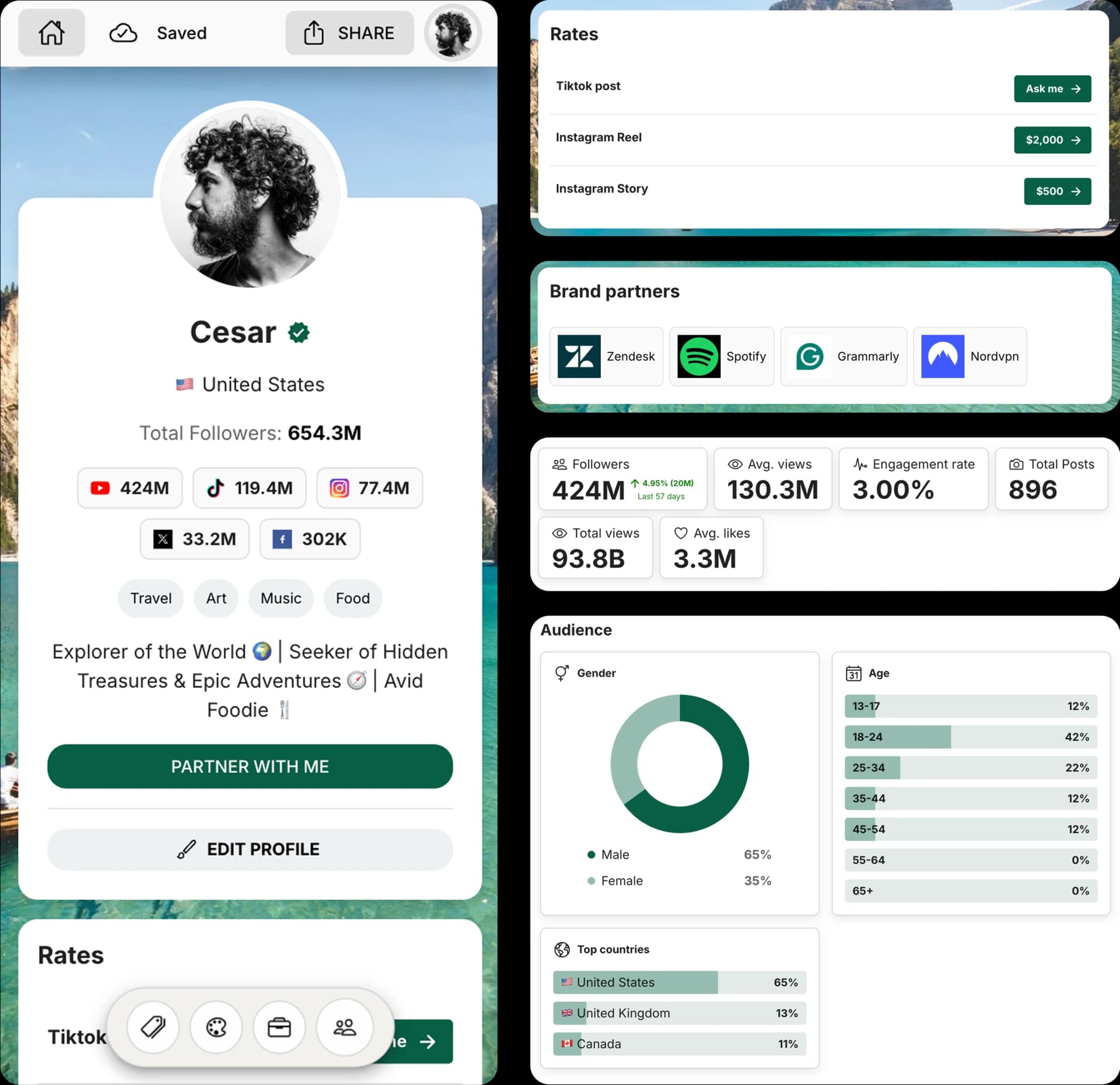
Create and Automate your Media Kit in minutes - Ditch Manual Updates. See the media kit page
How this Instagram hashtag generator works
This free AI hashtag generator creates a focused hashtag set from your content details, audience, post format, and strategy. It is designed to avoid generic random tags and produce hashtags that better match your post.
Use a balanced strategy for everyday posts, mostly niche hashtags for targeted communities, mostly popular hashtags for broad discovery, or Reels reach for short-form video hashtags.
How to generate Instagram hashtags
1. Choose the format
Select whether your content is a feed post, Reel, Story, carousel, product post, or announcement.
2. Describe your content
Add the topic, niche, visuals, product, audience, or keywords behind your Instagram content.
3. Pick count and strategy
Choose 10, 15, 20, or 30 hashtags and decide between balanced, niche, popular, or Reels-focused hashtags.
4. Copy the hashtag set
Review the generated hashtags, copy the full set, and edit anything that does not fit your brand before posting.
Frequently Asked Questions
How does the Instagram Hashtag Generator work?
Describe your post, choose a format, select a hashtag count and strategy, then generate a relevant hashtag set you can copy into Instagram.
How many Instagram hashtags should I use?
Instagram allows up to 30 hashtags. This tool lets you generate 10, 15, 20, or 30 so you can choose a shorter or fuller set depending on your post.
What is the best hashtag strategy?
A balanced mix is usually the safest starting point because it combines broader reach with niche relevance. For targeted communities, choose mostly niche. For Reels, choose Reels reach.
Can I use these hashtags for Reels and Stories?
Yes. The format selector helps adapt hashtags for feed posts, Reels, Stories, carousels, product posts, and announcements.
Can I edit the generated hashtags?
Yes. The generated hashtags are copy-ready starting points. You should remove anything that does not match your content or brand before posting.
Get 4x more conversions with brands using CreatorsJet's media kit.



