A link in bio tool is useful because social profiles are crowded, fast-moving, and usually limited to one high-value destination. For creators, that destination should not be a random link that changes every week. It should be a small, controlled page that helps followers, brands, and customers find the right next step.
Platforms have improved native profile links over time. Wired covered Instagram's five-link update, but more profile links do not replace a proper creator hub. A dedicated link in bio page gives better structure, cleaner branding, and more useful click data than a loose list of destinations.
What a link in bio tool actually does
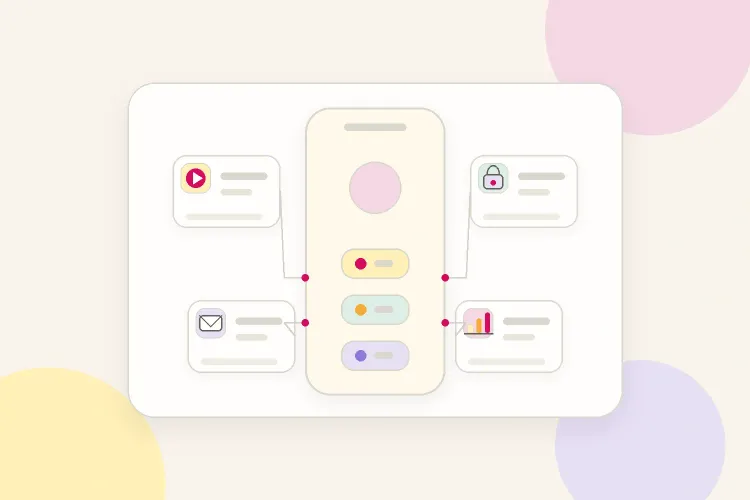
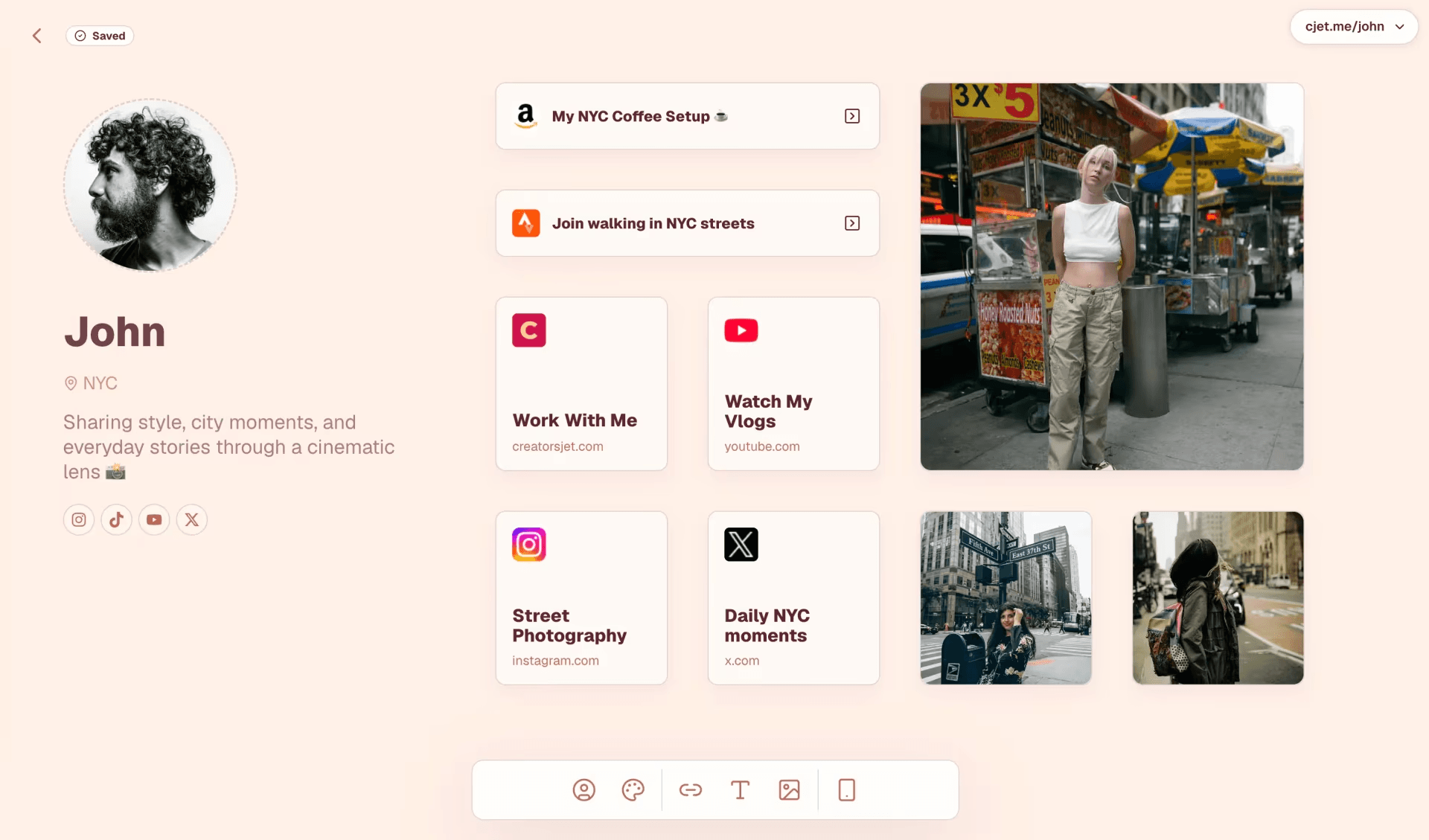
A link in bio tool turns one profile URL into a simple landing page. Instead of sending every visitor to the same place, it lets the creator route different intentions: watch the latest video, shop a product, join a newsletter, open a media kit, book a call, or view a campaign offer.
The goal is not to add more links for the sake of it. The goal is to reduce friction. A follower who just watched a TikTok should not have to search through a website menu. A brand manager should not have to send a DM just to find contact details. A good bio link makes the next step obvious.
1. It gives every campaign a clear next step
Influencers often promote several things at once: a new video, an affiliate product, a discount code, a newsletter, an event, or a brand collaboration. Without a central link page, each campaign competes with the last profile link that happened to be live.
A link in bio tool solves this by making the top priority visible first. The creator can pin one current campaign, then keep supporting links underneath. This keeps the profile useful without forcing every post to explain where people should go.
2. It stops constant profile-link swapping
Changing the profile link for every post creates two problems. Older posts point to the wrong destination, and the creator has to remember to update the link before every launch. A link in bio page works better because the profile URL stays stable while the page itself changes.
That stability is useful on Instagram, TikTok, YouTube Shorts, podcasts, and newsletters. The creator can say "link in bio" without worrying that an older audience will land on an unrelated page.
3. It connects scattered platforms into one creator hub
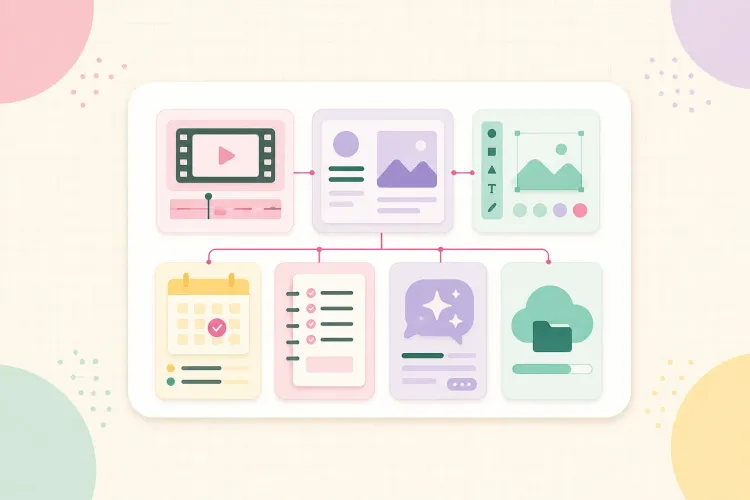
Most influencers do not live on one platform. They may post short-form video on TikTok, longer tutorials on YouTube, behind-the-scenes content on Instagram, and business updates in a newsletter. A link in bio page gives those channels one shared front door.
This matters because followers arrive with different levels of intent. Some want the newest content. Some want a product. Some want proof before contacting the creator. A clean hub helps each visitor choose a path without making the profile feel overloaded.
4. It makes the creator easier for brands to evaluate
For brand partnerships, a bio link can act as a lightweight business card. It can include a media kit, audience proof, recent work, contact details, and current offers. This does not replace a full media kit, but it removes unnecessary steps for brands that are already interested.
The best setup keeps brand-facing links separate from fan-facing links. A small section for collaborations is enough. The page should feel useful to followers first, then make business information easy to find for the people who need it.
5. It shows what the audience actually clicks
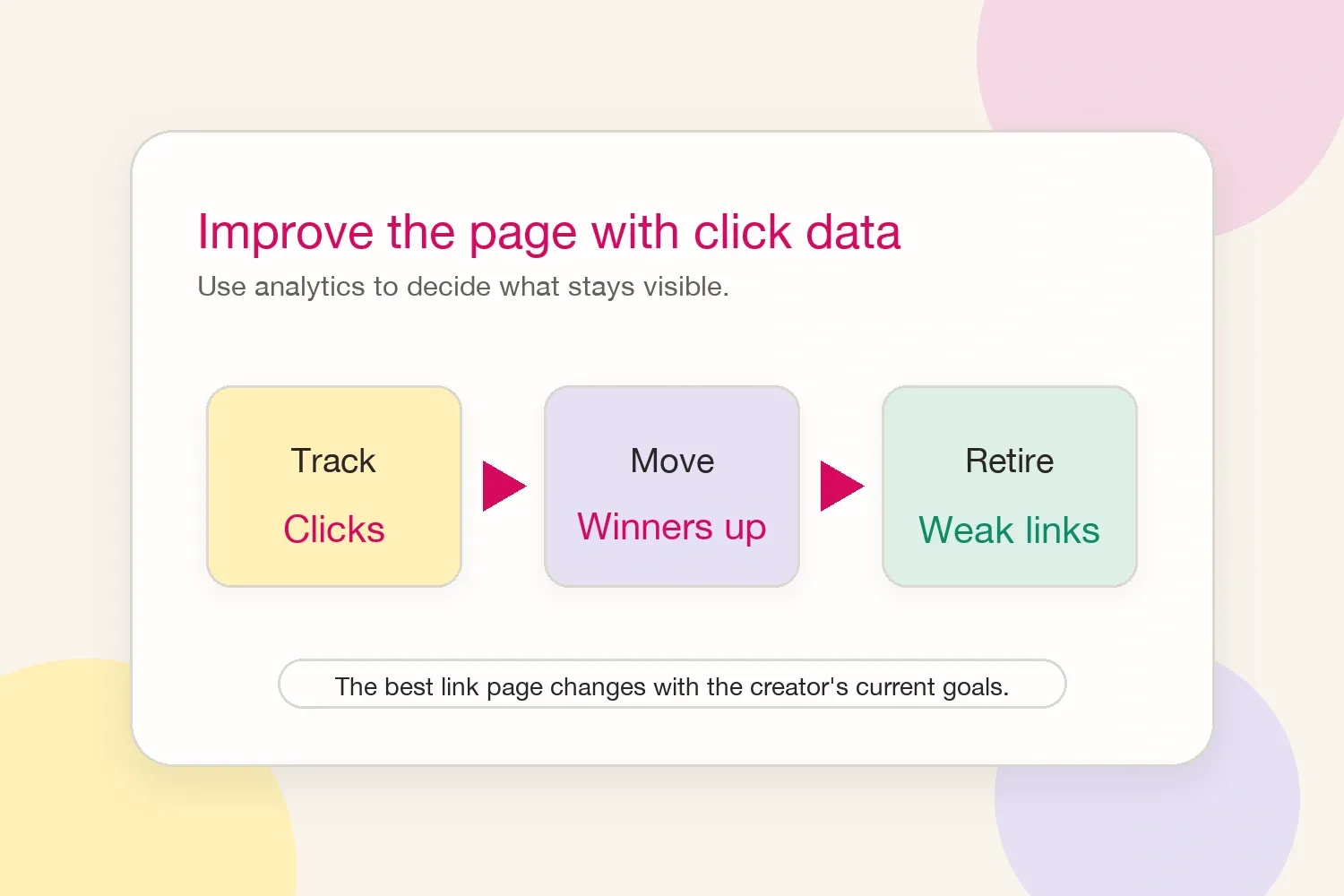
A bio link page becomes much more valuable when it includes click data. Views and likes explain what content people noticed. Clicks explain what they wanted to do next.
Creators can use that information to move high-performing links higher, rename confusing buttons, remove weak destinations, and compare campaign performance. This is where the tool becomes more than a list. It becomes a feedback loop for decisions.
6. It supports products, affiliates, and content drops
Creators who sell products, recommend tools, or share affiliate offers need a place that can handle commercial links cleanly. A link in bio page can group offers by priority, keep disclosures close to affiliate links, and remove expired campaigns before they create confusion.
This also helps when a creator has seasonal launches. A course, preset pack, consultation slot, paid community, or limited discount can sit at the top while the evergreen links stay available below.
What to put on a link in bio page
The page should be short enough to scan in seconds. Effective creator pages usually include a current priority, the latest content, a shop or product link, a newsletter, a media kit or collaboration link, and a direct contact route.
Not every creator needs every item. A fashion creator may prioritize affiliate collections and brand contact. A fitness creator may prioritize programs and newsletter signup. A photographer may prioritize portfolio, booking, and recent work. The right structure depends on what the audience is most likely to do next.
How to keep the page clean
The most common mistake is treating the page like a drawer for every old link. A better rule is to keep the top section focused on the current goal, then keep only the evergreen links that still matter.
Use short labels. Put the most valuable link first. Remove expired campaigns. Check clicks after a launch. If a link never gets clicked, either the label is unclear, the placement is weak, or the link does not deserve space on the page.
Final takeaway
Influencers need a link in bio tool because attention is fragmented and profile space is limited. The tool turns that limited space into a clear path for followers, customers, and brands. When the page stays simple and the creator reviews click data regularly, it becomes a practical part of the creator business rather than just another profile accessory.