YouTube Tag Generator
Generate copy-ready YouTube tags for search and discovery. Add your video topic, audience, format, and strategy to get comma-separated tags that fit YouTube's 500-character tag field.
Video topic or description
0/350
Target audience
Optional, but it helps avoid generic tags.
Tag strategy
Try CreatorsJet
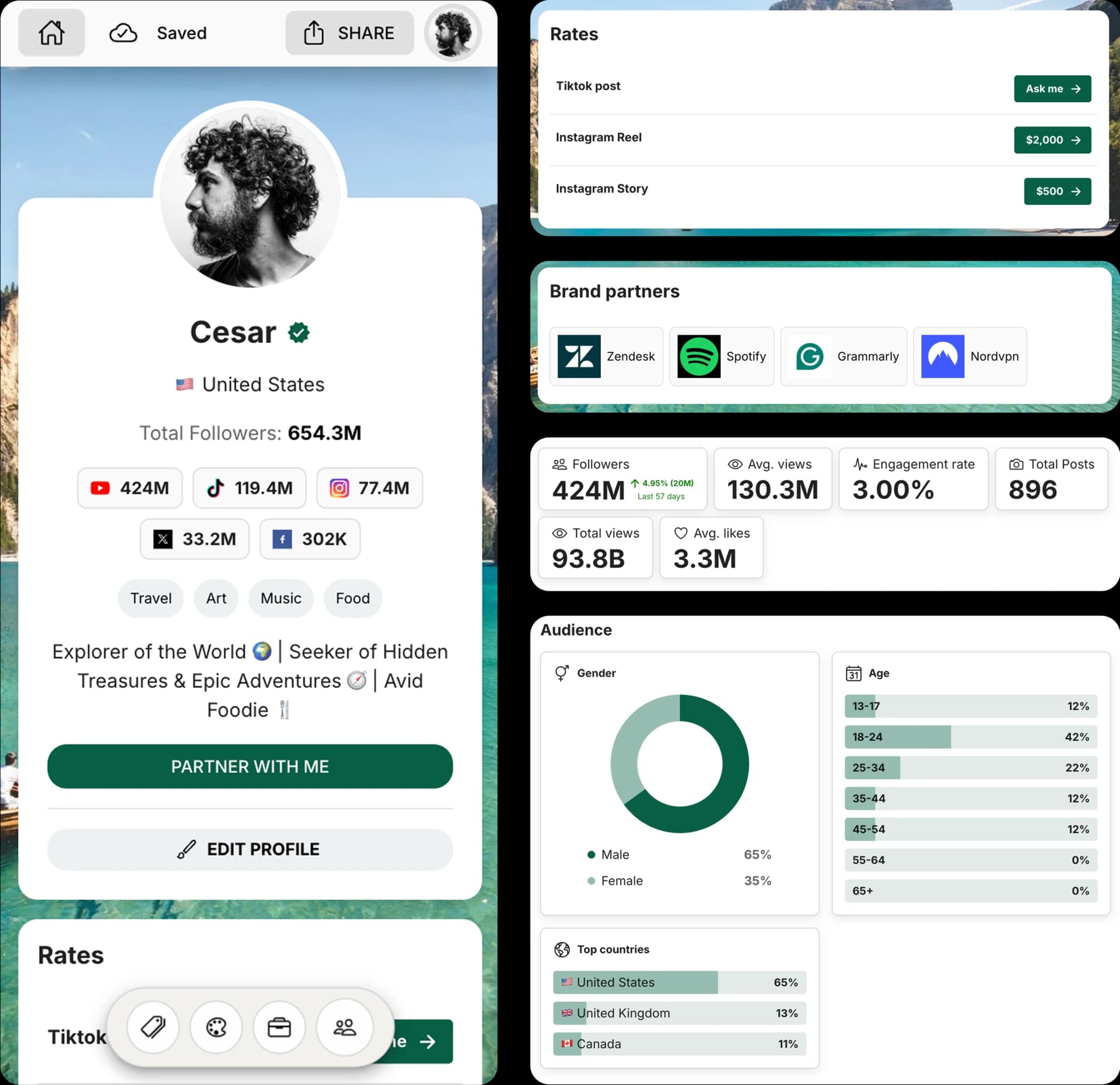
Create and Automate your Media Kit in minutes - Ditch Manual Updates. See the media kit page
How this YouTube tag generator works
The tool turns your video topic, audience, and format into YouTube metadata tags that can be pasted directly into YouTube Studio.
It prioritizes the main keyword first, then adds close variants, niche phrases, and broader discovery terms while keeping the final tag field under 500 characters.
How to generate YouTube tags
1. Describe the video
Add the core topic, angle, and important keywords from your title or video description.
2. Choose the format
Select whether the video is a tutorial, review, Shorts video, vlog, podcast, or how-to guide.
3. Pick a strategy
Use balanced tags, SEO keywords, long-tail phrases, or broader discovery terms depending on the video goal.
4. Copy the tags
Copy the comma-separated tags and paste them into the tags field in YouTube Studio.
Frequently Asked Questions
What is a YouTube tag generator?
A YouTube tag generator suggests metadata keywords that describe your video, topic, audience, and niche so YouTube can better understand the content.
Should YouTube tags use hashtags?
No. YouTube tags are metadata keywords, so this tool outputs comma-separated tags without # symbols.
How many YouTube tags should I use?
Use enough tags to cover the main topic, variants, and niche context without adding misleading terms. This tool can generate 10, 15, 20, or 30 tags.
What is the YouTube tag character limit?
YouTube's tag field allows up to 500 characters. The generator keeps the copied tag list within that field limit.
Do YouTube tags still matter for SEO?
Tags are not a replacement for a strong title, thumbnail, and description, but relevant tags can add useful context, especially for alternate wording and niche keywords.
Get 4x more conversions with brands using CreatorsJet's media kit.



