Twitter Hashtag Generator
Generate concise Twitter/X hashtag ideas for tweets, threads, launches, events, and industry conversations. Get a relevant candidate set, then use the best 1-2 hashtags in your post.
Post format
Post description
0/350
Audience or niche
Optional, but it helps the hashtags match the conversation you want to join.
You will get 5 Twitter/X hashtag ideas for Tweet using a Balanced mix strategy. Use the best 1-2 in the final post.
Try CreatorsJet
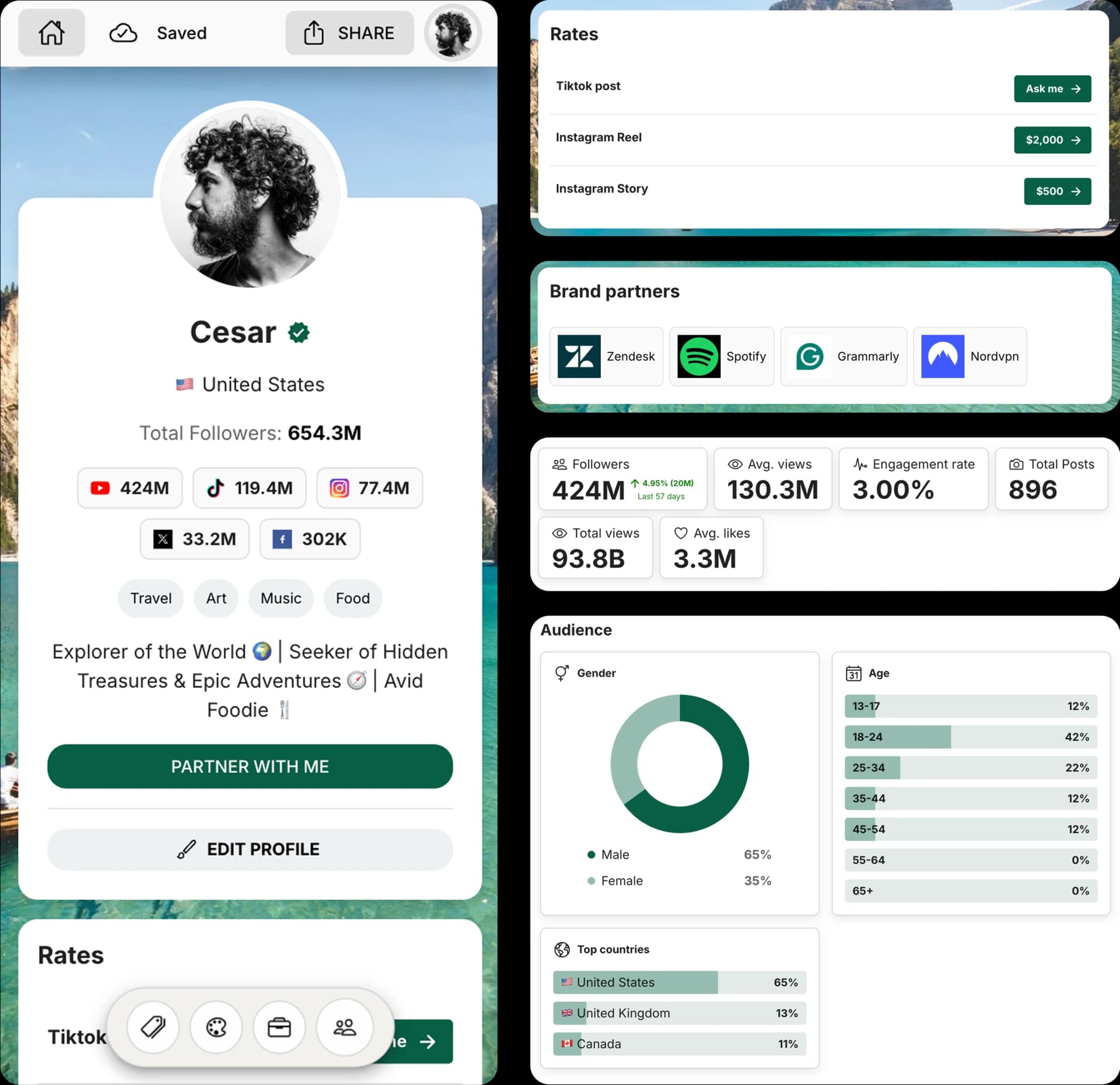
Create and Automate your Media Kit in minutes - Ditch Manual Updates. See the media kit page
How this Twitter hashtag generator works
This free AI hashtag generator creates concise Twitter/X hashtag ideas from your post details, format, audience, and strategy. It is designed for conversation relevance, not hashtag stuffing.
Generate a small candidate set, then pick the 1-2 tags that best match the tweet, trend, event, or community conversation you want to join.
How to generate Twitter hashtags
1. Choose the format
Select whether you are writing a tweet, thread, announcement, launch post, event post, or industry commentary.
2. Describe your post
Add the topic, niche, audience, product, event, trend, or keywords behind your Twitter/X post.
3. Pick count and strategy
Generate 3, 5, 10, or 15 hashtag ideas and choose balanced, niche, trending, or event-focused suggestions.
4. Copy and choose
Copy the hashtag ideas, then use only the most relevant 1-2 hashtags in your final tweet to avoid a spammy look.
Frequently Asked Questions
How does the Twitter Hashtag Generator work?
Describe your post, choose a format, select a hashtag count and strategy, then generate a relevant set of Twitter/X hashtag ideas you can copy.
How many hashtags should I use on Twitter/X?
For most tweets, 1-2 highly relevant hashtags is a better starting point than a long block of tags. This tool generates candidate ideas so you can choose the best few.
What is the best hashtag strategy for X?
A balanced strategy mixes niche and broader conversation tags. Use trending or event tags only when they directly match your post and add context.
Can I use these hashtags for threads and launches?
Yes. The format selector adapts ideas for tweets, threads, announcements, launches, events, and industry commentary.
Can I edit the generated hashtags?
Yes. The generated hashtags are copy-ready starting points. Remove anything that does not match your content, audience, or brand before posting.
Get 4x more conversions with brands using CreatorsJet's media kit.



