AI Tweet Generator
Generate 3, 5, or 10 ready-to-post X/Twitter posts under 280 characters. Choose a post type, tone, goal, and optional hashtags to create tweet ideas faster.
Post type
Post description
0/350
Goal or CTA
Optional, but it helps the post point to a clear next step.
You will get 5 Standalone tweet ideas under 280 characters.
Try CreatorsJet
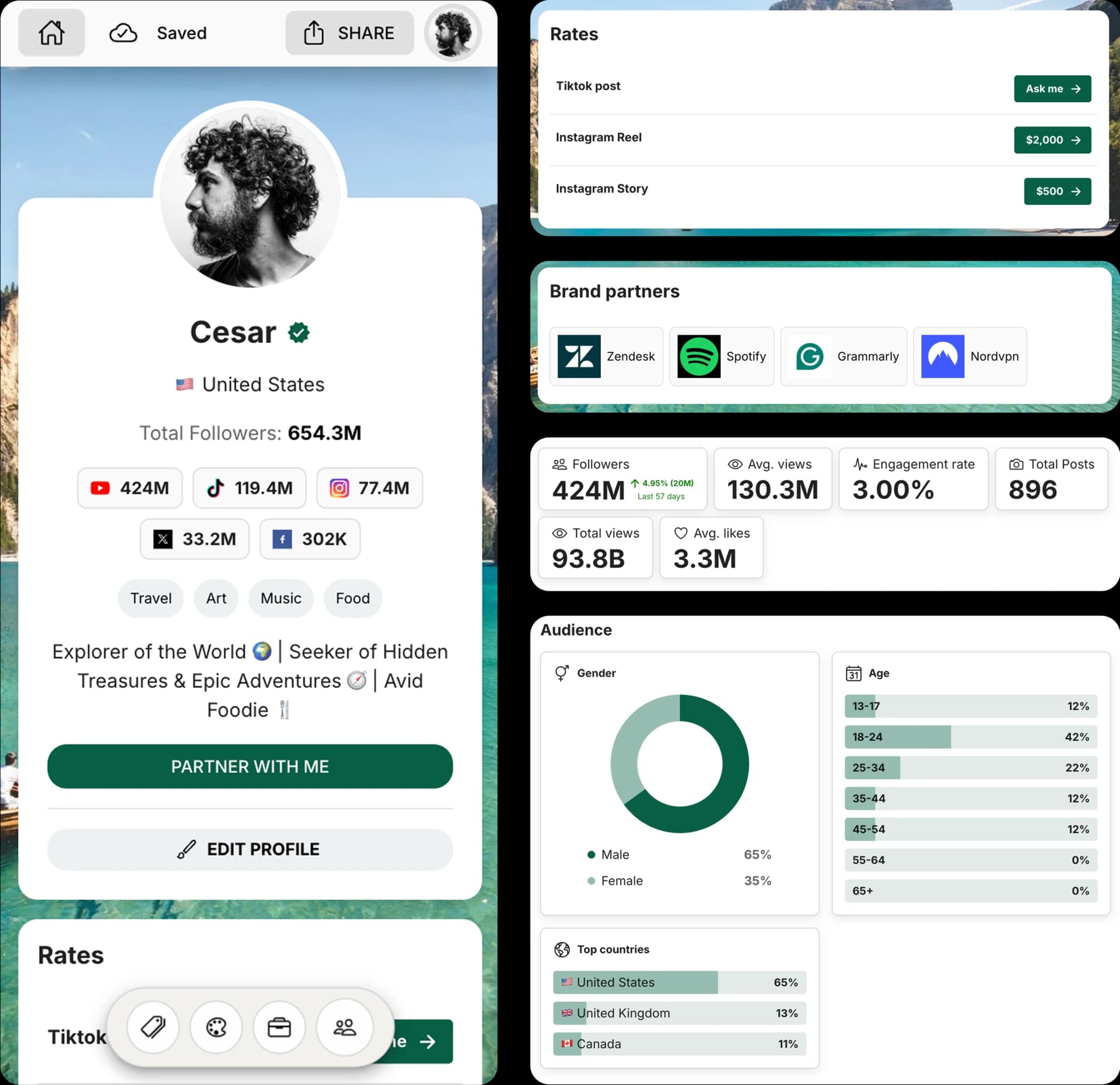
Create and Automate your Media Kit in minutes - Ditch Manual Updates. See the media kit page
How this AI Tweet Generator works
This free AI tweet generator turns your topic, tone, post type, and goal into multiple ready-to-post X/Twitter options. It is built for short posts, launch updates, thread hooks, questions, opinions, and promotional tweets.
Each generated option stays under the standard 280-character limit and includes a character count so you can copy, edit, and post with confidence.
How to generate tweets with AI
1. Choose a post type
Select whether you need a standalone tweet, thread hook, launch post, opinion, question, or promotional post.
2. Describe the message
Add the topic, point of view, product, audience, announcement, or context you want the post to cover.
3. Set tone and goal
Choose a tone, add an optional CTA, and decide whether hashtags should be included.
4. Generate and copy
Generate several post ideas, check the character count, and copy the strongest option into X/Twitter.
Frequently Asked Questions
How does the AI Tweet Generator work?
Describe your message, choose a post type and tone, add an optional CTA, then generate multiple X/Twitter post options under 280 characters.
How long can a tweet or X post be?
Standard X/Twitter posts can be up to 280 characters. This tool keeps generated options within that limit and shows a character count for each result.
Can I generate thread hooks?
Yes. Choose the thread hook post type to generate opening tweets designed to introduce a longer thread.
Should I include hashtags?
Only include hashtags when they add context or discoverability. The hashtag toggle adds a small number of relevant tags instead of stuffing the post.
Can I edit the generated posts?
Yes. Treat each generated post as a draft, then edit wording, links, hashtags, or CTA before posting.
Get 4x more conversions with brands using CreatorsJet's media kit.



