


A creator budget planner should not only answer “how much can this campaign cost?” It should help a marketer, agency, or creator manager decide whether a creator partnership is worth approving before money is committed.
The practical version is simple: define the campaign goal, estimate the all-in creator cost, forecast what the campaign needs to produce, then track what actually happened. This matters because creator marketing is no longer a side test for many teams. The IAB’s 2025 Creator Economy Ad Spend & Strategy Report projected U.S. creator ad spend at $37 billion in 2025, which means more creator budgets now need to survive real finance and client scrutiny.
This guide is for agencies, influencer marketing managers, brand marketers, and creator managers who need a budget they can defend. Creators can also use it to understand how brands think about fees, usage rights, risk, and results.
What a creator budget needs to include
The mistake is planning only around the creator fee. The posting fee is usually just one part of the campaign cost.
A realistic creator budget should include:
| Budget line | What to include |
|---|---|
| Creator fee | Sponsored posts, Stories, Shorts, Reels, usage package, or UGC deliverables |
| Usage rights | Paid ad rights, whitelisting, paid social usage, organic reposting, duration |
| Exclusivity | Category lockout, competitor restrictions, campaign blackout windows |
| Production costs | Editing, product shipment, location, props, reshoots, creator management |
| Tracking setup | UTM links, discount codes, shortlinks, landing pages, reporting tools |
| Internal margin | Agency fee, team time, client reporting, revision management |
If one of these lines is missing, the forecast will look better than the campaign actually feels once work starts. Usage rights and exclusivity are the two lines most likely to surprise teams because they can change the economics even when the content deliverable looks small.
Step 1: choose the budget goal before choosing creators
A creator budget should start with the campaign goal, not with a creator list.
Most creator campaigns fall into one of four goal types:
- Awareness: the budget is judged by reach, views, audience fit, and brand lift signals.
- Content production: the budget is judged by the cost and quality of usable creator-made assets.
- Traffic or leads: the budget is judged by clicks, signups, form fills, or qualified leads.
- Sales or revenue: the budget is judged by orders, cost per acquisition, return on ad spend, or margin return.
The same creator can be a good buy for one goal and a poor buy for another. A creator with beautiful content and modest click-through can be useful for UGC or awareness. The same creator may be too expensive if the campaign needs direct sales within one week.
Set the success metric before the budget is approved. Otherwise the campaign can look successful in one report and disappointing in another because nobody agreed on what the money was supposed to do.
Step 2: calculate the true all-in creator cost
Once the goal is clear, build the cost side of the planner.
Start with the creator’s quoted fee, then add every cost that changes the total campaign spend:
- Base creator fee.
- Number of deliverables.
- Usage rights and duration.
- Exclusivity or category lockout.
- Product, shipping, or travel costs.
- Editing or paid media amplification.
- Agency or internal management time.
For example, a $2,000 Reel can become a $3,500 budget line once six months of paid usage, product seeding, editing, and management time are included. That does not mean the creator is overpriced. It means the budget needs to reflect the real campaign, not just the invoice headline.
If rates are still being estimated, compare the creator’s scope against a relevant pricing tool such as an Instagram pricing calculator, then adjust based on niche, usage rights, audience quality, and proven results.
Example creator campaign budget
| Budget line | Example cost |
|---|---|
| Creator fee for 1 Reel + 3 Stories | $2,000 |
| 3 months of paid usage rights | $800 |
| Product, shipping, and production support | $300 |
| Tracking setup and reporting time | $250 |
| Contingency for edits or boosting | $400 |
| **Total planned budget** | **$3,750** |
This kind of mini budget is more useful than a single creator fee because it shows the real campaign cost before approval. If the campaign needs 25 orders to break even, the team can immediately see whether the forecast is realistic or whether the scope, creator fee, usage rights, or landing page need to change.
Step 3: forecast the result with simple inputs
The forecast does not need to be complex. It needs to be clear enough that a client or manager can understand the assumptions.
Use these inputs:
- Median views or reach from recent similar posts.
- Expected click-through rate.
- Landing page conversion rate.
- Average order value, lead value, or expected customer value.
- Gross margin if profit matters.
- All-in creator cost.
Then calculate:
- Visitors = median views x click-through rate.
- Orders or leads = visitors x conversion rate.
- Revenue or pipeline value = orders/leads x value.
- Cost per order or lead = all-in creator cost / orders or leads.
- ROAS = revenue / all-in creator cost.
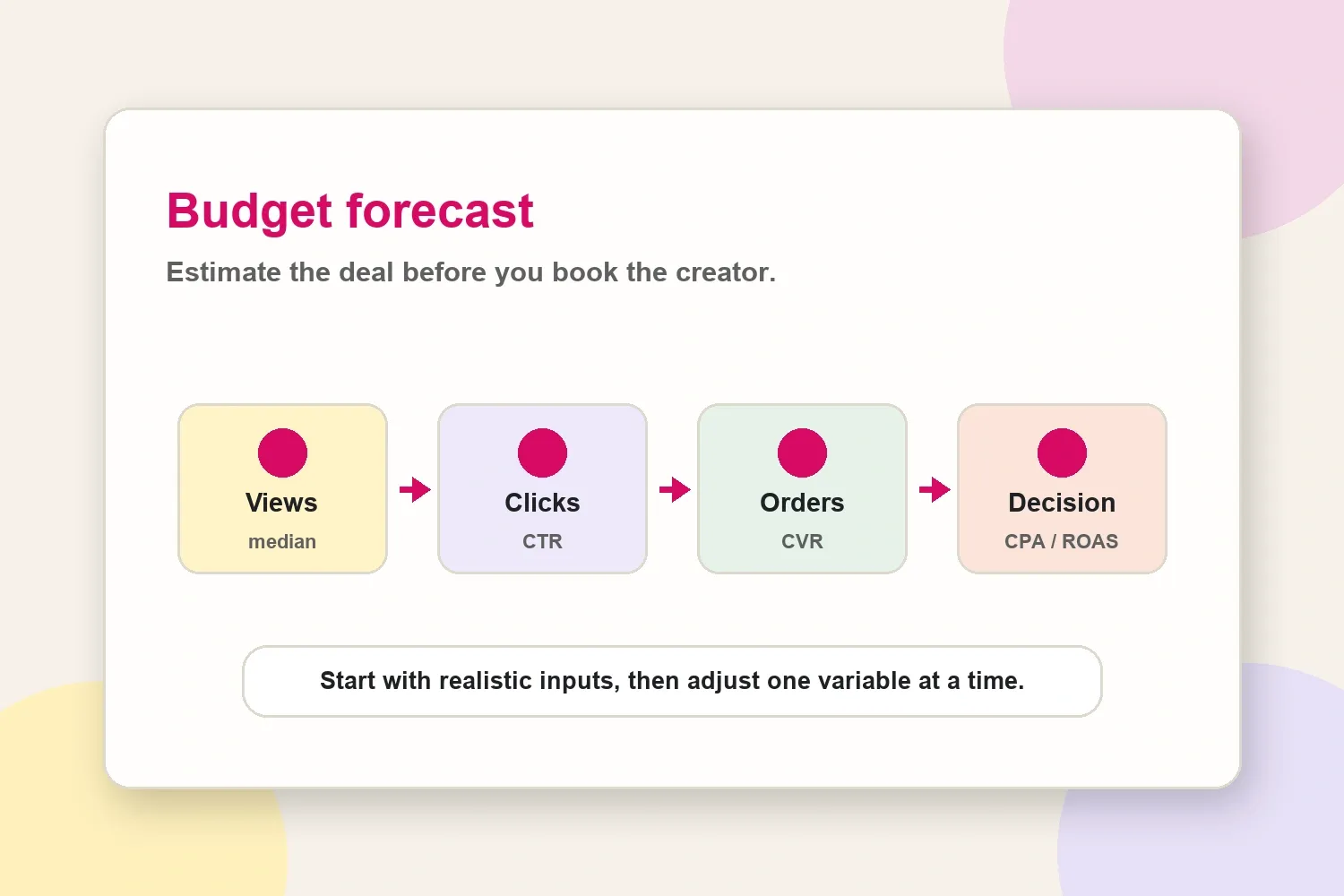
Use medians instead of averages whenever possible. One viral post can make a creator look cheaper than they are. A median view count gives a better sense of what the next normal campaign might produce.
The forecast is not a promise. It is a pressure test. If the cost per order is too high before launch, the team can still negotiate usage rights, change the format, improve the landing page, adjust the offer, or pick a better-fit creator.
Step 4: match the creator mix to the campaign goal
Do not spend the whole budget the same way across every goal. The creator mix should change based on what the campaign needs to prove.
For an awareness budget, prioritize creators with reliable reach, relevant audience demographics, and formats that people actually watch. For a content production budget, prioritize creators who can produce polished assets, clear hooks, and multiple edit options. For traffic or sales, prioritize past click data, offer fit, audience location, and trackable links.
A simple split can help:
- 60-70% on the core creator group most likely to deliver the goal.
- 20-30% on test creators or formats.
- 10% held back for boosting, reshoots, extra usage, or a creator who overperforms early.
This keeps the campaign from becoming rigid. The first week of performance often tells the team where the next euro or dollar should go.
Step 5: ask for proof before the budget is approved
Before booking, ask for proof that matches the goal. A follower count is not enough.
Useful proof includes:
- Recent post-level views and reach.
- Audience country, age, and gender breakdown.
- Saves, comments, shares, and link clicks when available.
- Past sponsored content examples.
- Past campaign screenshots or results if the creator can share them.
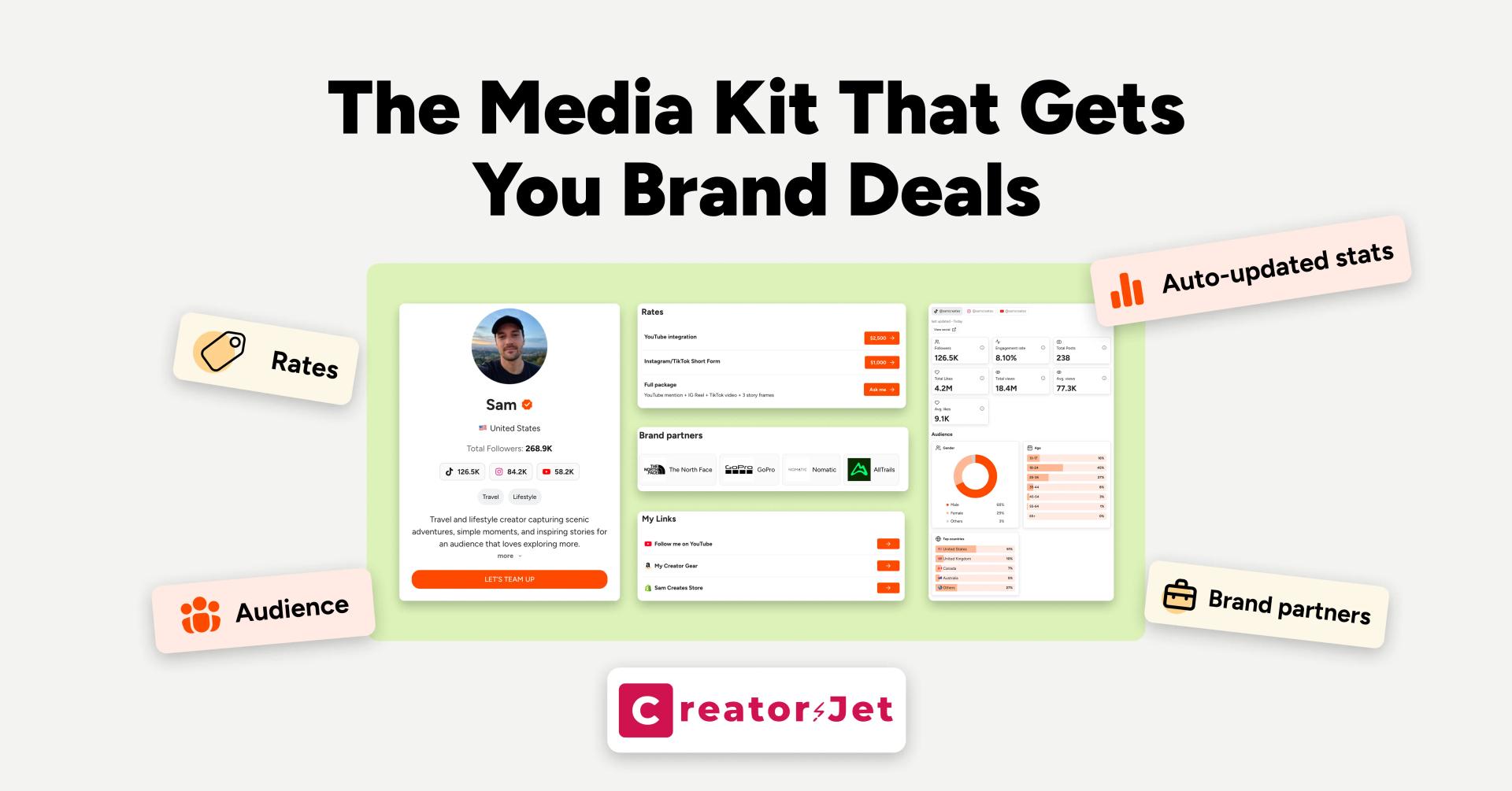
- A current media kit with updated audience data and content examples.
The goal is not to interrogate the creator. It is to avoid building a budget on stale or hand-picked numbers. If the creator cannot share every metric, ask for the few numbers that matter most to the campaign goal.
Step 6: track creator spend after launch
A budget only becomes useful when the team compares the forecast with real results.
Every creator should have a unique tracking setup:
- UTM link or tracked shortlink.
- Creator-specific discount code when sales matter.
- Landing page or product page aligned with the creator’s angle.
- Weekly readout of spend, reach, clicks, leads, orders, and cost per result.
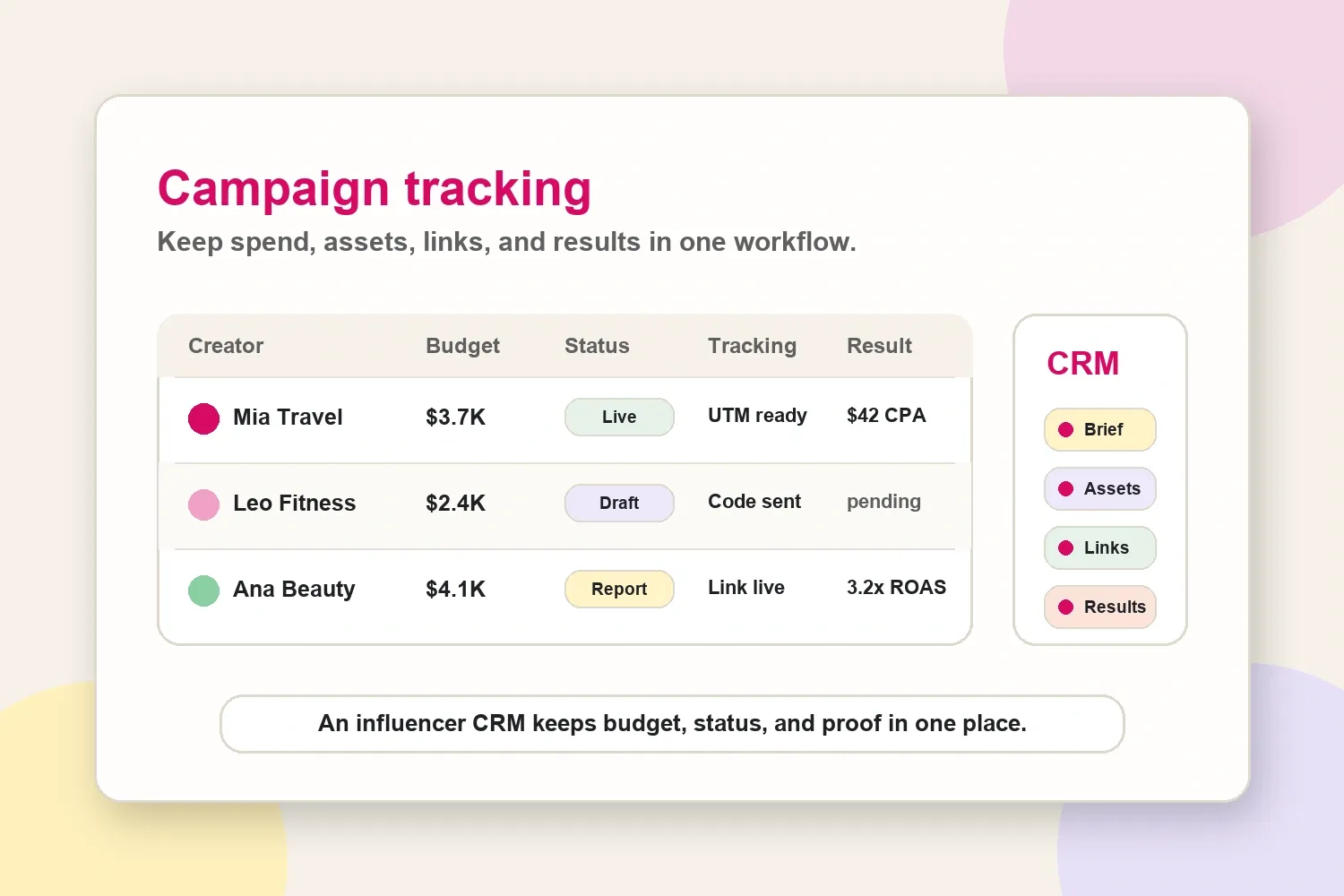
If you are managing several creators at once, an influencer CRM helps keep creator profiles, media kits, pitch decks, tracked links, and campaign status in one workspace instead of splitting the budget across spreadsheets, folders, and email threads.
This matters most when a campaign has multiple creators, different usage rights, several links, and a client asking which creator is worth renewing. The budget planner should not end at approval. It should create a feedback loop for the next campaign.
Quick budget approval checklist
Before approving the budget, check:
- The campaign goal is clear.
- The creator cost includes usage rights, exclusivity, and management time.
- The forecast uses median performance, not one viral outlier.
- The audience matches the buyer by country, age, and interest.
- The landing page or offer can realistically convert the traffic.
- Tracking links, codes, and reporting ownership are ready before launch.
- There is a plan for what happens if the first creator overperforms or underperforms.
If any item is missing, the campaign may still be worth running, but the budget is not fully defensible yet.
Common budget mistakes
The most common mistake is treating engagement as revenue. Engagement shows attention. It does not prove that the audience is in the right country, has buying intent, or will click through.
The second mistake is ignoring usage rights. A creator package can look affordable until paid usage, whitelisting, or exclusivity gets added after approval.
The third mistake is approving a creator because the profile looks premium, then sending the traffic to a weak landing page. If the offer, page speed, product match, or checkout flow is poor, the creator will get blamed for a conversion problem the budget planner should have caught.
Final takeaway
A creator budget planner is not about predicting the future perfectly. It is about making the assumptions visible before the campaign starts.
Plan the goal, include the true cost, forecast the expected result, ask for proof, and track every creator separately. That gives agencies and marketers a budget that can be explained before launch and improved after the results come in.