YouTube Thumbnail Resizer
Crop any image to YouTube's 1280 x 720 thumbnail format. Frame your subject, choose JPG or PNG, and download a file ready for YouTube Studio.
Your image stays on your device. Resizing happens in your browser.
Download format
Best for photographs and a smaller thumbnail file.
Try CreatorsJet
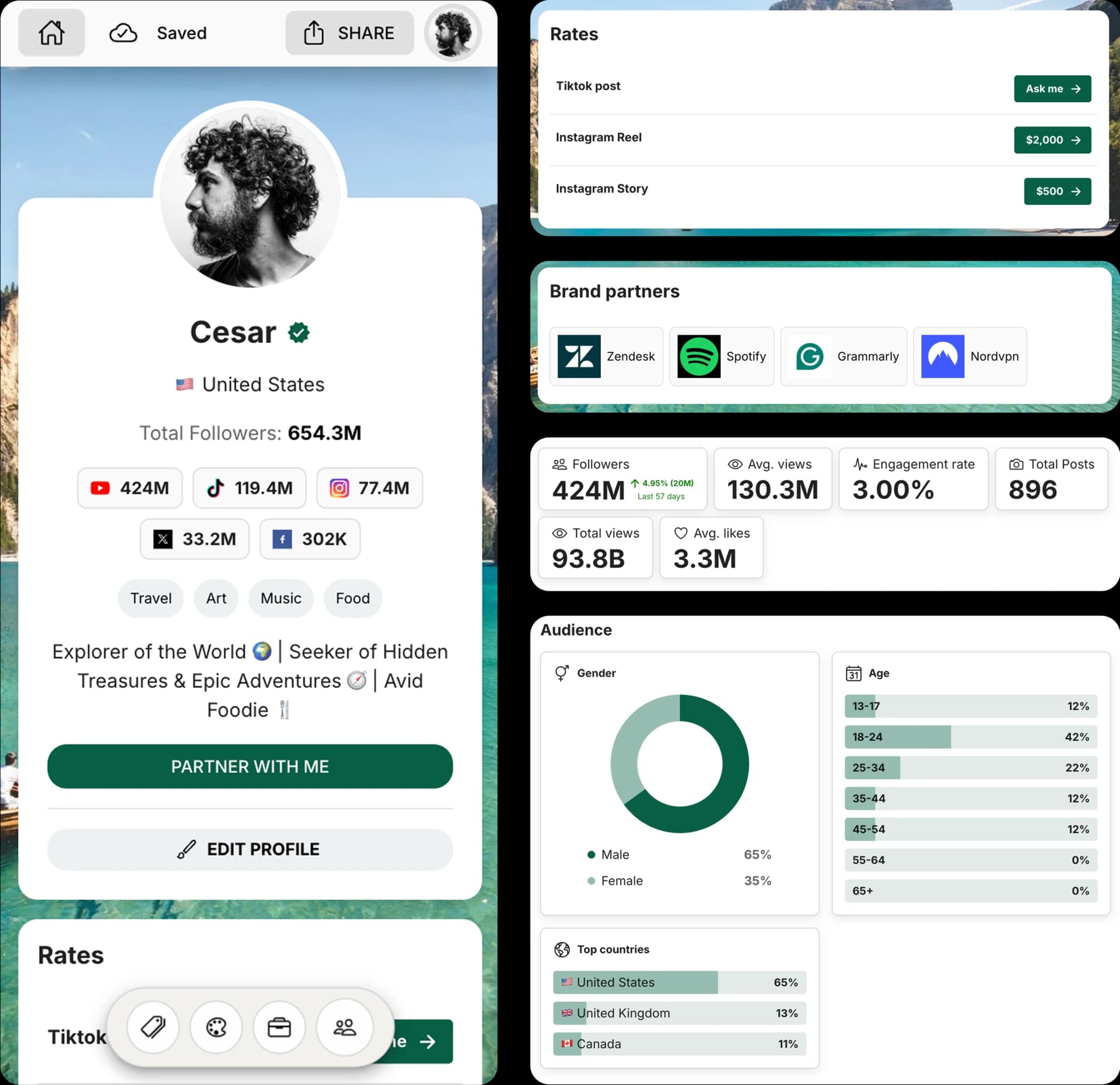
Create and Automate your Media Kit in minutes - Ditch Manual Updates. See the media kit page
YouTube thumbnail requirements
This tool exports the standard custom-thumbnail size. Keep the final file under YouTube's upload limit before adding it in YouTube Studio.
Recommended size
1280 x 720 px
The standard resolution for a custom YouTube thumbnail.
Aspect ratio
16:9
A widescreen crop that matches YouTube video players.
Maximum file size
2 MB
Custom thumbnails must be smaller than this to upload.
How to resize a YouTube thumbnail
1. Upload an image
Choose the image, photo, or design you want to use for the video thumbnail.
2. Frame the thumbnail
Move, zoom, rotate, or flip the crop. The frame always stays at YouTube's 16:9 ratio.
3. Download and upload
Download the 1280 x 720 image, then add it as the custom thumbnail in YouTube Studio.
Tips for a clearer YouTube thumbnail
A correct size prevents an awkward crop, but the framing still decides what viewers notice first.
- Keep the main subject and key text large enough to read on a small phone screen.
- Leave visual space around faces, products, and text so the crop does not feel crowded.
- Use JPG for most photo thumbnails. Use PNG when sharp text or graphic edges matter more than file size.
- Before uploading, view the finished thumbnail at a small size to make sure faces and text remain clear on mobile.
When you are ready to show brands your content quality, add recent videos and performance to an influencer media kit alongside your best thumbnails.
YouTube Thumbnail Resizer FAQ
Use these answers to prepare a thumbnail that fits YouTube's custom-thumbnail requirements.
What size should a YouTube thumbnail be?
Use 1280 x 720 pixels with a 16:9 aspect ratio. YouTube also specifies a minimum width of 640 pixels.
How large can a YouTube thumbnail file be?
A custom YouTube thumbnail must be smaller than 2MB. This tool checks the exported file before downloading it.
Should I use JPG or PNG for a YouTube thumbnail?
JPG is usually the best choice for photographs and smaller files. PNG is useful for graphics or text, as long as the final file stays below 2MB.
Will this crop my image to the right YouTube ratio?
Yes. The crop frame is fixed at 16:9 and the download is exported at 1280 x 720 pixels.
Are my images uploaded to CreatorsJet?
No. The crop and export happen locally in your browser, so the image is not sent to or stored on CreatorsJet servers.
Why should I resize an image for a YouTube thumbnail?
A 1280 x 720 image at a 16:9 ratio avoids unintended cropping and gives your thumbnail a consistent presentation across YouTube surfaces.
Does resizing a YouTube thumbnail reduce image quality?
Resizing cannot create missing detail, so start with a high-resolution image and keep the important subject inside the crop. JPG is usually best for smaller photo files, while PNG can keep text and graphics sharper.
Get 4x more conversions with brands using CreatorsJet's media kit.



